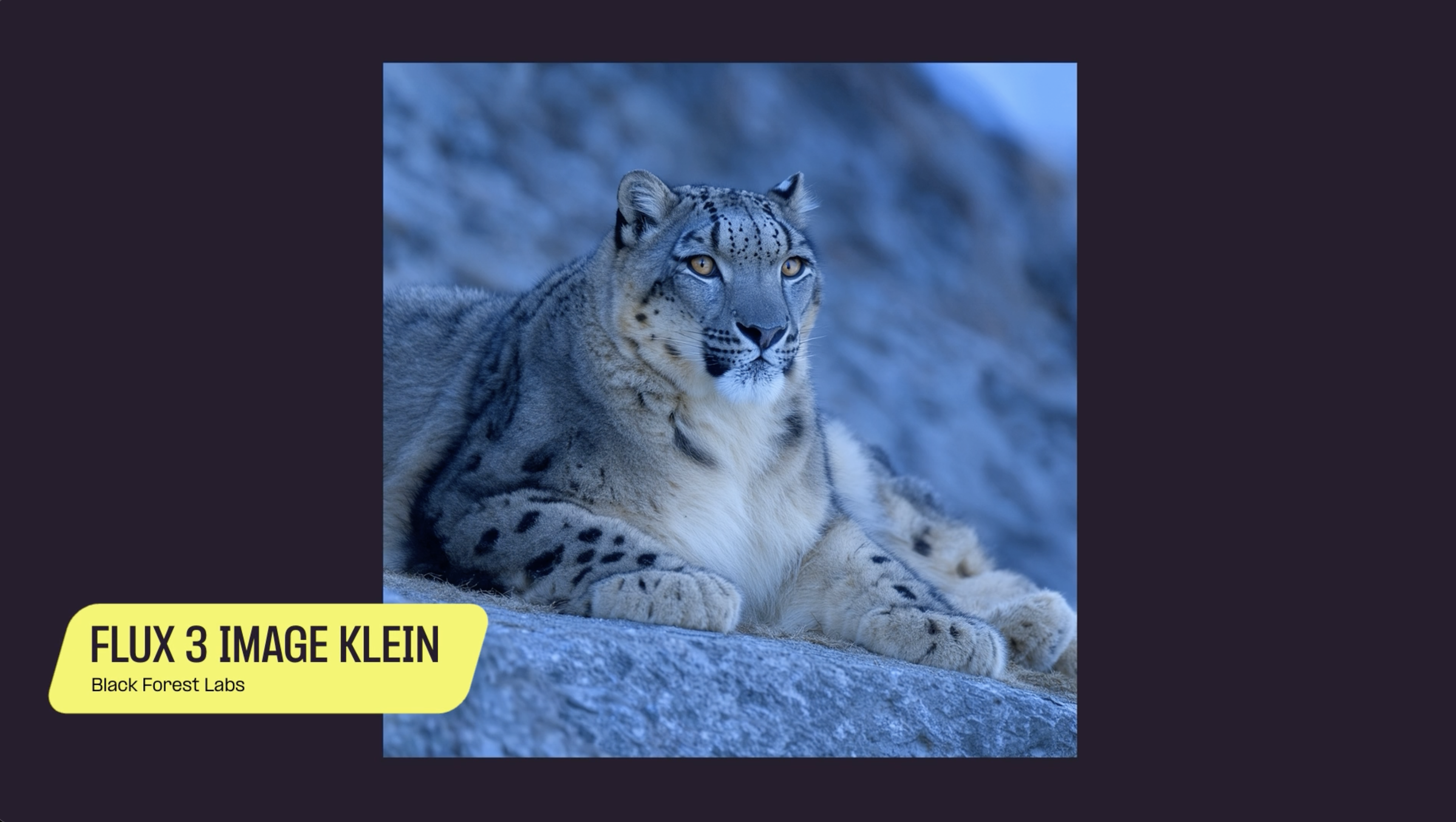
FLUX 3 Image Klein is the compact, open-weights model in Black Forest Labs’ FLUX 3 family. It draws on learning shared across the family’s image, video, and audio models, and it keeps the control features of the larger FLUX 3 Image model, bounding boxes included.
In Black Forest Labs’ internal evaluations, FLUX 3 Image Klein scores above Qwen-Image 2.1 on text-to-image and multi-reference generation.
It ships in two forms:
- Base. The full undistilled checkpoint. Built for fine-tuning, further training, and research.
Base. The full undistilled checkpoint. Built for fine-tuning, further training, and research.
- Distilled. A lower-latency '“turbo” variant for extremely faster generation.
Distilled. A lower-latency '“turbo” variant for extremely faster generation.
- Native 4K. Generated at 4K, not upscaled into it.
Native 4K. Generated at 4K, not upscaled into it.
- Prompt upsampler. A separate model that expands a short prompt into a detailed one before generation.
Prompt upsampler. A separate model that expands a short prompt into a detailed one before generation.
- 5.6B parameters. Iterate fast on a single consumer GPU.
5.6B parameters. Iterate fast on a single consumer GPU.
- Multi-reference generation and editing. Feed it several references. Characters and subjects stay recognizable across edits and across inputs.
Multi-reference generation and editing. Feed it several references. Characters and subjects stay recognizable across edits and across inputs.
- Bounding boxes. Mark regions on the canvas to set composition and layout. Decide where things go before the model fills them in.
Bounding boxes. Mark regions on the canvas to set composition and layout. Decide where things go before the model fills them in.
- Text rendering and editing. Writes text into the image, and edits text that’s already there.
Text rendering and editing. Writes text into the image, and edits text that’s already there.
- Reference-based style transfer. Takes the look of a reference image. Keeps the content and composition you asked for.
Reference-based style transfer. Takes the look of a reference image. Keeps the content and composition you asked for.
Pairing INT8 ConvRot quantization with the step-distilled FLUX 3 Image Klein model makes 1024×1024 text-to-image generation 4.3× to 9.3× faster than the BF16, 50-step baseline.
The biggest gains come on consumer GPUs. On the RTX 5070, an image that took 71 seconds now takes under 8, and on the RTX 4070 it drops from 78 seconds to under 9.
- Update ComfyUI to the latest version.
Update ComfyUI to the latest version.
- Download the FLUX 3 Image Klein weights from Hugging Face. Pick base or distilled (-sd), and drop them in your models folder.
Download the FLUX 3 Image Klein weights from Hugging Face. Pick or distilled (-sd), and drop them in your models folder.
- Load the FLUX 3 Image Klein template from the Templates panel.
Load the FLUX 3 Image Klein template from the Templates panel.
- Write your prompt, attach reference images (if you’re editing), and run.
Write your prompt, attach reference images (if you’re editing), and run.
No API key needed. The weights run on your own hardware.
No posts