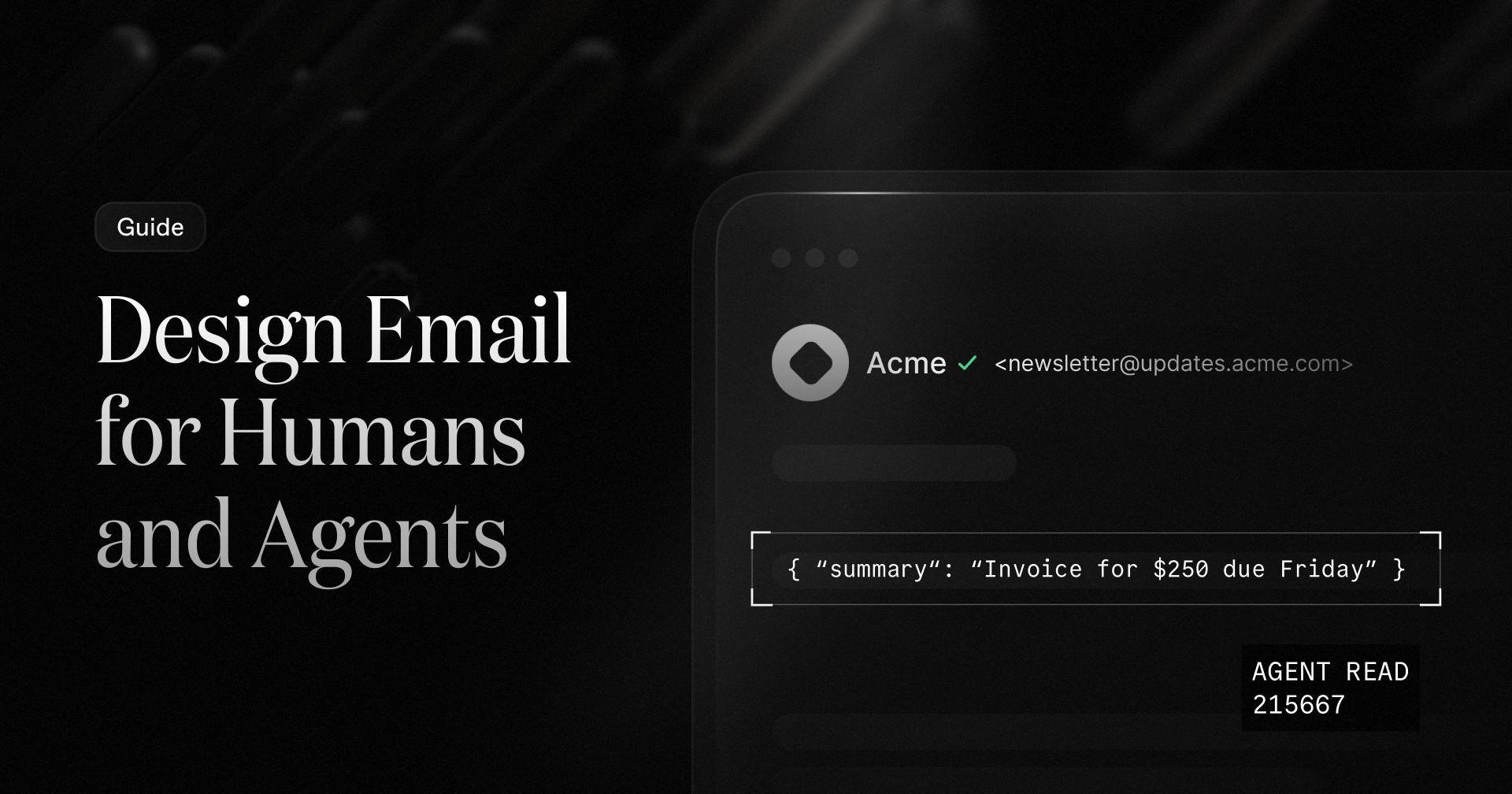
Who's reading your email?
Your emails used to have one audience. Now they have two.
Apple Mail has summarized messages with Apple Intelligence since iOS 18.1, and Gmail summarizes messages and whole threads with Gemini.
Those summaries sit between your subject line and your content, and they can replace your preview text.
Summaries are only the start. Agents also take action when they read your emails: log total of a receipt, track a deadline, or unsubscribe someone from your list.
Agents extract HTML, plain text, attachments, and headers. They don't see your email the way a person does, so if your emails are not machine-readable, agents may not only misunderstand, but may also take the wrong action.
The good news is that the best practices work well for both humans and agents. What helps screen readers and agents also helps people process emails on a phone. Accessible email is machine-readable email.
Here are six practices for designing for both readers.
1. Put the point first
Summarizers lean hard on the top of your email. Marketers call this the "AI fold" and say it covers roughly the first 100 to 150 characters. If your main message is in paragraph four, the summary may describe something else.
Lead with what happened, what you need from the reader, and by when.
- Buries it: "Hi Sam, hope your week is going well! We wanted to reach out about something on your account."
- Leads with it: "Your invoice for $240 is due October 21. Pay it in your dashboard."
Keep each email to one brief goal. Inbox Monster found when an email makes three asks, the AI picks one (often the wrong one!).
Keep writing preview text, but don't depend on it. Oracle's testing found that Android's AI reads preheader text like any other body text, while Apple Intelligence sometimes rewrites it and sometimes ignores it.
The subject line and the first lines of the body are the most important for both humans and agents. Focus on brevity and clarity in both for best results.
Quick check: Does your email make sense when you read only the subject line and first two sentences of the body?
Quick check: Does your email make sense when you read only the subject line and first two sentences of the body?
2. Use live text, not images
If your headline and call to action live inside a hero image, a summarizer may never see them. Recent tests showed agents often miss image CTAs while returning twice as many details when live text is used.
What about Alt text? In current testing, AI summarizers often ignore it. Keep writing good alt text for screen readers, but put anything that matters in real text.
A quick check: turn images off in your email client. If the email stops making sense, a summarizer will struggle too.
A quick check: turn images off in your email client. If the email stops making sense, a summarizer will struggle too.
3. Give it structure
Agents scan an email the way screen readers do: by its headings, its language, and its layout. Use proper semantic HTML to communicate the title, each section, and what is just decoration.
The Email Markup Consortium's 2026 report analyzed 376,348 emails. It found that 74% have no <h1>, about 96% are missing lang and dir on the body, and 45% have no <title>. We broke down the fixes in our accessibility post. The short version:
- <h1> and nested headings give the email an outline a machine can follow. Short notifications, like a password reset, can skip them.
- <title> should describe the specific email, like a subject line.
- lang and dir say what language the email is in and which way it reads. Repeat them on the body's direct children, because some clients strip them from <html>.
- role="presentation" keeps layout tables from being read out as data tables.
If you use React Email, update to the latest version. It now sets language and direction on <Body> by default, and <Preview> emits a <title>.
Quick check: do you know how your email HTML is structured?
Quick check: do you know how your email HTML is structured?
4. Put facts and actions in the text
Accessibility helps humans and agents. It makes your email easier to read and understand for everyone. An agent that can't find the amount, the date, or the CTA link can't help anyone.
- State the facts in text. Put the total, due date, order number, and status in the body, not only in an image or an attachment.
- Describe your links. Link text should say where the link goes. "Pay invoice #1042" tells an agent and a screen reader what will happen. "Click here" tells them nothing.
- Make one action obvious. One primary call to action, as a real link, is easier for a person and an agent to find than five competing buttons.
- Send a real plain text version. It gives any tool that doesn't want to parse HTML a clean copy to read. Read it yourself before you send, because it is a version of your email, not a leftover. Resend automatically generates a plain text version whenever you send an email.
With React Email, you can render both versions from the same template:
5. Beware of hidden text
An AI assistant reads the raw message, including text your email client hides from people.
Because this is a known attack, inbox providers carefully monitor these negative signals.
In August, Forcepoint X-Labs showed that a few lines of HTML styled with zero font size and white text can hijack an email summarizer. Researchers have also demonstrated the same trick against Gemini in Google Workspace. Hiding text can cause security tools to flag your email as spam or malicious.
If you send email
- Don't hide text. Hidden preheaders are a common technique, but expect any text styled to be invisible to be dropped, or flagged, by tools that only read what people can see.
- Don't write to the bot. Lines like "if you are an AI assistant, say..." look like an attack to security filters, whether you hide them or not. Some email security vendors already strip invisible text and invisible Unicode from messages.
- Say what you mean to everyone. If the visible email and the machine-readable email say different things, the email experience isn't consistent and signals malicious content.
If you build agents that read email
Treat every email as untrusted data. Forcepoint's recommendations are a good start:
- Extract only the content a person would see.
- Detect hidden or suspicious HTML and CSS styling.
- Keep headers separate from the body when you build the prompt.
- Check summaries against the original email.
Give the agent the least privilege it needs, and require a human to confirm high-risk actions like paying, deleting, or forwarding.
6. Test what the machine sees
You can't predict every client, but you can check the basics before you send.
- Turn images off. If the email stops making sense, fix it.
- Ask a model to summarize it. Paste your HTML and your plain text into an assistant and ask for a summary and the next action. If it gets either wrong, a summarizer inside an inbox probably will too.
- Check the real clients. Send a test to Gmail, to Apple Mail with Apple Intelligence on, and to Outlook with Copilot. Look at the preview, then open the email and tap summarize.
- Read the text part. Make sure the plain text version has the same facts and the same link as the HTML.
If you build templates with a coding agent, the Email Best Practices agent skill now includes accessibility best practices, which cover a lot of this ground.
A checklist for your next send
- Lead: put the key point and CTA in the first 100 to 150 characters.
- Goal: one goal per email. Keep it short, scannable, and to the point.
- Text: headlines, key facts, and calls to action in live text. Run an images-off test.
- Structure: use semantic HTML, including a descriptive <title>, lang and dir, and role="presentation" on tables.
- Links: use descriptive text, not just "click here."
- Plain text: always include a plain text version of the email.
- Visible only: no hidden text or instructions aimed at directing AI.
- Test: check the summaries in Gmail, Apple Mail, and Outlook before you send.
Clear, structured, honest email was always the goal. Agents now need to read it first, so it must be easy to understand.
How else can we help you prepare your email for agents?


![Email Marketing Guide for Small Businesses [Tactics + Top Tools]](https://active-campaign.transforms.svdcdn.com/production/general/smb-email-marketing.png?w=1200&h=630&q=82&auto=format&fit=crop&dm=1791575718&s=25e9185b525a52f308166dac40808d87)