Important work rarely happens in a single app. Your campaign briefs, project specs, and historical decisions live in Dropbox, while your team creates presentations, spreadsheets, and briefings in Microsoft 365. For many of our customers, Dropbox and Microsoft 365 already work side by side. Strengthening that connection across the workflows they rely on has been a clear priority.
Today, we’re introducing Dropbox for Microsoft Copilot, a new integration that lets teams bring trusted Dropbox context into Copilot, so they can create from information their business already relies on.
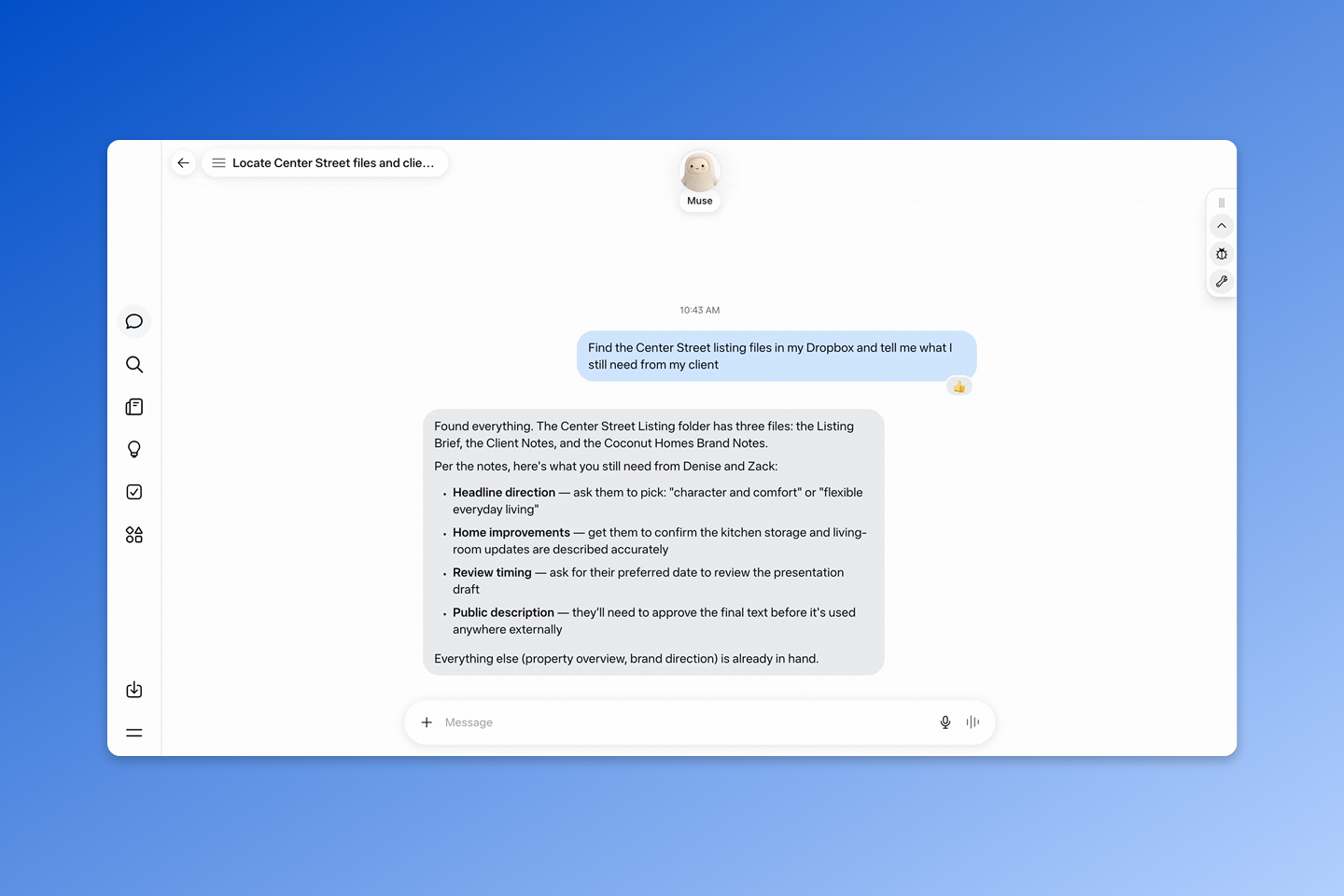
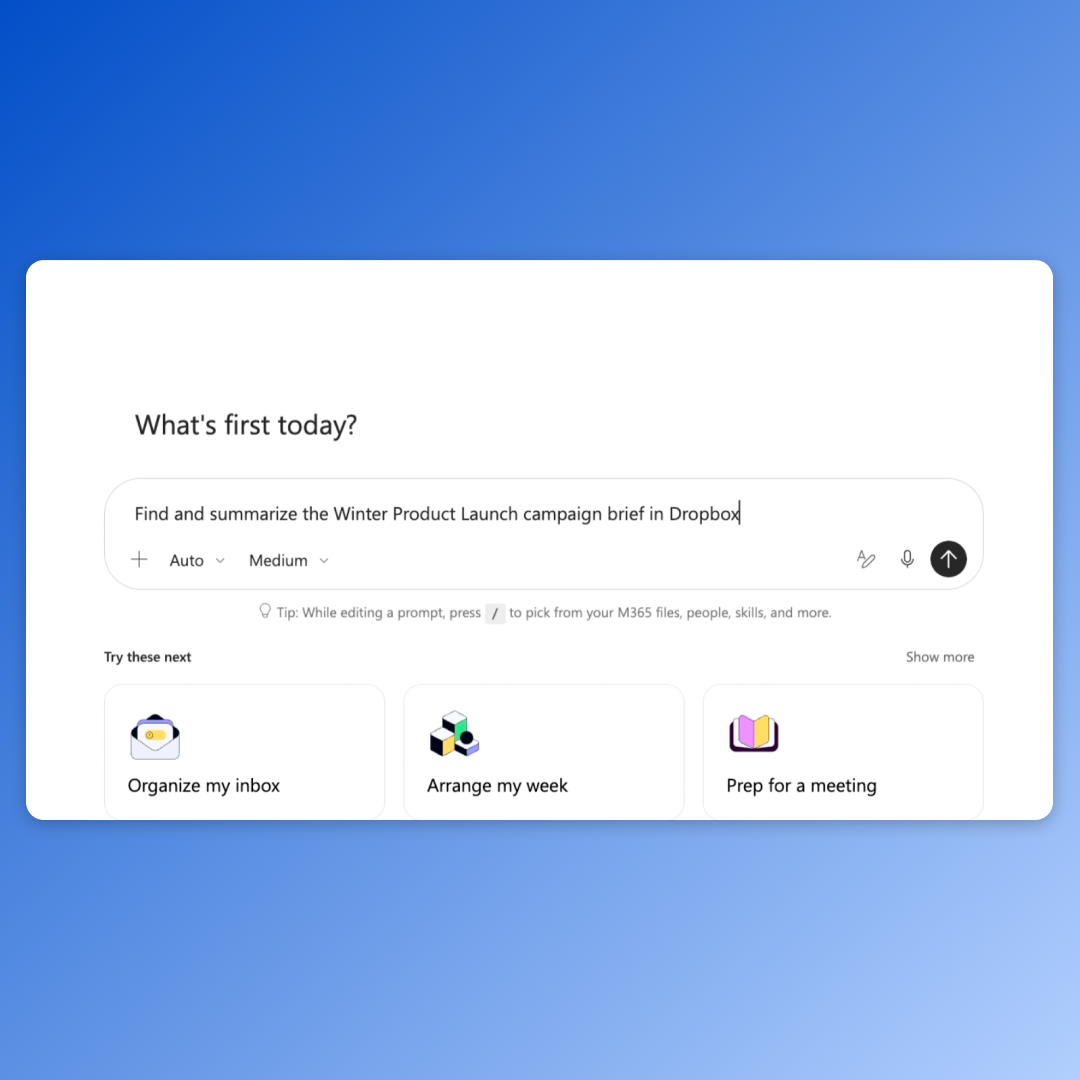
Users can now ask Copilot to find, open, summarize, organize, and compare Dropbox content, then use that project context to create new work across Microsoft 365 applications. They can also save supported text-based outputs back to Dropbox and create shared links for collaborators.
The value goes beyond easier file access. Teams can use the context already in Dropbox to create new work in Copilot without separating that work from the sources, permissions, and controls their business relies on. Dropbox remains a durable, governed home for the source material and supported outputs, ready for review, sharing, and the next task.
Move from trusted context to completed work
For businesses, finding the right information is only the starting point. The real value comes when teams can turn trusted project context into work they can review, share, and use again.
The Dropbox integration for Copilot connects the project knowledge in Dropbox to the Microsoft 365 tools teams use to create. Users can draw on relevant context to develop presentations, analyses, and briefings, while supported text-based outputs, including CSV files, can be saved back to Dropbox as part of the project record. This continuity reduces manual handoffs, repeated context assembly, version confusion, and avoidable rework.
For example, a marketing lead can reference an approved campaign brief, performance data, and creative assets in Dropbox to identify key insights and create a Microsoft PowerPoint presentation grounded in the project’s direction.
An architecture or construction team can reference project specifications and recent updates in Dropbox to identify changed requirements, prepare a stakeholder briefing, or generate a CSV for analysis in Microsoft Excel. The CSV can then return to Dropbox for review and sharing.
The result is a more connected workflow. Copilot can help teams act on the context in Dropbox, while Dropbox keeps the underlying sources and supported outputs connected for what comes next.
Keep project context connected and access governed
For AI to be useful at work, organizations need confidence that connecting their tools will not change who can access the underlying information. The Dropbox integration brings project context into Copilot while keeping access tied to the permissions already in place.
After users connect and authorize their Dropbox account, Copilot can only work with files and folders they are authorized to access. Existing Dropbox permissions, sharing settings, team policies, and admin controls continue to apply. Connecting the integration does not give users broader access or change access to the source files. That matters when projects span departments, client teams, and external partners. People can use the Dropbox context relevant to their work without making it available to everyone using Copilot.
As organizations adopt different AI tools for different tasks, Dropbox provides a consistent, customer-owned home for source material and supported outputs. This helps businesses keep their work connected and governed without rebuilding their project context or access controls in every new system.
Create from the Dropbox context your business trusts
Work may move across tools, but its context should stay connected. The Dropbox integration for Copilot lets teams use trusted project context across their workflows and save supported outputs back to Dropbox, keeping source material, permissions, and new work connected in a customer-owned home.
The integration is available now for customers on all Dropbox plans. Appropriate Microsoft Copilot license and additional access may be required to use in Copilot Cowork. Visit our Help Center to learn how to connect Dropbox to Microsoft Copilot.
Dropbox connects trusted project context to a growing range of AI tools, including Microsoft 365 Copilot, ChatGPT, Claude, Meta Muse, Google Gemini, and more. This gives teams the flexibility to work with the tools that fit their needs while Dropbox remains the foundation for their projects. Explore Dropbox AI integrations.





.png)