Resend started with sending. In 2025, we added receiving, so your app could get mail, too. Webhooks fire, but the rest is up to you.
"The rest" turned out to be a lot of work. Once email comes in, someone has to read it, sort it, reply to it, and remember where the conversation left off. Increasingly, that someone is an agent.
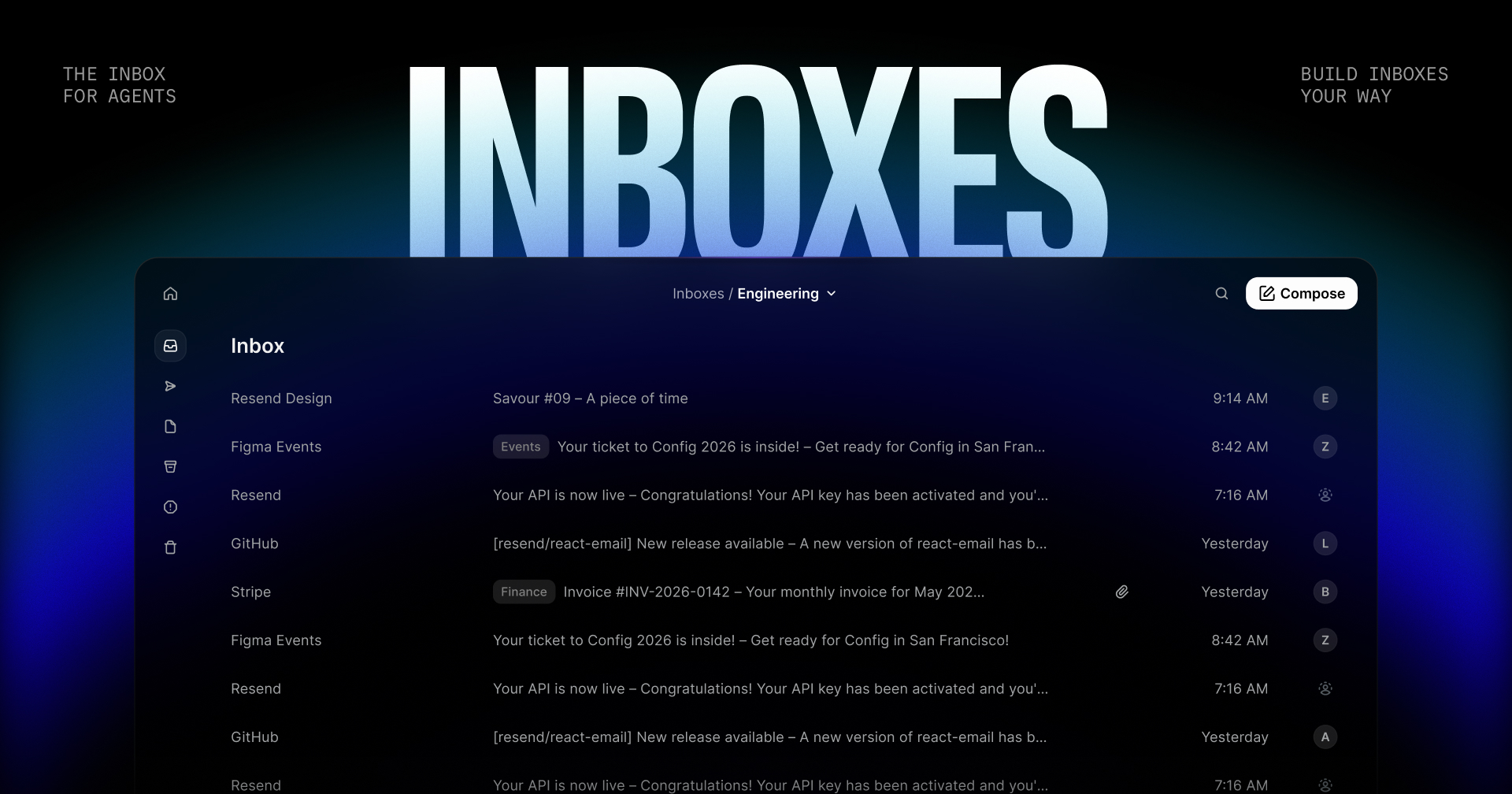
The inbox for agents
Today we're announcing Inboxes.
Built for agents, but ready for your whole team.
An inbox sends and receives email at an address on one of your domains, like support@example.com. Every message is grouped into a thread, and every thread is available to your app, your team, and your agents.
Ready for every use case
You can build and use Inboxes to fit any use case.
- Agents: give each AI agent its own address to receive tasks, approvals, and updates.
- Support: route support email into your product and fetch threads through the API.
- Assistant: let an agent sort incoming requests, draft replies, and keep threads moving.
- Recruiting: create an inbox for teams and agents to track candidate conversations.
- On-call: collect alerts in one inbox and assign each one, so nothing sits unassigned.
- Notifications: send receipts, alerts, and updates for your app to process.
Build inboxes your way
Inboxes are API-first. Create an inbox, list conversations as they arrive, and reply from your app, an agent, or an automated workflow.
Replies stay in the same thread, and reuse the thread's subject when you don't set one:
Primitives built for the inbox
To support building custom experiences, we're releasing a full set of primitives centered on the inbox experience.
- Folders for inbox, archive, spam, trash, and sent.
- Search with a Gmail-like query syntax, plus sender and date filters.
- Labels for tagging and organizing threads.
- Drafts for collaborating on emails before sending them.
- Forwarding and reply all, with CC, BCC, and idempotency keys.
- Webhooks for everything from inbox.email.received to inbox.thread.assigned.
- Agent settings for configuring the built-in agent instructions, tone, and actions.
Ready for your agents
Connect the agents you already use, like Claude Code, Cursor, Codex, Grok, or Gemini, through MCP or skills.
Build, manage, and triage inboxes with your agents using the API, CLI, or MCP server.
Ask your agent to summarize what came in overnight, find the invoice from last month, or draft a reply to the customer who's been waiting since Tuesday.
Customizable UI layer
The inbox UI includes built-in agents that can build custom, dynamic views of emails and threads to fit your needs.
Put your inbox on autopilot
You can also customize built-in agents to help you triage, organize, and respond to email.
Through the dashboard or via the API, give it instructions, a tone, and the actions it's allowed to take. It handles routine email work as it arrives, triggered by webhooks.
The agent can draft replies, forward threads, add labels, assign threads, mark spam, archive, and delete. You decide which of those it gets. Start with drafts and labels, and widen the scope as you build trust.
Your team stays in control the whole time.
Start today
You can start for free with up to 3 inboxes today.
Additional inboxes are available on paid plans on a pay-as-you-go basis ($1/inbox).
Get started →