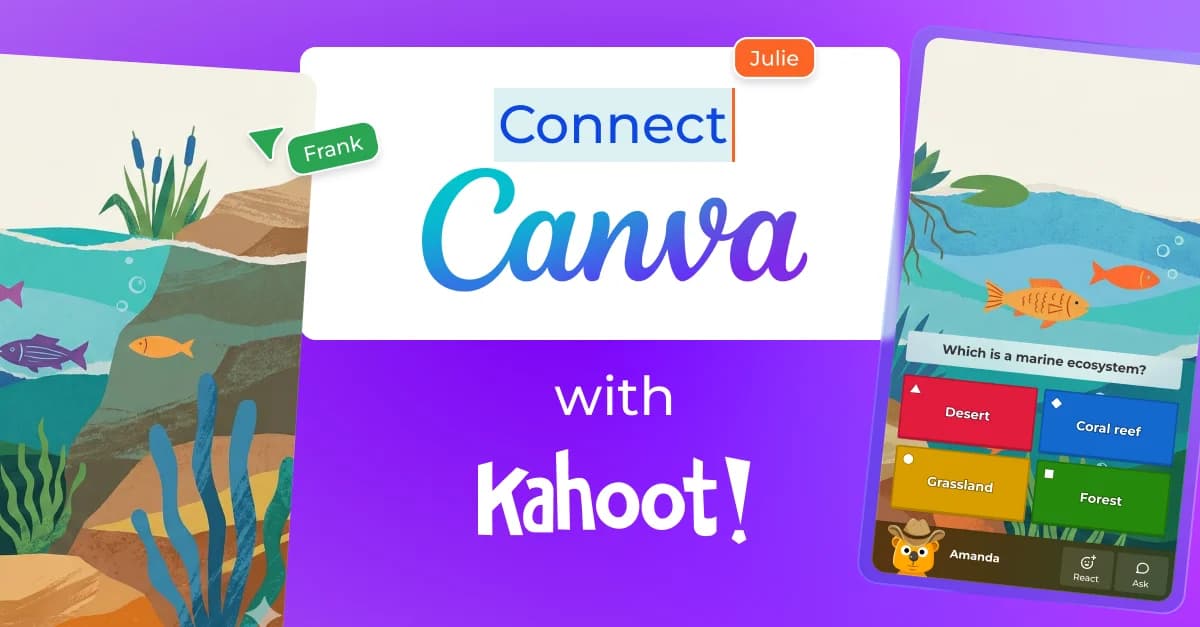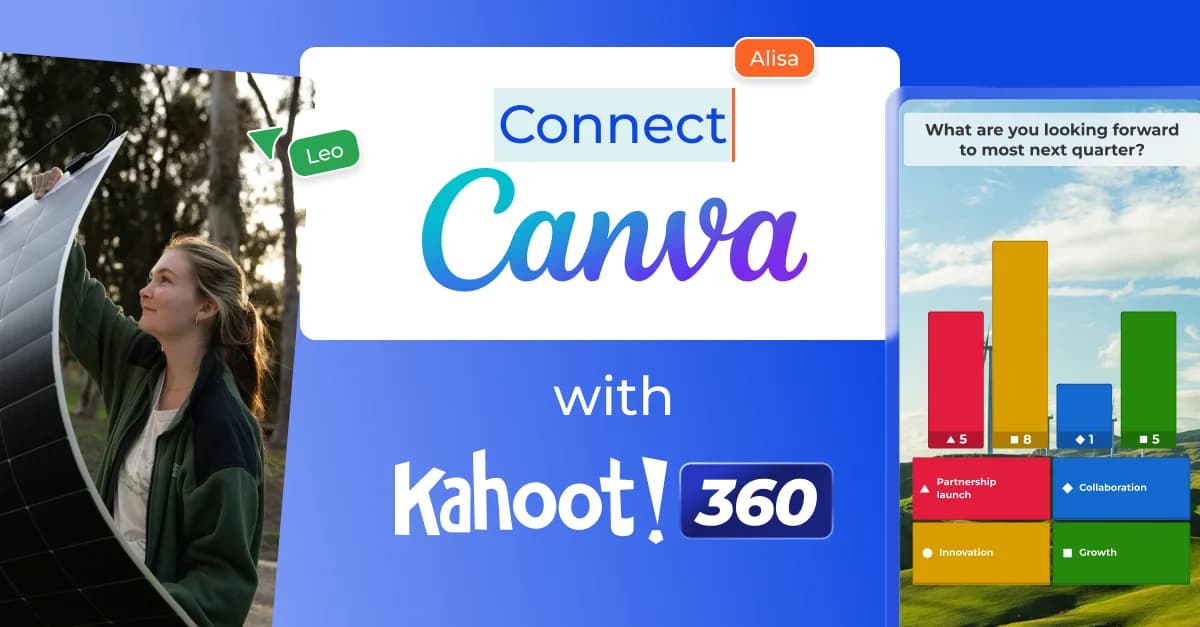
Canva and Kahoot! 360 are both used in over 95% of Fortune 500 companies, helping professionals create engaging presentations with eye-catching designs and interactivity. Now, delivering impactful business presentations is easier than ever. With the new integration of Canva on Kahoot! 360, professionals can transform Canva presentations into engaging learning experiences that power active participation. Import and sync your Canva slides into Kahoot! 360, and instantly generate interactive questions with the Kahoot! Assistant, no switching between platforms needed.
Commenting on the new integration Jason Wilmot, Global Head of Public Sector, Canva said, “We are absolutely thrilled to partner with Kahoot! Together, we’re empowering business professionals to create and deliver the most dynamic, engaging and impactful, interactive presentations and events”.
How to import and sync your Canva slides on Kahoot! 360
With its powerful and easy-to-use design tools, Canva has become a go-to presentation creation tool, helping professionals design visually captivating training sessions, onboarding, company-wide meetings, pitch decks, keynotes, progress reports, or beyond.
This integration enables you to add your Canva slides to your kahoot in just a few clicks. By syncing your slides, any changes to your Canva presentation will update your kahoot, without requiring you to manually update, export, or rebuild your presentation.
Follow these steps to import and sync your Canva slides:
- Log in to your Kahoot! 360 account and click Create to start creating your new kahoot.
- Click Import slides to upload or sync your slides
- Upload your Canva presentation file, or click the Sync with Canva button
- Access your Canva account from within the Kahoot! creator and select the Canva presentation you want to import
- Select the specific slides you want to sync and add to your kahoot
This feature is free to try for all Kahoot! 360 users, including those on a Kahoot! 360 Express evaluation plan.
Energize your audience with interactivity powered by the Kahoot! Assistant
Think you don’t have time to add interactivity to your presentations? The Kahoot! Assistant makes it easy to save time on content creation while delivering high-impact, interactive sessions that drive outcomes. With the Kahoot! Assistant, you can instantly generate interactive questions based on your presentation using AI. Weave in questions to gather real-time feedback and insights, check participants’ understanding of the presentation content, and keep energy and engagement up throughout the session.
Get unlimited Kahoot! Assistant access and audience engagement analytics with Kahoot! 360 Pro Standard or above.
Turn any presentation into an engaging, two-way experience
This integration of Canva is the latest addition to Kahoot! 360’s powerful presenter toolkit. Professionals can also import PDF files and sync slides from PowerPoint, Google Slides, and Keynote, enabling professionals to bring any presentation to life on Kahoot! 360.
With Kahoot! 360 and Canva, you can transform your audience’s experience from passive listening to active learning and participation. Get started creating an interactive presentation today, and discover how you can increase efficiency while boosting engagement and collaboration in any session with Kahoot! 360.