Verified & Reviewed
Published on November 20, 2026 Written By Rachel Hand
Published on November 20, 2026 Written By Rachel Hand
During peak, the orders that hurt the customer experience are often stuck or on hold for simple reasons, like an invalid address or a SKU that sold out. Catch them early and you protect the sale.
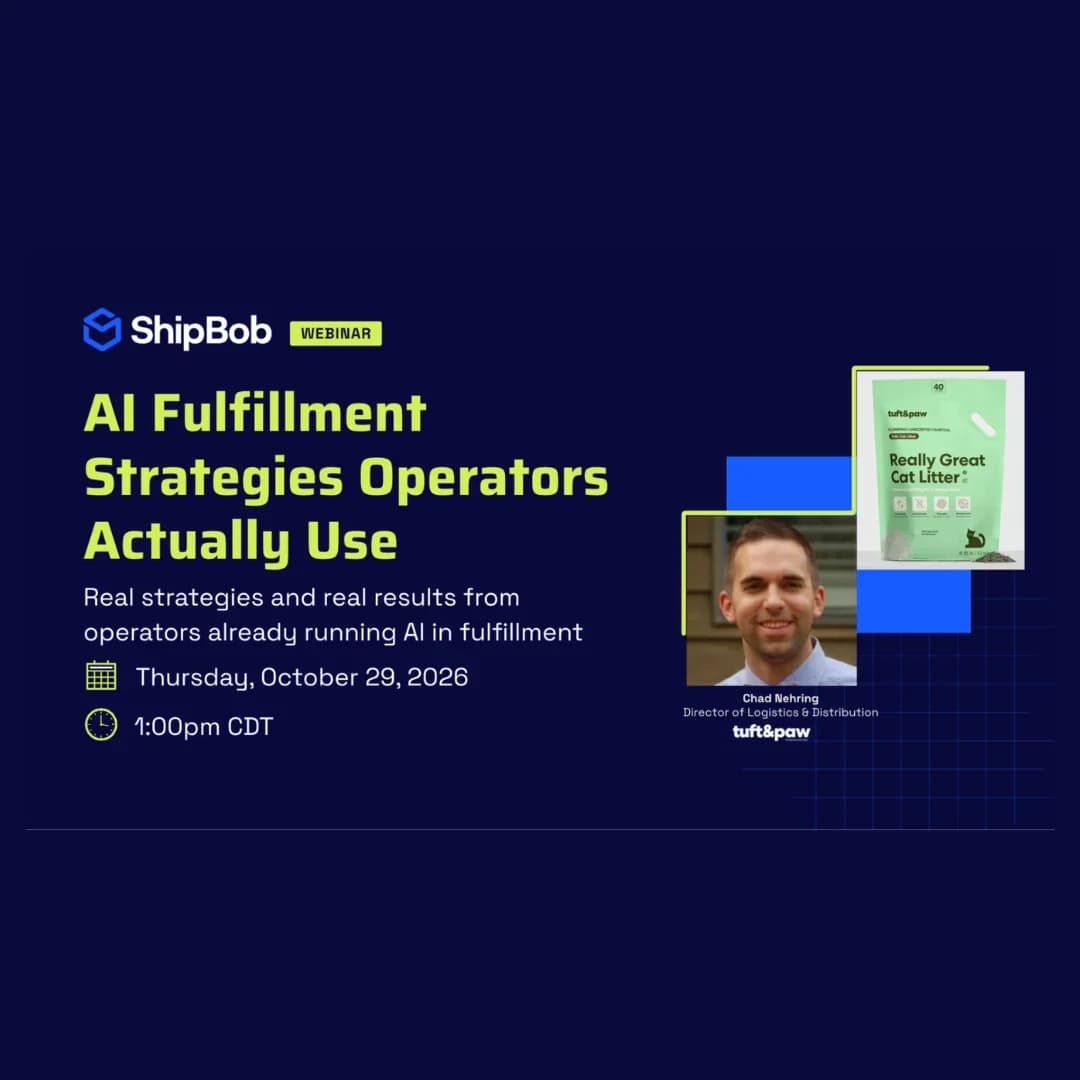
In ShipBob’s last AI webinar of the year, Brittany Barron, Senior Director, Brand and Product Marketing, and Sagar Kohli, Distinguished Engineer, shared copy-and-paste prompts that forecast stockouts, automate holiday promotions, and deliver a morning brief on where to focus. They run in Bobby or ShipBob MCP, on live ShipBob data.
The prompts below give your team a head start. Each one works from live operational context: your inventory, orders, warehouse activity, carriers, and delivery data. ShipBob owns its technology across one operating model, so the answers come from real data, not a best guess. And because ShipBob MCP supports write actions, your AI tool can act on what it finds, not just report it.
Merchants are already putting that to work ahead of Black Friday. ShipBob MCP logged 335,000 tool calls in a rolling seven days from nearly 3,000 active users (internal ShipBob data).
Here are the use cases worth setting up before the rush:
Before you start: Bobby or ShipBob MCP?
Use Bobby, ShipBob’s AI agent in the Merchant app, when you’re already in the dashboard and want answers or actions on the spot. Use ShipBob MCP with Claude or ChatGPT when you want reports and routines that run on a schedule without you starting them.
What you’ll need:
- A ShipBob account.
- Bobby, or ShipBob MCP connected to Claude or ChatGPT. New to MCP? Follow the step-by-step setup guide.
- Claude Desktop, if you want to schedule anything. The routines in this guide run in Claude.
- The peak prompt pack, a public GitHub repo with a copy button on every prompt: the peak 2026 prompt pack. No GitHub account needed.
1. Forecast which SKUs will run out before Cyber Monday
What you’ll learn: How to spot SKUs headed for a stockout while there’s still time to restock, swap, or pull a listing.
Inventory lookups are among the most common ways merchants use ShipBob MCP. This prompt points that data at a peak question: which products will sell out before Cyber Monday, or before the last holiday shipping days?
Steps
- Open the peak prompt pack and copy the stockout prompt (part one).
- Paste it into Bobby, or into Claude or ChatGPT with ShipBob MCP connected. For every active SKU, it pulls the current fulfillable quantity and the average daily units, then calculates days of stock left.
- Review the report. Each SKU lands in one of three groups: red (likely to run out before Cyber Monday), amber (likely to run out before December 15), or green (covered).
- Optional: for any red or amber SKU, run the substitute prompt to swap in a comparable product. Your AI tool asks you to confirm before it changes anything.
What to expect: A report on every active SKU, sorted by urgency. In the sample report for a fictional watch brand, one rose gold watch makes it through Black Friday and Cyber Monday but not through December 15, so it’s flagged to stock out after Thanksgiving.
The forecast runs on inventory velocity from your historical sales, calculated by an analytics tool ShipBob hosts. You no longer need to download order history and build the math yourself.
One caveat: the report uses the last 28 days of data. Peak sales usually run out faster, so build in a bigger buffer and read the results as directional.
Once your inventory is protected, put it to work. These prompts set up surprise-and-delight promotions entirely on the ShipBob side, so your store listings stay the same. That also makes them easy to run across multiple channels. List a bundle temporarily, then take it out based on a condition like stock quantity.
If you want shoppers to see a bundle or kit on your storefront, set that up in your store (Shopify, for example) as usual.
Gift with purchase for your first 1,000 orders
What you’ll learn: How to include a free mystery gift with a hero product and stop automatically when the gift runs out.
What you’ll need: The hero product SKU, the gift SKU in stock at ShipBob, and Claude for the routine.
- Copy part one of the gift with purchase prompt and swap in your SKUs. Every time someone buys the hero product, ShipBob adds the gift. Nothing changes on your store.
- Run part two to create a routine in Claude that checks every 30 minutes, or whatever cadence you prefer, and enforces your limit. The webinar example used 1,000 gifts. Set the number that fits your business.
- Ask for a progress update any time. Use the check-in prompt to see gifts given, gifts remaining, stock left, and any orders that need attention.
- When you hit the limit, the routine reminds you to turn it off.
What to expect: A status report you can share with marketing. In the sample, the hero product was a watch and the gift was a cleaning kit, with day-over-day counts alongside the hero product’s sales.
Mystery box bundle
What you’ll learn: How to sell a mystery box while you control the contents from ShipBob.
What you’ll need: A mystery box SKU in your store and the component SKUs in ShipBob.
- Create one mystery box SKU in your store. Shoppers see a single product.
- Copy the mystery box prompt and fill in your store SKU and the bundle contents. In the sample, the holiday mystery box contains a leather strap and a travel watch pouch.
- Run it. The prompt walks your AI tool through each step of setting up the bundle in ShipBob.
- Run part two to create a routine that keeps the bundle updated as orders come in. If one component runs low, it can swap in another from the set you choose.
What to expect: A summary of what’s complete and any exceptions that need your attention. The output also calculates how many bundles your current stock supports, based on the combination of items in each box.
Routines can message you on Slack, Teams, or email as orders flow in. For a one-time snapshot, ask for an ad hoc report instead.
3. Automate a morning brief that shows where to focus
During Black Friday and Cyber Monday, the question is always the same: are orders shipping on time, and where does my team need to act? The morning brief answers it in one report.
What you’ll learn: How to get a daily overview of your fulfillment and schedule it so it’s waiting for you each morning.
What the brief covers:
- Orders shipped yesterday
- Stuck orders and on-hold reasons
- Exceptions
- Low stock
- Inbound receiving orders (WROs)
The report ends with a list of actions your team can take. A few examples from the sample:
- Invalid address: Contact the customer, or update the address if your team already has the right one. Either way, the order ships sooner.
- Low stock: Replace a SKU that won’t restock in time, or take the item down from your store before you oversell into backorders.
- Inbound inventory: If a WRO is already on its way, you can decide not to swap a SKU.
- Retail shipments: Catch B2B orders that are missing paperwork, like Amazon labels.
The prompt also tells your AI tool not to make up numbers. AI tools sometimes fill gaps with assumptions, so the instruction is explicit.
“If it’s not available from ShipBob’s MCP, don’t just assume that it is there.” Sagar Kohli, Distinguished Engineer, ShipBob
“If it’s not available from ShipBob’s MCP, don’t just assume that it is there.”
Sagar Kohli, Distinguished Engineer, ShipBob
How to schedule the brief as a Claude routine
- Open Claude Desktop and click Routines under the Code tab.
- Write the cadence in plain English in the first two lines, such as “Run every day at 6AM Central time.” No code needed. If you skip the time zone, the routine uses your computer’s.
- Paste the morning brief prompt below the cadence.
- Add your own rules at the end. For example, tell Claude never to assume a number, or to always label a category of SKUs a certain way.
- Click Test to run it once and check the output.
- Choose where results go: Slack, Teams, or email. Then let it run on schedule.
The webinar example, called night shift watch, covers inbound, low stock, and exception orders. Kohli runs a similar routine against ShipBob’s sandbox environment and gets a Slack notification each morning.
“This just automates it so that when you wake up first thing in the morning, you already know what happened overnight.” Brittany Barron, Senior Director, Brand and Product Marketing, ShipBob
“This just automates it so that when you wake up first thing in the morning, you already know what happened overnight.”
Brittany Barron, Senior Director, Brand and Product Marketing, ShipBob
Make it yours: The brief is a starting point. Add a sixth item to the prompt for whatever your team tracks, like shipped but not delivered. Describe what the metric means, because otherwise Claude will fill in its own definition. Once the numbers look right, save the prompt for reuse.
Make it yours: The brief is a starting point. Add a sixth item to the prompt for whatever your team tracks, like shipped but not delivered. Describe what the metric means, because otherwise Claude will fill in its own definition. Once the numbers look right, save the prompt for reuse.
More peak prompts in the pack
The webinar covered three use cases, but the pack includes more, built from common merchant requests and lessons from past peaks:
- Cost and zone map: See how fulfillment cost is distributed across the U.S. or any country you ship to, then use it to guide inventory placement.
- Tracking upload status: See how many orders ShipBob has pushed tracking to your platform for, and where any failed. This is clearest for platform connectors like Shopify. It’s less clear for orders sent through the API.
- Order watch list: Follow order throughput and speed against your SLAs, without inbound and inventory noise.
- Stuck orders: Get a focused view of orders ShipBob can’t fulfill yet, why they’re stuck, and how to fix them.
If you only pick one theme, Kohli points to on-time ship rate, stuck orders, on-hold orders, and exceptions. Merchants find those the most useful in peak.
Three tips for setting these up before the rush
1. Start with the one report your team checks most. Turn it into a scheduled routine first. Add more once it’s running.
2. Define every metric you add. A prompt that says what “delivered not shipped” means gets you the number you want. A vague one gets an assumption.
3. Treat forecasts as directional and spot-check the first run. Compare a new report against your ShipBob dashboard, and give stockout forecasts extra buffer, since peak sales move faster than the last 28 days.
Built a prompt that works for your operation? Raise a pull request to the repo. If you’ve never done that, ask Claude to do it for you. The ShipBob team reviews each submission and adds the ones that help other merchants.
Turn live fulfillment data into daily action
AI earns its place in peak when it works from live fulfillment data and flags problems while there’s still time to fix them. Stockout forecasts, promotion limits, and morning briefs all follow the same pattern: you set them up once, and the AI keeps watching.
Pick the report your team checks most, set it up as a routine this week, and head into Black Friday knowing what happened overnight.
Ready to put ShipBob AI to work?
ShipBob AI FAQs
Do I need a GitHub account or coding skills to use these prompts?
No. The repo is public, works on a mobile phone, and has a copy button on each prompt. It contains prompts and snippets, not code.
Can these prompts change things in my account, or only read data?
Both. ShipBob MCP reads live data and supports write actions, like swapping a SKU or setting up a bundle. Your AI tool asks you to confirm before it acts.
Which AI tool should I use?
Bobby, Claude, and ChatGPT all run the on-demand prompts. Scheduled routines run in Claude.
Can I add my own metrics to the morning brief?
Yes. Add new items to the prompt and describe what each one means so Claude doesn’t guess.