February 23, 2025
This article explains how Arcules' Camera to Cloud deployment works, which camera models support it and which customers find it most useful.
Smarter cloud video. Fewer boxes. More choice.
Camera to Cloud is Milestone Arcules’ most streamlined way to deploy cloud video management. It allows supported cameras from i‑PRO and Axis Communications to connect directly to the Arcules VSaaS platform—without on‑site servers or gateway appliances. Video is processed and stored at the edge, while management, search, and access live securely in the cloud.
With organizations increasingly adopting cloud-based VMS, Camera to Cloud provides a modern, scalable path to cloud video—ideal for multi‑site deployments, remote locations, and teams looking to reduce infrastructure and IT overhead.
What Is Camera to Cloud?
Camera to Cloud is a cloud‑managed video architecture where supported cameras connect straight to the Arcules cloud service. There is no gateway required. Video analytics run on the camera. Video is stored on the camera SD card and, if enabled, uploaded to the cloud. Metadata is sent to the cloud to power the full VMS experience.
At a glance:
- Direct camera‑to‑cloud connectivity (no gateway hardware)
- On‑camera AI analytics and edge computing
- Storage: On‑camera SD card, with optional upload to the cloud.
- Centralized cloud management and access from anywhere
How Camera to Cloud Works
- Supported cameras connect directly to Arcules over the internet—no servers or gateways required on site.
- Analytics are processed on the camera, reducing bandwidth and enabling faster insights at the edge - which accelerates investigations and reduces cloud compute
- Video is stored locally on SD cards, and, if enabled, uploaded to the cloud.
- Metadata flows to the cloud, enabling setup, device management, search, alarms, playback, and mobile access.
The result is a simplified edge architecture with the same robust, cloud‑managed VMS experience across all locations.
What You Can Do in the Cloud
Once connected, Camera to Cloud cameras deliver the full Arcules cloud experience:
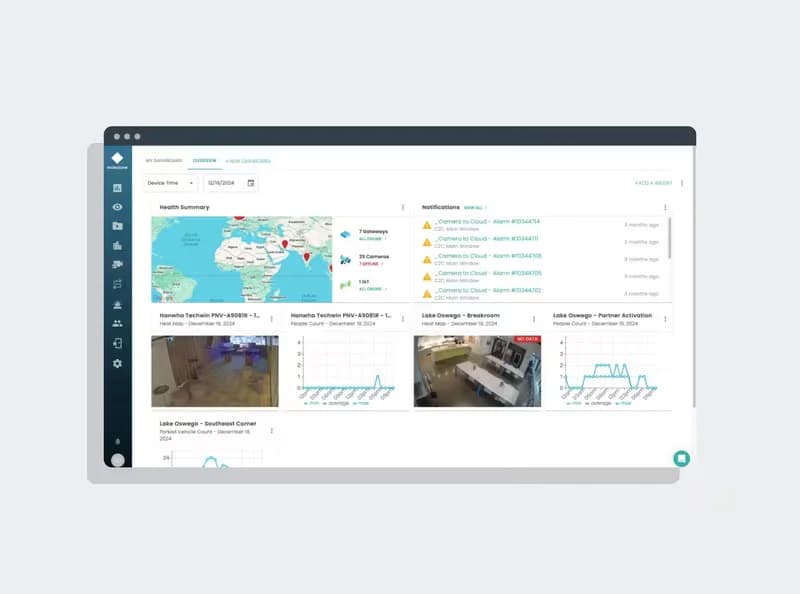
- Live and recorded video viewing across all sites
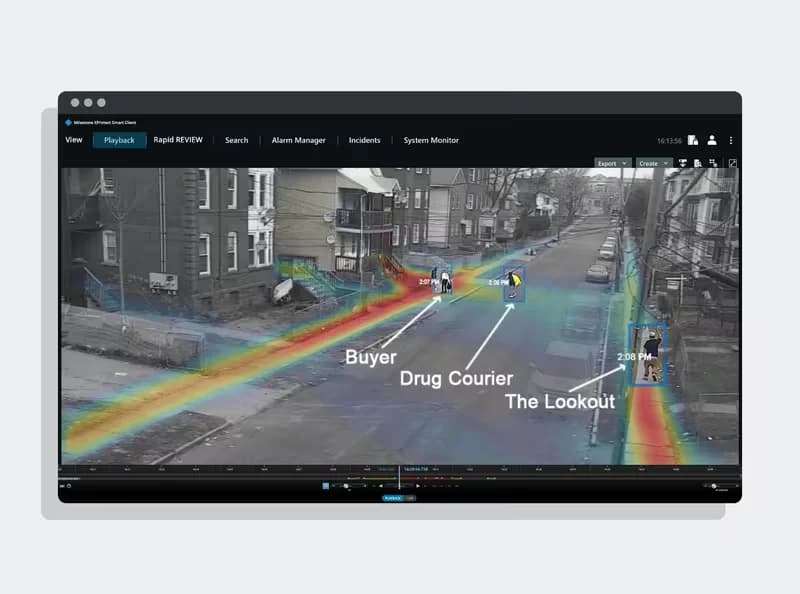
- Enhanced playback timelines with motion and object indicators
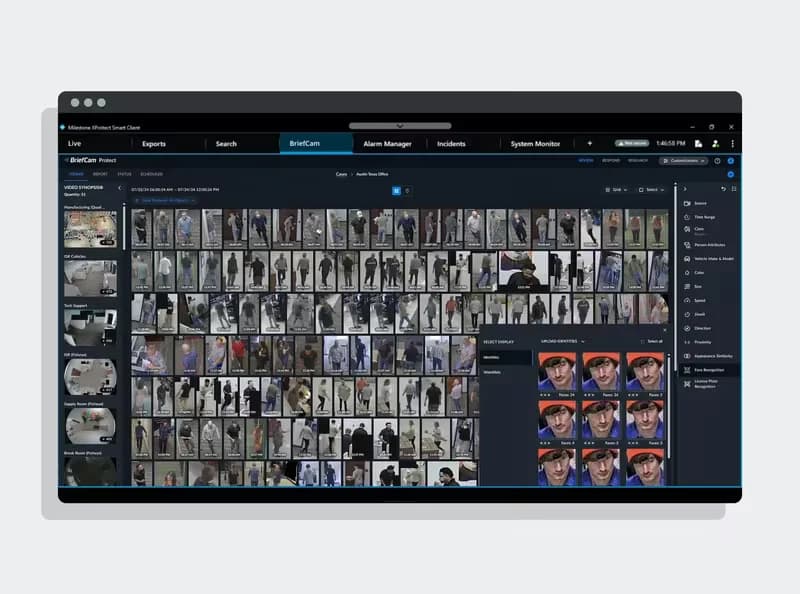
- AI‑powered people and vehicle forensic search
- Alarm rules, notifications, and remote investigation
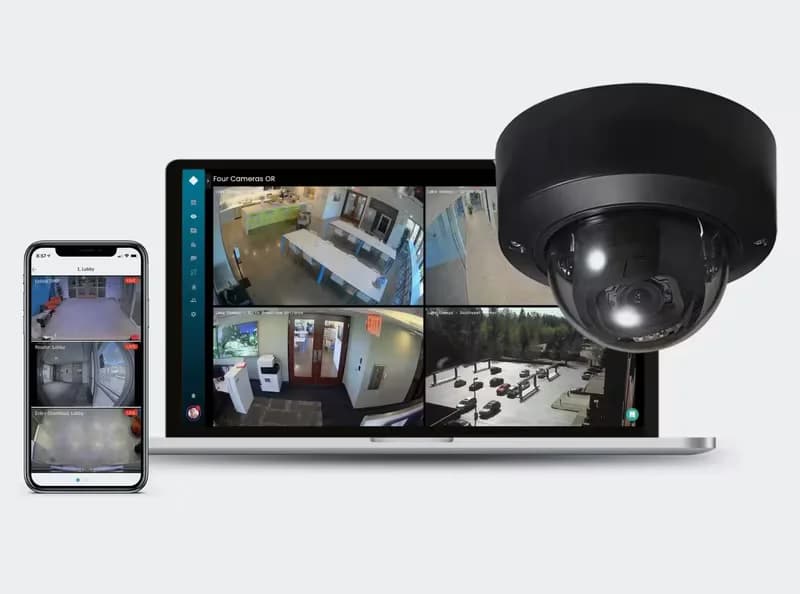
- Secure access via web and mobile apps from anywhere
Why Choose Camera to Cloud?
Reduced Infrastructure Eliminate on‑site servers and gateway appliances. Fewer components mean faster deployments, lower maintenance, and reduced IT burden.
Lower Bandwidth Usage Video is stored at the edge with flexible upload options, helping control bandwidth—especially at remote or low‑connectivity sites.
Edge AI Intelligence On‑camera analytics enable advanced detection and forensic search without relying on centralized compute.
Flexible Deployment Options Camera to Cloud works alongside Arcules cloud gateways, edge gateways, and within XProtect-Arcules integrated environments—so each site can use the architecture that fits best.
Secure by Design SD card storage, strong cybersecurity controls, and cloud‑managed updates help ensure data protection and compliance.
Supported Camera Ecosystem
Camera to Cloud supports a growing ecosystem of cloud‑ready, AI‑capable cameras from leading manufacturers—giving customers choice without lock‑in.
Axis Communications
Camera to Cloud is compatible with a broad range of Axis cameras based on ARTPEC‑8 chipsets. These devices include built‑in Axis Object Analytics, strong on‑camera compute, and long product lifecycles—making them a reliable choice for gateway‑free deployments.
i‑PRO
Camera to Cloud now includes i‑PRO cameras, expanding choice for customers standardized on i‑PRO hardware. i‑PRO cameras deliver advanced edge-AI with built‑in people and vehicle detection, industry‑leading cybersecurity with NDAA/TAA‑compliant hardware, ISO/IEC 42001–certified AI, and flexible SD card storage—well suited for Camera to Cloud architectures.
Supported models continue to expand. Always refer to the official supported device lists for the latest updates
When Does Camera to Cloud Make Sense?
Camera to Cloud is not just a replacement for gateway-based architecture; it’s ideal for specific environments and customer needs. It delivers the most value when:
You have remote or distributed sites with minimal IT support Many organizations operate small or unmanned locations such as retail stores, clinics, franchise locations, or school campuses. Camera to Cloud eliminates on‑site hardware and keeps maintenance nearly effortless.
Your sites have low camera counts Traditional gateways can be oversized or cost‑inefficient for sites that only need a few cameras. Direct‑to‑cloud architecture offers a lighter, more affordable alternative.
You have limited or variable bandwidth On‑camera storage + motion‑based uploads help maintain visibility even in low‑connectivity environments.
You want flexibility in how you modernize Camera to Cloud works alongside gateway architectures, allowing phased migrations, hybrid deployments, or new cloud‑first installations without forcing a single architecture across every site.
You prefer a serverless, low-touch environment Removing servers and gateway hardware dramatically simplifies operations and enhances reliability.
Camera to Cloud vs. Gateway Architectures
Camera to Cloud
Gateway- Based Architectures
On-site hardware
No gateway or server required
Requires a cloud or edge gateway
Camera connection
Camera connected directly to the Arcules cloud
Cameras connect to a local gateway first
Supported cameras
Select Axis and i-PRO cameras with on-camera compute
Broad camera support (including non-C2C models)
Video storage
On-camera SD card, with optional upload to the cloud
Gateway storage, cloud storage, or both
Analytics processing
performed on the camera (edge AI)
Performed at the gateway or centrally
Bandwidth usage
Optimized with local storage and flexible uploads
Higher continuous upload depending on configuration
Deployment complexity
Very simple, low-touch deployments
More components to install and manage
Best suited for
Small, remote or low-density sites
Larger or more complex sites with many cameras
How to Get Started
Many customers begin with a pilot site—often a remote or smaller location—to experience the simplicity of Camera to Cloud firsthand. From there, deployments can scale site by site, mixing Camera to Cloud with other Arcules architectures as needed. If you're ready for a one-on-one, personalized presentation, then please book a demo!
If you'd like to learn more about Arcules, including answers to frequently asked questions, please check outthis more detailed article.
Additional Resources
Arcules VSaaS Product Overview
View supported Camera to Cloud devices (Axis Devices, i-PRO Devices)
Explore the i-PRO camera to cloud solution
Camera to Cloud sales flyer
Camera to Cloud Frequently asked Questions