The future of agentic development is in self-healing apps. Imagine a user reports a bug with a brief description, no reproduction steps, and no proof. Usually, you have to investigate it yourself.
With EAS Workflows and EAS Simulator, an agent can reproduce that bug on a cloud simulator, propose a fix, and open a pull request with evidence of the app before and after. You review the report, inspect the changes, and decide whether to merge.
EAS Workflows runs the agent on Expo's infrastructure. EAS Simulator gives it a device to run your app and check its work. Here's how they work together to investigate a Settings crash.
Start with the bug report
The report in this example is familiar: "Settings crashes when I scroll to the bottom." It describes a symptom without explaining how to reproduce it or what caused it.
Adding the repro label to its GitHub issue starts a workflow that hands the report to Claude Code. The agent's assignment is to reproduce the failure, find its cause, and verify a fix on the simulator before opening a PR.
You can inspect the example in issue #9 and PR #10.
Let the agent investigate on a cloud simulator
The agent installs the app on EAS Simulator and opens Settings. The app crashes immediately, before any scrolling.
That gives the investigation a more precise starting point. The agent posts the steps it followed, the behavior it observed, and a link to the reproduction session on the issue.
The interaction happens through agent-device, Callstack's device automation CLI. It lets the agent inspect screens, interact with the app, and take screenshots on EAS Simulator. The session replay lets you inspect what happened afterward.
Get evidence that the fix works
The agent identifies the cause, applies a fix, then builds the app again and installs it in a second simulator session. It opens Settings and scrolls to the bottom. This time, the screen loads without crashing.
The PR brings the investigation together: the cause, the change, before and after screenshots, and links to both simulator sessions. It also reports that all 22 Settings tests pass after the fix, along with lint and typecheck.
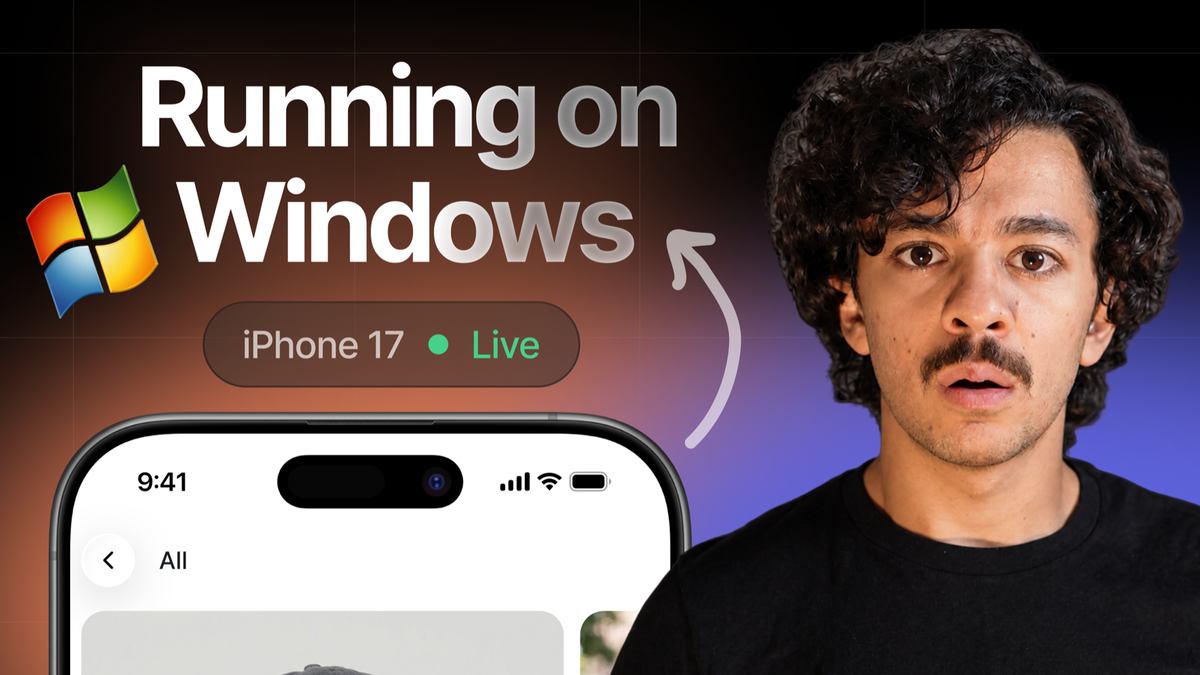
You can follow the report through the reproduction, inspect the diff, and watch the changed app take the same path. That review can happen in a browser on macOS, Windows, or Linux, without setting up a local iOS Simulator.
Connect the workflow to your app
This example uses a GitHub Action to forward the labeled issue's number to EAS Workflows. The EAS Workflow checks out the repository, installs dependencies, and starts the coding agent.
The third part is the agent prompt. It describes the app, its simulator build profile, and the investigation the agent should complete. It also specifies what evidence must come back: a reproduction session URL, a verification session URL, and before and after screenshots.
Those instructions include what to do when the investigation fails. If the agent cannot reproduce the bug, it should report what it tried and stop. If its fix still fails on the simulator, it should report the failed verification instead of opening a PR. For nonvisual behavior, the prompt calls for logs or regression tests alongside the screenshots.
To adapt the example, supply your app's build profile, navigation context, and credentials for Expo, GitHub, and the agent. The eas-simulator skill gives the agent guidance for operating simulator sessions.
The prompt instructs the agent to leave merging to a person. Configure repository permissions and branch protection to support that boundary.
This workflow was inspired by Nathan Schroeder's post on X.
Try a workflow of your own
Start with a bug whose failure you can recognize and an app build that runs on the simulator. Define what a useful reproduction would show, then use the example repository to connect the report to your agent.
You can begin with reproduction alone or include the fix and verification. In either case, ask the agent to leave enough evidence for someone else to understand what happened.
EAS Simulator is in early access. Join the waitlist to request access. For more on using cloud simulators from your own machine, read You don't need a Mac to develop iOS apps.
Useful links
- EAS Simulator and waitlist.
- EAS Workflows setup.
- agent-device documentation.
- Example issue and proposed fix.
- Agent prompt and evidence requirements.