There are a lot of UI blocks in Tailwind Plus that need JavaScript to really be useful, like dialogs, dropdowns, command palettes, and more. And unless you're a React or Vue user, using those UI blocks has always meant writing all of that tricky JavaScript yourself.
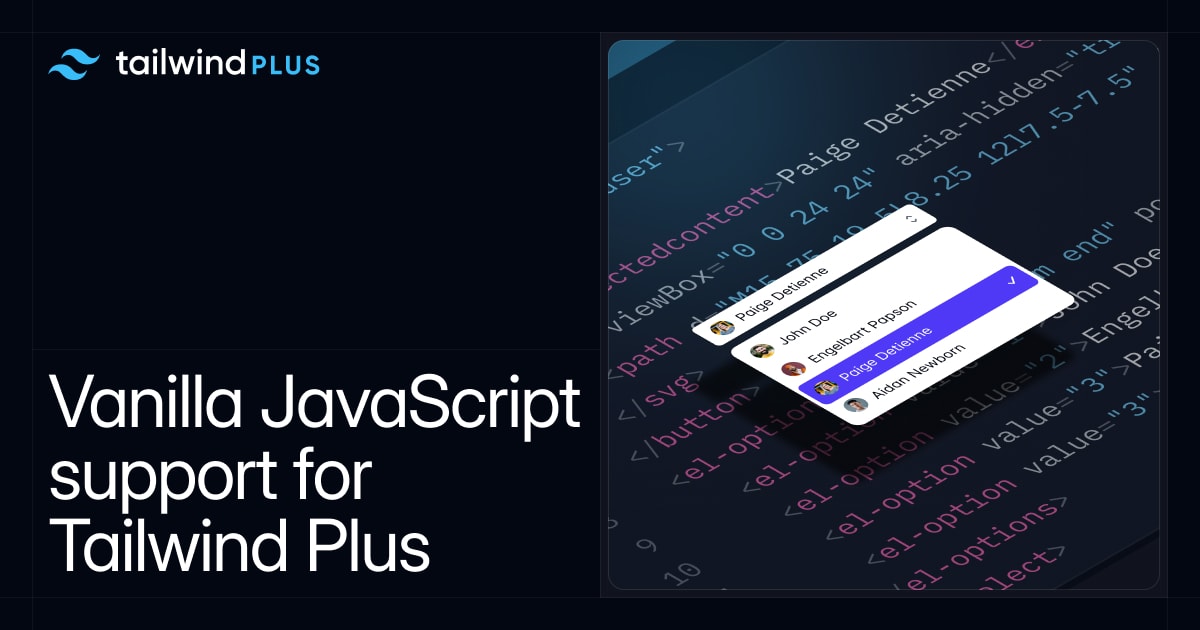
Well today that finally changes — every UI block in Tailwind Plus is now fully functional, accessible, and interactive, including the plain HTML examples.
Now you can use any dropdown, command palette, dialog, drawer, and more in any project you're working on — no JavaScript framework required.
No framework required
To pull this off, we built @tailwindplus/elements — a library we're releasing exclusively for Tailwind Plus customers.
Elements is a collection of headless custom elements that wrap up all of the complex behavior needed to build custom interactive UIs using just HTML, and can be styled any way you like using utility classes or custom CSS.
Instead of being coupled to a specific JavaScript framework, these custom elements work anywhere you can use a <script> tag:
index.html
Here's what it look like to build a custom dropdown menu with Elements:
And here's what it looks like to build a custom select:
See those custom HTML elements like <el-select> and <el-options>? Those are the secret sauce that make everything work, including automatic ARIA attribute management, focus handling, keyboard support, and more.
You can even build something as sophisticated as a custom command palette with Elements, without having to write any of your own JavaScript:
To support all of the UI blocks in Tailwind Plus, we're shipping the following primitives in this first release of Elements:
- Autocomplete — for building things like custom Comboboxes.
- Command palette — for building custom Command Palettes.
- Dialog — for building custom Modal Dialogs, Drawers, and more.
- Disclosure — for building collapsible FAQs, mobile menus in Navbars, and more.
- Dropdown menu — for building custom Dropdowns, of course.
- Popover — for building custom Flyout Menus and more.
- Select — for building custom Select Menus.
- Tabs — for building custom tabs, like we use in custom Textareas and Product Overviews.
If you're a Tailwind Plus customer, head over to the brand new Elements documentation to learn more about how everything works and check out some examples.
Leveraging the modern web
We leaned on a lot of modern platform features to keep Elements as light and native as a possible.
- Custom elements as a cross-platform component abstraction.
- The popover attribute to manage overlays and popovers with automatic top-layer rendering together with beforetoggle to control transitions.
- Native <dialog> elements for focus trapping and top-layer rendering.
- Invoker commands to declaratively manage interactive elements, like toggling a custom disclosure.
- ElementInternals to make our custom form controls work like native form controls.
We also bundle any necessary polyfills for these features to make sure that Elements works in all of the same browsers supported by Tailwind CSS v4.0. This means Elements will only get smaller as these modern platform features become more widely available.
Components that work everywhere
Since HTML is the lowest common denominator between all web frameworks, Elements makes it possible for all of HTML-only UI blocks in Tailwind Plus to work literally anywhere.
Here's one of our Combobox examples wired up with two-way binding in Svelte:
Combobox.svelte
Or here's a custom select in Rails that's included in form submissions, just like a native form control:
app/controllers/orders_controller.rb
app/views/orders/new.html.erb
You can even use Elements in React instead of using a React-only library like Headless UI or React Aria if you want:
Try it out today
All of the updated UI blocks and the new Elements library are available now to all Tailwind Plus customers.
Check out UI block categories like Dropdowns and Command Palettes to play with these updated interactive examples yourself, and explore the new Elements documentation to learn how it all works and how to customize things for your projects.
We can't wait to see what you'll build with this stuff!