Shoppers are on the hunt for genuine value this holiday season. The National Retail Federation found that 56% of U.S. shoppers point to sales and discounts as their top factor when deciding where to spend, while 51% prioritize quality of merchandise.
For tech, that mindset is changing what ends up under the tree. With the rising price of computers and consoles due to component shortages, shoppers are thinking twice before spending thousands of dollars on a brand-new device. Instead, they are looking at other ways to level up work and gaming setups.
You don’t have to spend hundreds of dollars on new devices. At Logitech, we’ve included high-quality features like AI-readiness, advanced sensors and solar charging into sub-$100 products.
Pro-Level Gifts for Any Gamer
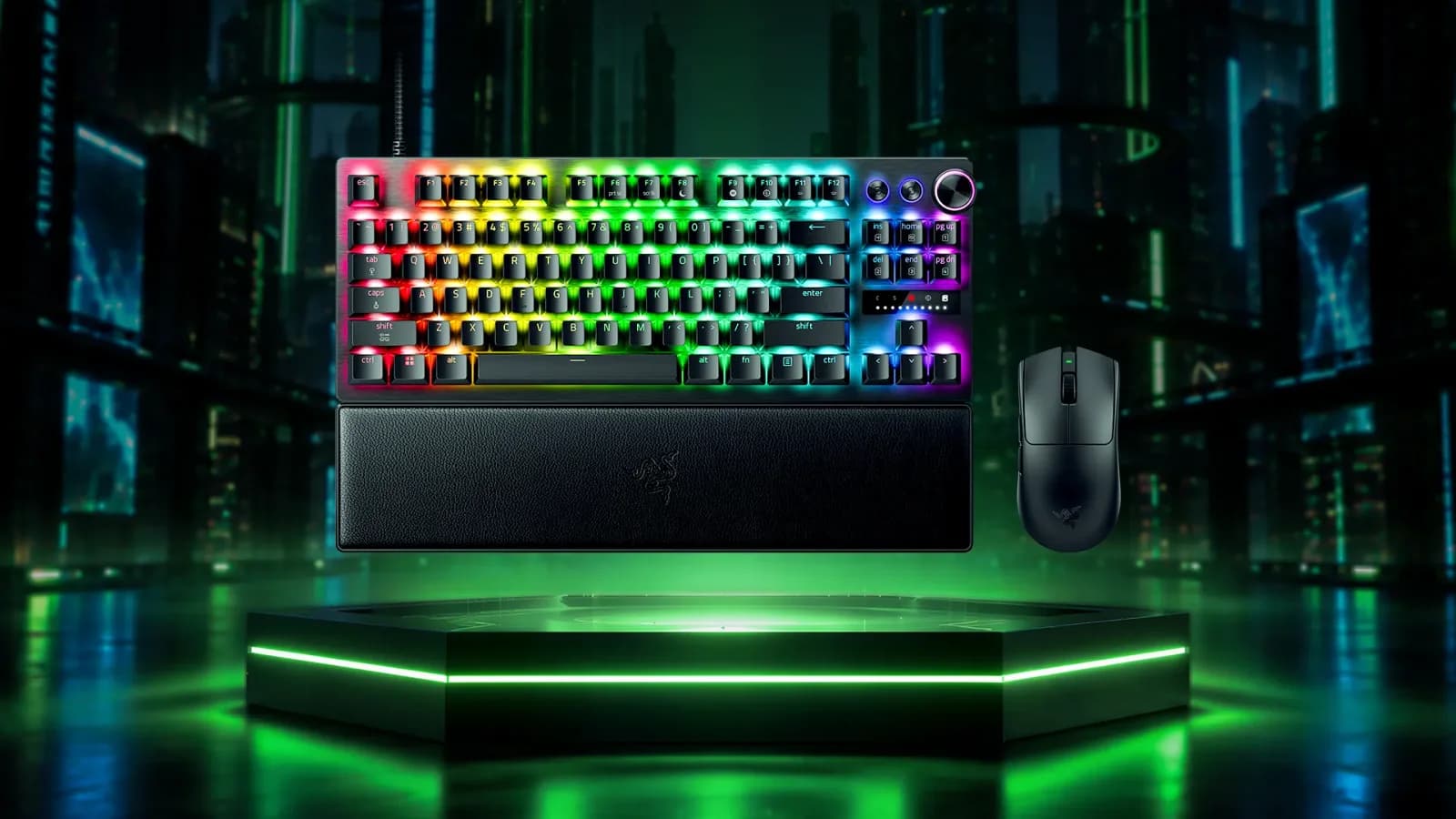
A six-figure sponsorship isn’t required to feel like the pro gamer whose stream you never miss. At $79.99, the G305 X SUPERLIGHT delivers the promise of elite speed and precision. The mouse is supercharged with an updated HERO sensor capable of 44K DPI and builds on the classic G305 shape with a lighter, 59-gram design.
Pair the G305 X SUPERLIGHT with the G316 X 75 wired mechanical keyboard priced at $99.99. Instead of having to spend hundreds on gasket mounts and sound-dampening foam to get that “thocky” typing sound, the G316 X 75 brings those acoustic layers, hot-swappable switches and an 8kHz report rate. The keyboard’s compact, 75-key layout leaves plenty of room for mouse movements.
Smart Upgrades for Coders, Creators, and Tinkerers
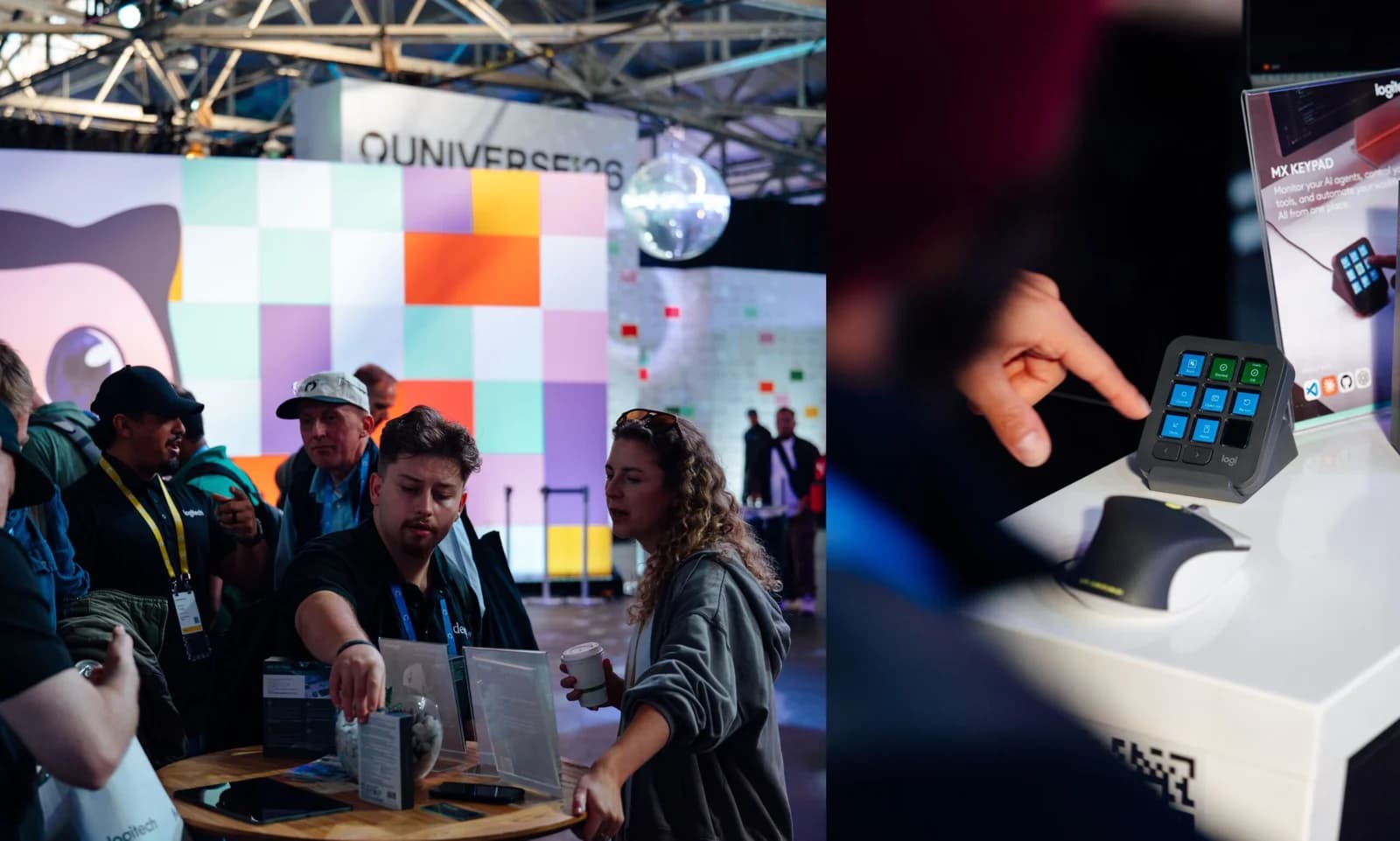
Shopping for someone who loves building, customizing and optimizing their setup? The MX Keypad ($99.99) puts a customizable LCD command center right next to their keyboard. Instead of clicking through endless tabs, they can use tactile keys to steer AI agents across Claude Code, Codex, and GitHub Copilot or trigger complex automations with one tap—reclaiming hands-on control and staying in creative flow.
Adding a compact keyboard like MX Keys Mini ($99.99) with spherically dished keys to match your fingertips gives you even more control and comfort without taking up too much space. The smart backlighting senses when your hands approach, so you can type comfortably during those late nights spent coding or editing photos.
Additional Products You Can Shop
There are people on your list who just want comfort during the day or gear they can toss into a weekend bag. We’ve rounded up a few other sub-$50 and sub-$100 picks for everyday work and travel.
Under $50
- Pebble Mouse 2 M350s ($24.99) is slim, lightweight and portable with fun designs and color that bring joy to your workspace.
- POP Mouse ($29.99) fits snugly in your palm with a customizable button to quickly send emojis, screenshot messages or play music.
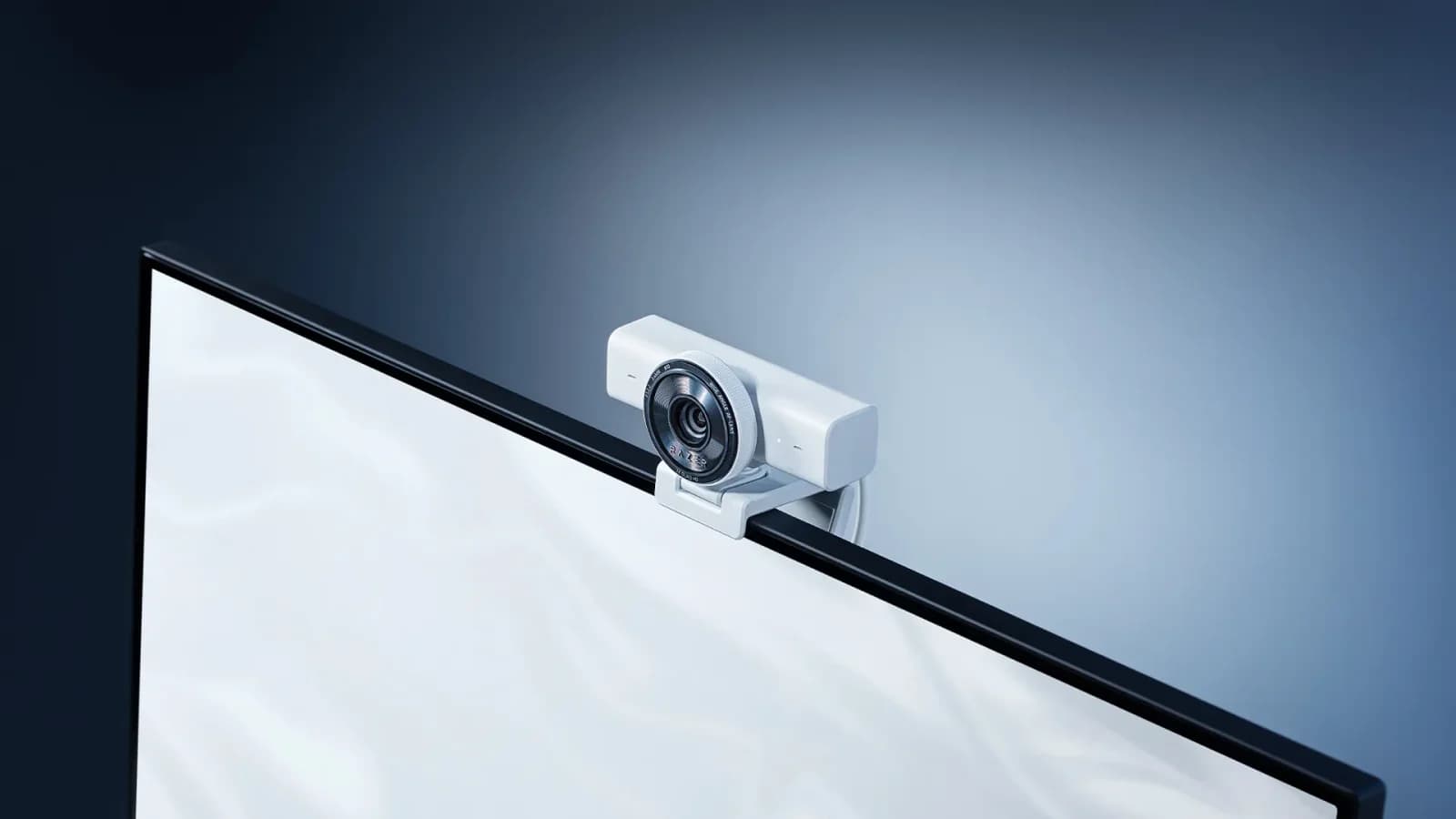
- Brio 100 ($39.99) is a full HD webcam with auto-light balance so you look and sound better on meetings.
Under $100
- MINIROLL ($59.99) hooks onto bags, bikes or belts for crisp, bassy audio in a portable speaker you can take anywhere.
- G325 LIGHTSPEED ($79.99) lets you experience the sound of play with dynamic audio and premium comfort.
- Lift ($79.99) brings all-day comfort with a vertical design that places your hand in a natural position.
- Mobi Fold ($79.99) closes to the size of a sticky note and unfolds to an ultra-portable mouse with touch scrolling.
- Keys-To-Go 2 ($79.99) slides into any bag for typing anywhere and has a built-in cover that protects the keys.
- MX Anywhere 3S ($89.99) tracks on glass and has ultra-fast scrolling for the desk or on the go.
- Signature Slim Solar+ ($99.99) eliminates the need for charging cables by using light from windows or desk lamps to keep the keyboard charged.
- WONDERBOOM 4 ($99.99) fills a patio or living room with big sound and up to 14 hours of battery life.