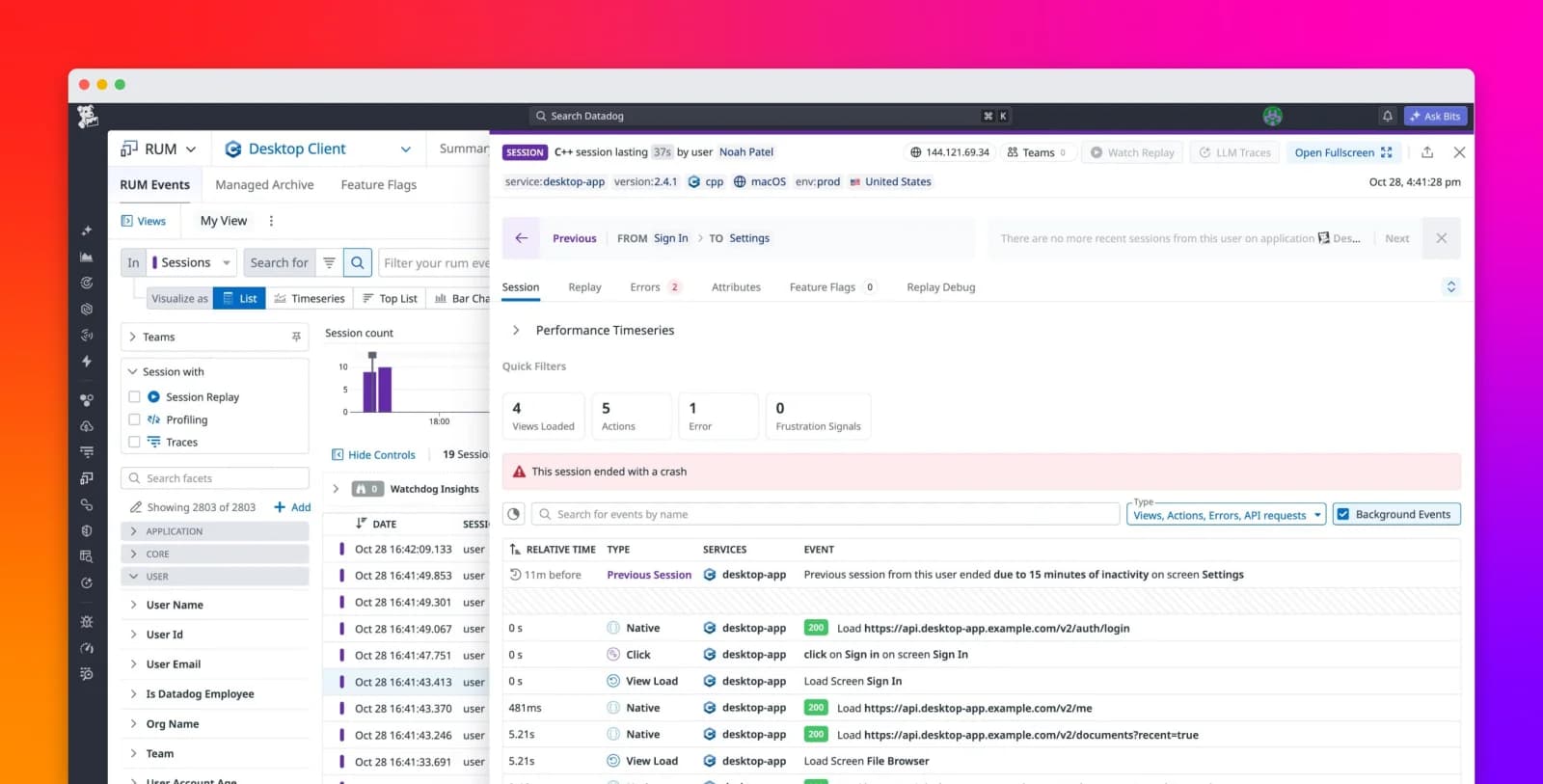
Teams can use Datadog Real User Monitoring (RUM) to get direct visibility into what users experience in their frontend applications. With RUM without Limits™, you get metrics and service level objectives (SLOs) that reflect all of your traffic, while retention filters keep only the most relevant user sessions.
However, sessions that are not captured by retention filters and are dropped today may become important tomorrow for a customer support ticket, an audit, or an investigation. Teams operating in regulated environments or handling complex support issues are therefore left choosing between retaining all sessions up front, which is usually cost-prohibitive, and retaining selectively, which risks that a critical session won’t be there when they need it.
RUM Managed Archive adds a fallback to the RUM without Limits model. Instead of choosing between cost and coverage, you can store all ingested sessions and recover specific ones on demand.
In this post, we’ll explore how you can use RUM Managed Archive to:
- Store all sessions for later access
Store all sessions for later access
- Recover sessions on demand
Recover sessions on demand
- Investigate support issues by recovering archived sessions
Investigate support issues by recovering archived sessions
Store all sessions for later access
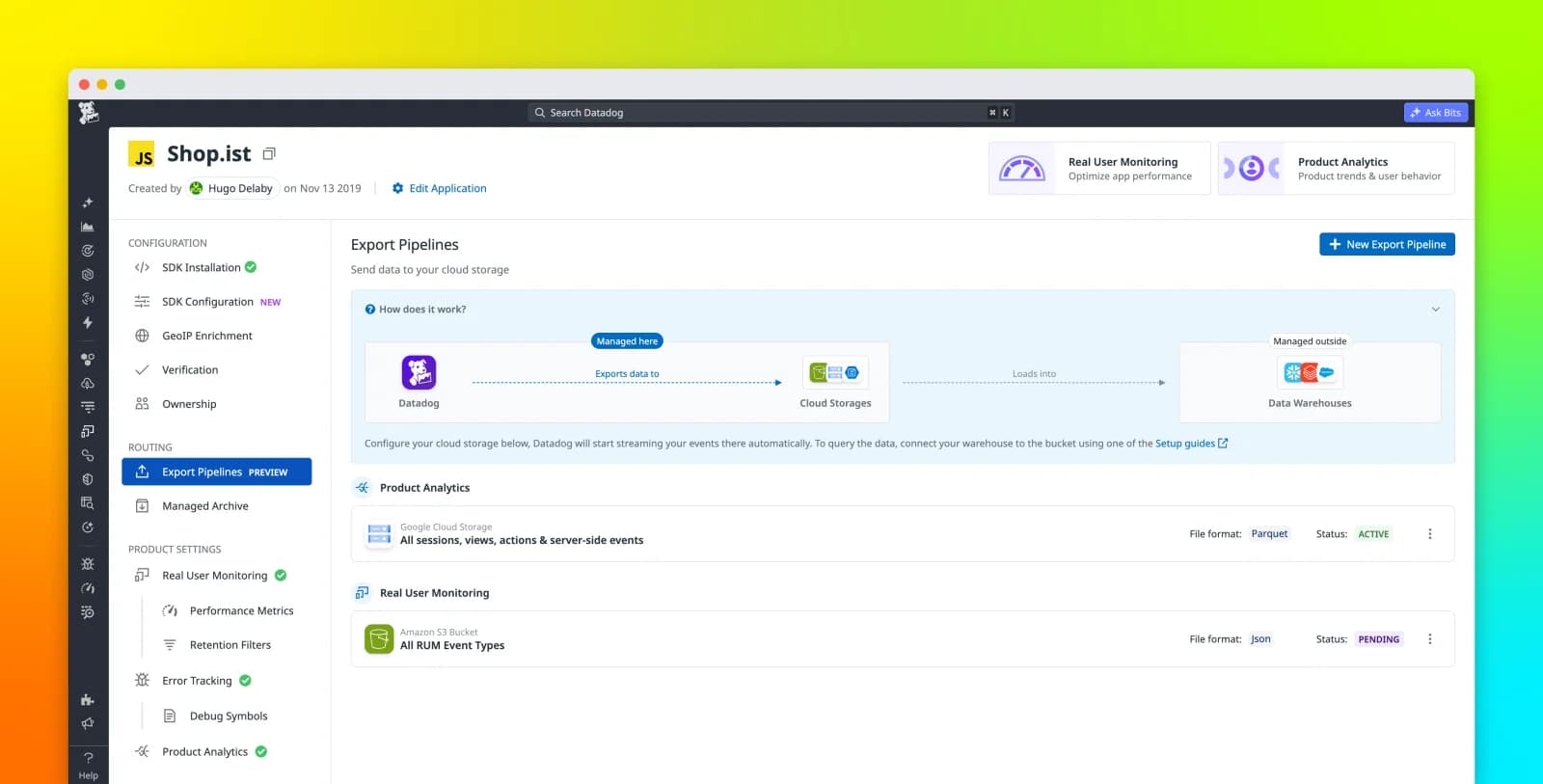
RUM Managed Archive stores all ingested sessions for extended periods, including those not retained by your filters, as a less expensive alternative to indexing them. Instead of discarding unretained sessions, Datadog stores them in Datadog-managed storage so that you can access them later if needed.
You can configure a storage period of 1, 3, or 6 months at the application level, letting you choose different archive strategies for applications with different investigation, risk, or audit requirements.
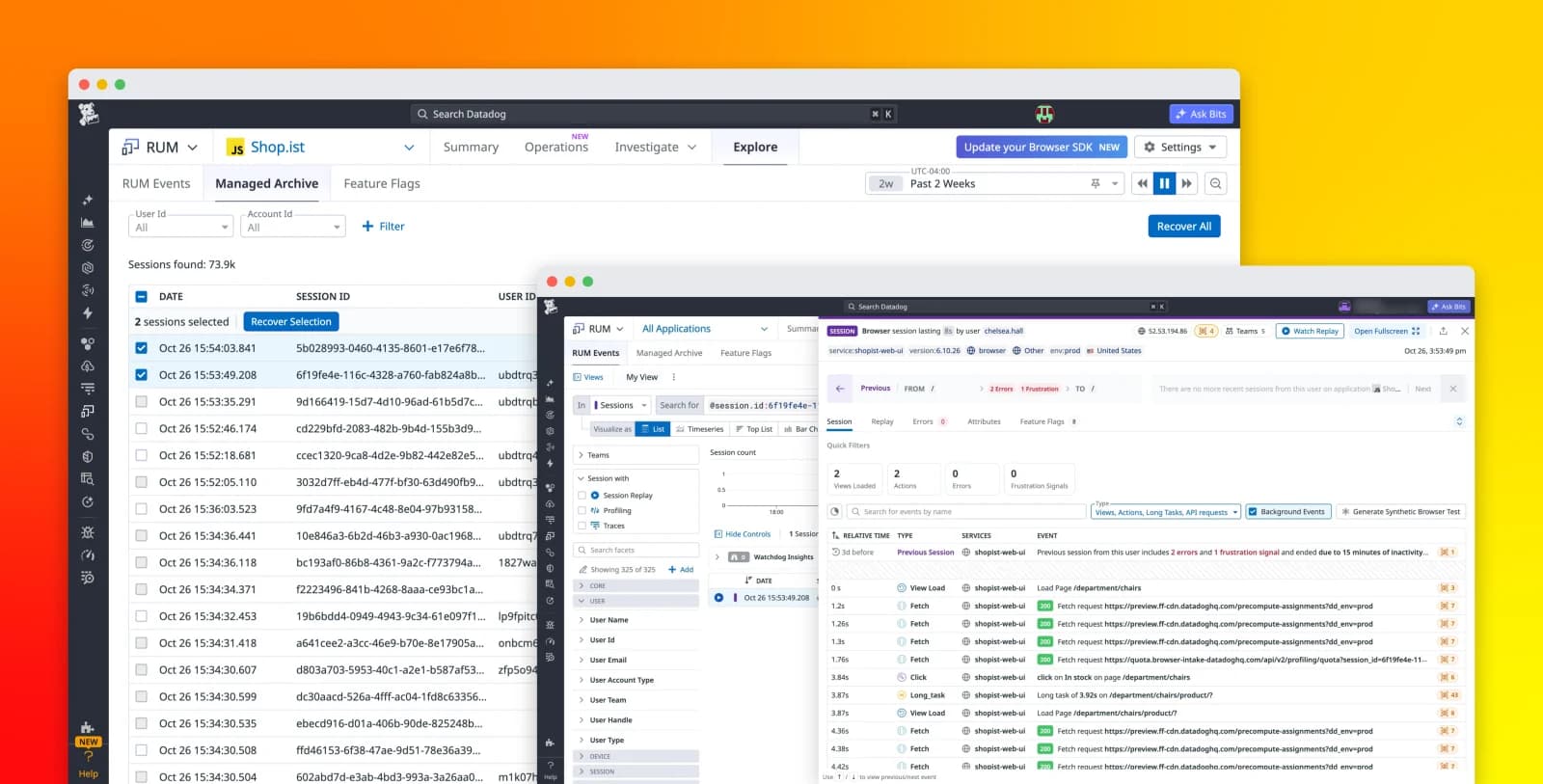
The Managed Archive UI provides a dedicated view where you can explore stored sessions. These archived sessions are not fully indexed, but they include a lightweight set of metadata—including timestamp, session ID, user ID, and account ID—that allows you to search for and identify relevant sessions. This makes it possible to locate specific sessions without incurring the cost of indexing everything up front.
With Managed Archive, you can keep your retention filters focused on high-value data while still preserving access to the full set of sessions for future use.
Recover sessions on demand
RUM Managed Archive lets you selectively recover stored sessions when an investigation requires their full context. You can search Managed Archive by attributes and quickly identify an individual session or a set of sessions associated with a particular user, incident, or time period.
After you recover a stored session, Datadog fully indexes it and makes it available in RUM for a 30-day analysis window. A recovered session has the same investigation capabilities as a regularly indexed session retained by a retention filter, including access to its events and attributes.
This approach to storage and recovery lets you retrieve relevant sessions that weren’t captured by retention filters or that have fallen outside the retention period. For example, a support engineer can recover an individual session associated with a customer ticket, while an SRE can recover sessions from a relevant time window during a retrospective incident investigation.
Teams can also use this workflow when an audit or compliance investigation requires access to sessions beyond their standard retention period. RUM Managed Archive helps preserve access to that historical session data, while recovery lets teams fully investigate only the sessions that are relevant to the request.
Investigate a support issue that surfaces weeks later
Consider a financial services team that receives a support ticket from a high-value customer weeks after an issue occurred. Last month, the customer submitted a trade through the mobile app. The confirmation screen froze, and they weren’t sure whether the transaction went through.
Because this user’s session didn’t match any retention filters, it wasn’t retained. Without RUM Managed Archive, the team would have no way to access it. The team would then have limited visibility into what the user experienced, prolonging the investigation and delaying resolution.
With Managed Archive, the session is still available, and the team can locate it by searching the archive for attributes such as user ID or account ID. After locating the relevant session, the team can recover it for full investigation in RUM. In this case, the team discovers that:
- The user was on a mobile app version affected by a UI update.
The user was on a mobile app version affected by a UI update.
- The UI update delayed the price refresh, and the displayed price briefly showed a stale value before updating.
The UI update delayed the price refresh, and the displayed price briefly showed a stale value before updating.
- The backend executed the trade at the correct real-time price, despite the display error.
The backend executed the trade at the correct real-time price, despite the display error.
With this insight, the team compares behavior across versions, confirms that a later release fixed the issue, and provides the customer with a clear explanation of what occurred. This type of investigation is possible only because the session was preserved, even though it wasn’t originally retained.
Recover the sessions you need with RUM Managed Archive
RUM Managed Archive gives teams that use RUM without Limits a safety net for sessions they need later, whether those sessions weren’t retained or have aged past their standard retention period. With this feature, teams can keep their regular retention strategy focused on day-to-day monitoring while maintaining access to sessions needed for customer support, debugging, incident investigations, and audits.
To learn more, check out the documentation on RUM Managed Archive. If you’re new to Datadog,