Learn how client-side functions allow an agent to delegate local operations directly to Dart code running on a user's device.
Aug 28, 2026 · 5 min read
Generative UI (GenUI) is transforming how I approach UI development in Flutter. Instead of hardcoding fixed screens for every scenario, GenUI enables an AI agent to dynamically generate and adjust user interface components at runtime. Using Agent-to-User Interface (A2UI) JSON messages and the genui package, a Flutter app can render dynamic AI-driven cards and surfaces on the fly.
However, as I've started building real-world agentic apps, I've found myself looking for ways to reduce latency and decrease the number of opportunities my models have to make mistakes. When building with Large Language Models (LLMs), it's tempting to rely on the model for everything. But asking an LLM to take on tasks it wasn't necessarily designed for (such as arithmetic) can introduce latency and create more opportunity for errors.
That's where A2UI's client-side functions come in.
In this post, I'll walk through how client-side functions allow an agent to delegate local operations directly to Dart code running on a user's device, reducing the need for round-trips and delivering more predictable results in your Flutter GenUI apps.
What client-side functions solve
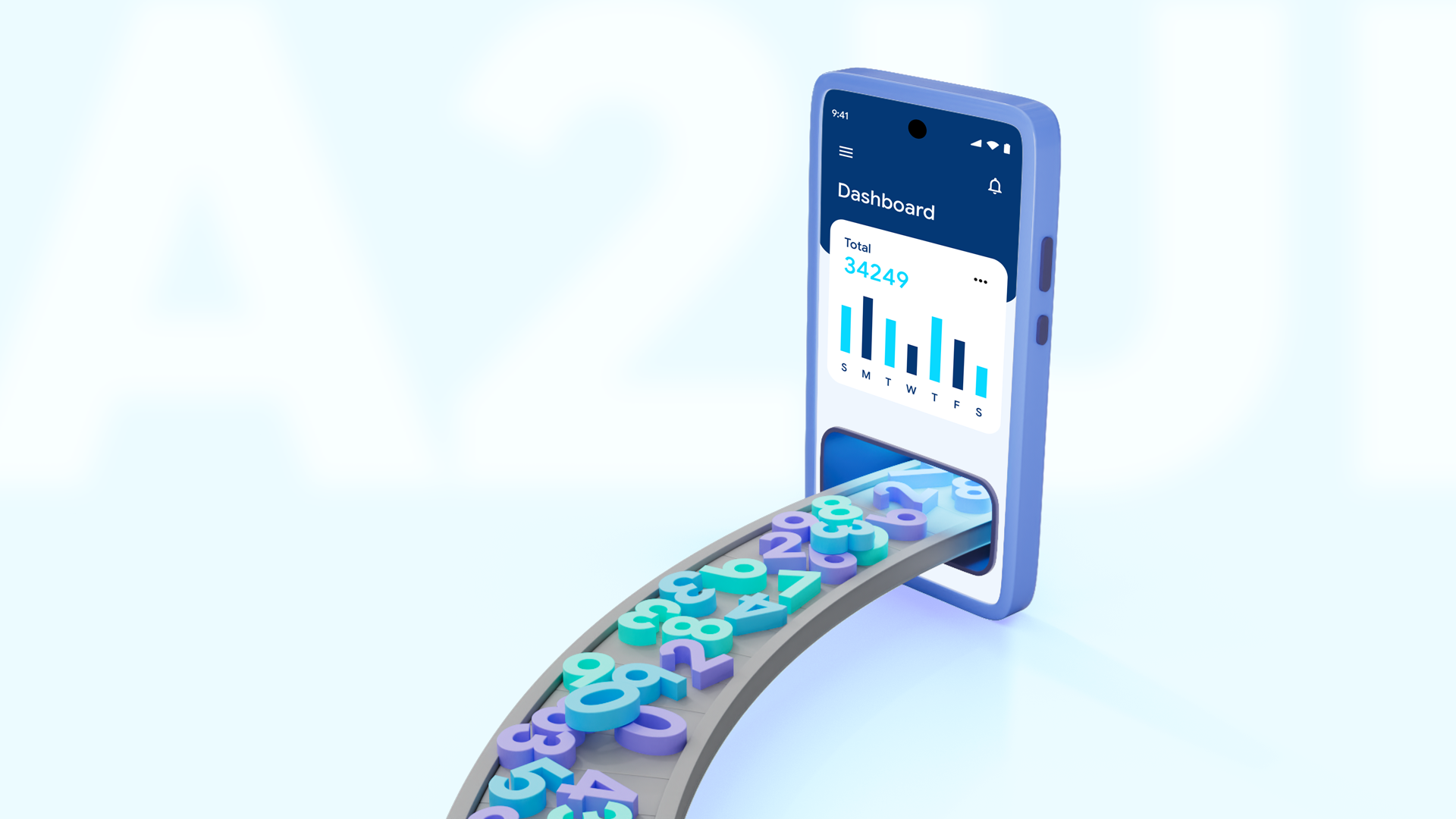
Sending raw prompts back and forth to an LLM for pure math is inefficient, adding round-trip latency and consuming extra tokens. Instead, client-side functions let the agent compute values like ingredient costs, tax totals, or unit conversions locally on the device.
Client-side functions solve this by creating a clean division of labor:
- The Flutter Client declares available client-side functions in the GenUI catalog, informing the agent of which local operations can be invoked, what parameters they expect, and what format they return.
- The LLM Agent decides when and where a component should be displayed and emits an A2UI expression calling the client function with the necessary arguments (such as an item ID and quantity).
- The Flutter Client evaluates the expression locally and executes the math synchronously in Dart code, rendering a clean, formatted result on screen right away.
By offloading calculations to the client device, your application avoids unnecessary network overhead, achieves consistent formatting, and lowers overall token usage.
dart
Let's look at how I implemented this pattern in a sample application called Commis, an intelligent assistant built for commercial kitchens and catering teams.
Anatomy of the CalculateCostFunction class
When preparing for an upcoming catering event, a chef might ask questions about ingredients used in the menu. To calculate and display ingredient costs reliably without waiting for server round-trips, I created a client-side function called CalculateCostFunction.
In the genui package, synchronous client-side functions extend SynchronousClientFunction. Here is the complete implementation from client_functions.dart:
dart
Let's break down the key parts of this class:
- name: The unique identifier (calculateCost) that the AI agent uses when generating function calls inside A2UI payloads.
- description: A concise explanation sent to the LLM so it knows when and why to invoke this function and what output format to expect.
- returnType: Specifies the data type returned by the function (in this case, a string).
- argumentSchema: Built using json_schema_builder, this schema informs the LLM exactly which parameters are required (ingredient_id and quantity).
- executeSync: The core Dart method executed on the user's device when the UI renders. It parses the incoming arguments, calls my local CostService, and returns the formatted dollar string.
If you just noticed that this pattern looks very similar to the one used for catalog entries for UI components, you're spot on! Both provide metadata for the agent to use when reasoning, paired with Dart logic that does something useful: either create widgets or, in this case, calculate a value.
Catalog registration and System prompt integration
To make the agent aware of calculateCost, I register it in my app's GenUI Catalog.
When instantiating Catalog, I pass CalculateCostFunction() into the functions list alongside my UI components:
dart
When initializing the conversation session, genui's PromptBuilder inspects the catalog and automatically extracts all client function declarations, incorporating their names, descriptions, and schemas into the system prompt provided to Gemini.
With that in place, when a chef asks about recipe pricing, Gemini doesn't try to guess or compute the dollar total. Instead, it emits an A2UI message containing a call to calculateCost (in this case, for the price of three cans of beans):
json
Notice how the value for the call property in the A2UI message matches the function name (calculateCost) registered in the catalog. When the SurfaceController receives this message, it evaluates calculateCost locally on the device using executeSync and renders the accurate dollar string (such as $2.97) on screen right away.
Fast developer iteration with Flutter Hot Reload
Because client-side functions aren't locked behind a backend microservice or cloud function deployment, working with them still feels like regular old Dart.
If I want to update currency formatting (for example, adding bulk discount logic or switching from $4.50 to USD 4.50), I can simply edit executeSync in Dart, save the file, and watch hot reload update my app with the new result.
Summary and next steps
Ready to try GenUI and client-side functions in your own apps?
- Check out the official Intro to GenUI Codelab to learn the basics of Generative UI.
- Explore the genui package on pub.dev for API details and catalog definitions.
- Browse the flutter/demos repository on GitHub to inspect the complete source code for Commis and other Dart GenUI samples.
Happy building!