As a business owner, ensuring timely and accurate payments is crucial for your success and sustainability as you grow and scale your business. Getting paid quickly keeps your cash flow healthy — and a QR code makes it simpler. Instead of creating a fresh link every time, you can share one reusable QR code and get paid different amounts, in person or online, again and again. If you searched for QR codes quick pay, this is what that now looks like with Wise Business.
At Wise, we're committed to help businesses get paid faster and that's why we offer local account details (only with Wise Business Advanced) in multiple currencies including GBP and EUR, global account details (only with Wise Business Advanced) in 9+ currencies and payment links, so you can get paid by customers around the world with no hidden fees.
The Quick Pay name has gone. Its QR code part now sits under QR codes, while reusable links now sit under Payment links — both with transparent fees.
More ways to get paid
What are QR code payments?
A QR code is a square barcode that a phone camera can scan. It stores payment information in a form your customer's device can read in seconds.
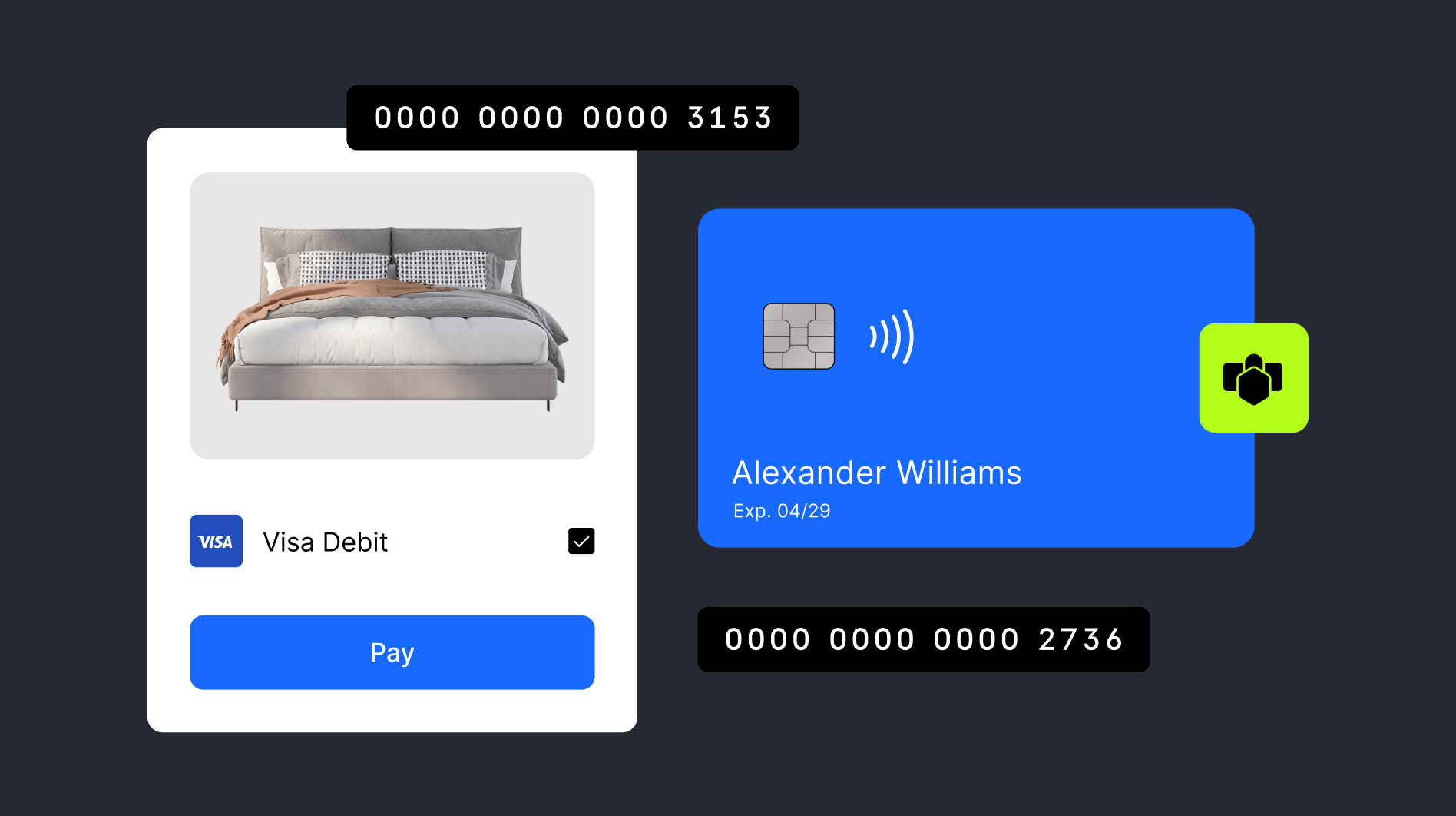
A QR code payment is simple: someone scans the code, a payment page opens, they choose how to pay, and the payment goes through. No card machine, no retyping details.
With Wise Business, the QR code feature gives you a reusable way to get paid.
How QR code payments work with Wise Business
Wise Business can generate a reusable QR code — a handy business account feature — that customers can use more than once. You can set a fixed amount, or leave it open so the customer chooses. That flexibility makes it useful for anything from fixed invoices to tips and donations.
Customers don't need a Wise account to pay through the page. And if they do have one, they can pay you directly from their own balance. Because the code stays the same, there's less admin at your end.
You can currently get paid in over 40 currencies through QR code payments, including GBP, USD and EUR. One thing worth knowing: receiving features, including QR codes and account details, require the Wise Business Advanced Plan in the UK (£50 one time fee).
How to use Quick Pay:
- **## 3 ways to use QR code payments
- Invoices: Add the code to your invoice template once, and you're set for future billing. You can also add a payment link to your invoicing template, which fits workflows in Xero, QuickBooks and more.
- In person: Display the QR code in your shop or at your stall. Customers scan and pay on the spot — simple and quick.
- Online: Add the code as a link or button on your website, ideal for tips, donations or ad hoc payments.
3 steps to set up Quick Pay:
How to set up QR code payments
You can set up QR codes on desktop and in the Wise app.
- Go to Payments in the left menu.
- In the Incoming tab, select the QR codes option.
- Add the amount and currency (or leave it blank if you'd rather the customer decides), then download your unique QR code.
You can turn it off anytime — select Manage, switch it off, and switch it back on whenever you need it.
How do clients or customers pay me?
**Your customers can pay a QR code using debit card, credit card, Apple Pay or Google Pay. And if a customer has their own Wise account, the QR code gives them the option to pay you directly from their balance in over 40 currencies — whether or not they usually use Wise.
Other ways to get paid with Wise Business
QR codes are one option, but not the only one. If you were searching for QR code Quick Pay payment links, the link-based part now sits under Payment links.
With Payment links, you can create a single payment request for a one-off bill, or a reusable open link for repeated payments. You can also get account details in multiple currencies with Wise Business Advanced.
Wise is an authorised electronic money institution, not a bank.
Send a payment request link Free and easy to do, just create and share your link and once the payment is complete, the money will land directly into the balance of the currency you requested. Use any of the local account details (only with Wise Business Advanced) and 9+ global account details (only with Wise Business Advanced) offered by Wise to get paid fast in multiple currencies.
**Share your account details (only with Wise Business Advanced) ** Once you’ve set up account details (only with Wise Business Advanced) for a balance, you can add them to your invoices or share them with anyone who wants to pay you. Wise currently offers local account details (only with Wise Business Advanced) in multiple currencies including GBP and EUR and 17+ global account details (only with Wise Business Advanced) for businesses to use including GBP, USD or AUD.
FAQ
What is Quick Pay on Wise?
Quick Pay is no longer a separate Wise feature. The QR code part now sits under QR codes, and reusable links now sit under Payment links.
Does Wise Business accept payments?
Yes. Wise Business can accept payments through tools such as QR codes, Payment links and shared account details, depending on what's enabled on your account. Customers can pay by debit card, credit card, Apple Pay or Google Pay, or directly from their own Wise balance.
What does it cost to use QR codes?
In the UK, getting-paid features sit under the Advanced setup rather than the free Essential plan. This currently involves a one-time £50 setup fee for the Advanced business account. Check the latest Wise Business pricing before you sign up.
Can non-Wise customers pay me with a QR code?
Yes. The QR code opens a payment page for customers who don't have Wise, where they can pay by debit card, credit card, Apple Pay or Google Pay.
More ways to get paid
Disclaimer: The UK Wise Business pricing structure is changed on 26/11/2025. Receiving money, direct debits and getting paid features are not available with the Essential Plan which you can open for free. Pay a one-time set up fee of £50 to unlock Advanced features including account details to receive payments in 22+ currencies or 8+ currencies for non-swift payments. You’ll also get access to our invoice generating tool, payment links, QR codes and the ability to set up direct debits all within one account. Please check our website for the latest pricing information.
*Please see terms of use and product availability for your region or visit Wise fees and pricing for the most up to date pricing and fee information.
This publication is provided for general information purposes and does not constitute legal, tax or other professional advice from Wise Payments Limited or its subsidiaries and its affiliates, and it is not intended as a substitute for obtaining advice from a financial advisor or any other professional.
We make no representations, warranties or guarantees, whether expressed or implied, that the content in the publication is accurate, complete or up to date.