Today we’re launching Private Endpoints. OpenRouter already puts the public models your team uses behind one API. Now it can serve the deployments only your team has too. If you run a fine-tuned model, a dedicated deployment of a public model, or capacity you’ve reserved with a provider, you can route it through OpenRouter alongside everything else in the catalog. Your team keeps the API, model slug, and routing preferences they use today. Private endpoints are only visible within your organization.
Private Endpoints is an add-on to the Enterprise plan. Ask your account representative to enable it for your organization, or talk to the team.
What you can do with it
Fine-tuned models and reserved capacity used to mean a second integration next to OpenRouter. Now you register the deployment as a private endpoint and call it through the API you already use, with public providers as an optional backup if it goes down or hits its rate limit. Only the organizations you approve can see it, and it never shows up in public model lists, rankings, search, charts or benchmarks.
If your organization has a dedicated Azure deployment of DeepSeek V4 Pro for example, you can register it as a private endpoint for deepseek/deepseek-v4-pro and your apps keep calling that slug. For your organization it moves to the front of the provider list by default, and Model Fallbacks, Provider Selection and the rest of routing work as they do for any provider. OpenRouter reaches it with your Azure key through BYOK, so Azure bills you directly.
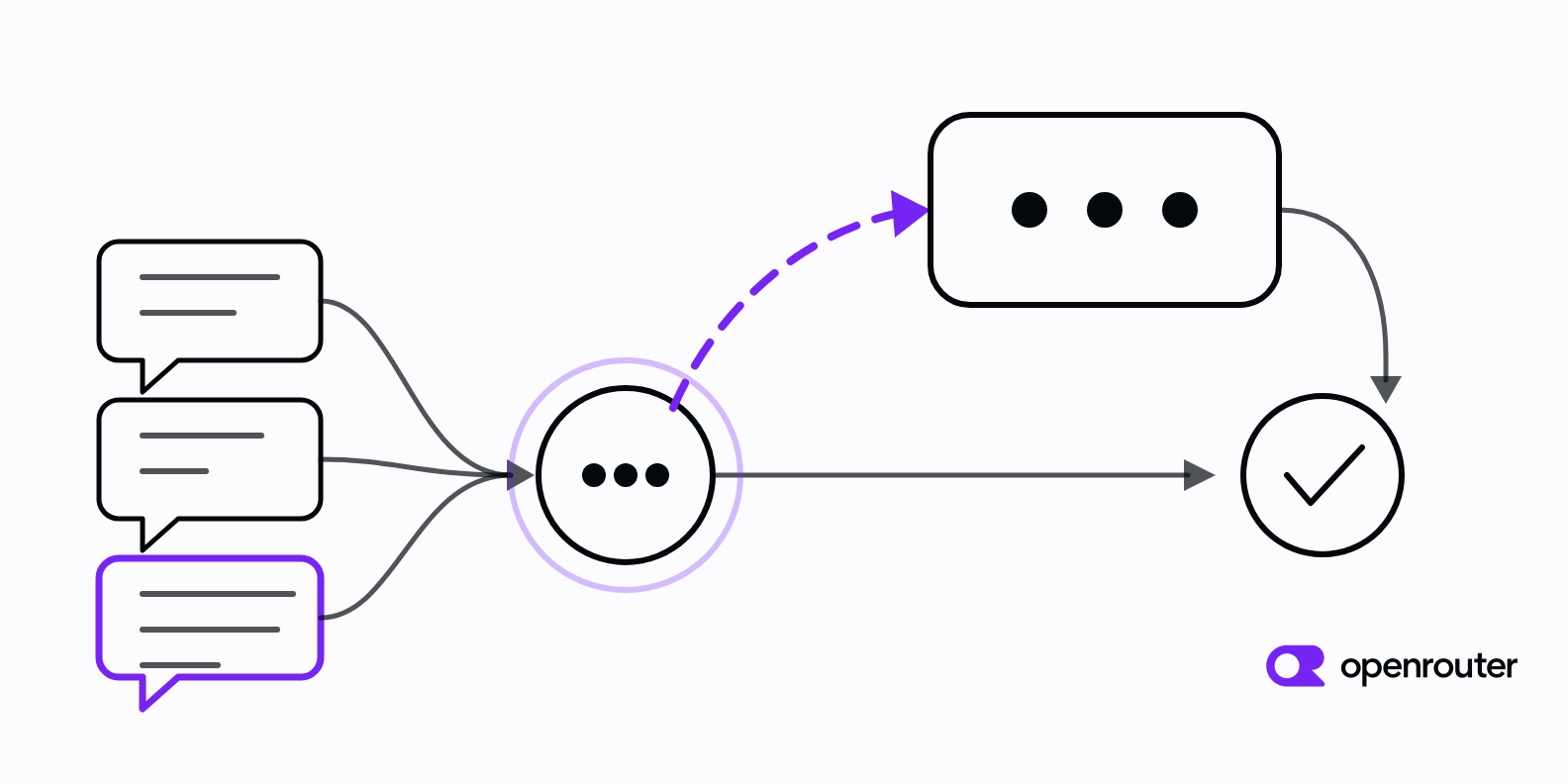
Reserved capacity gets this treatment too. Point a private endpoint at it and your organization’s traffic goes there first by default. When it’s rate-limited or unavailable, OpenRouter can send the overflow to public providers, within the provider preferences and BYOK fallback settings you’ve set.
Setting up an endpoint
Once Private Endpoints is enabled, an organization admin registers the deployment from the Private Endpoints page in your account. The deployment has to be hosted by a provider we support for BYOK, since OpenRouter reaches it with your own key. It also has to serve a model that’s already in the OpenRouter catalog, since it inherits that model’s slug and capabilities. You can attach your own pricing so the endpoint shows up accurately in cost reporting, and you declare whether the deployment retains prompts.
Before anything routes to the new endpoint, OpenRouter sends one real request through the provider key saved in one of your workspaces. That request proves the key is accepted, the deployment speaks the OpenAI-compatible format, streaming works, usage comes back for billing, and the model ID matches what you registered. Once it passes, you activate the endpoint and workspaces in your organization can call it by the model slug. Until then it stays hidden and can’t be called.
Managing endpoints from code
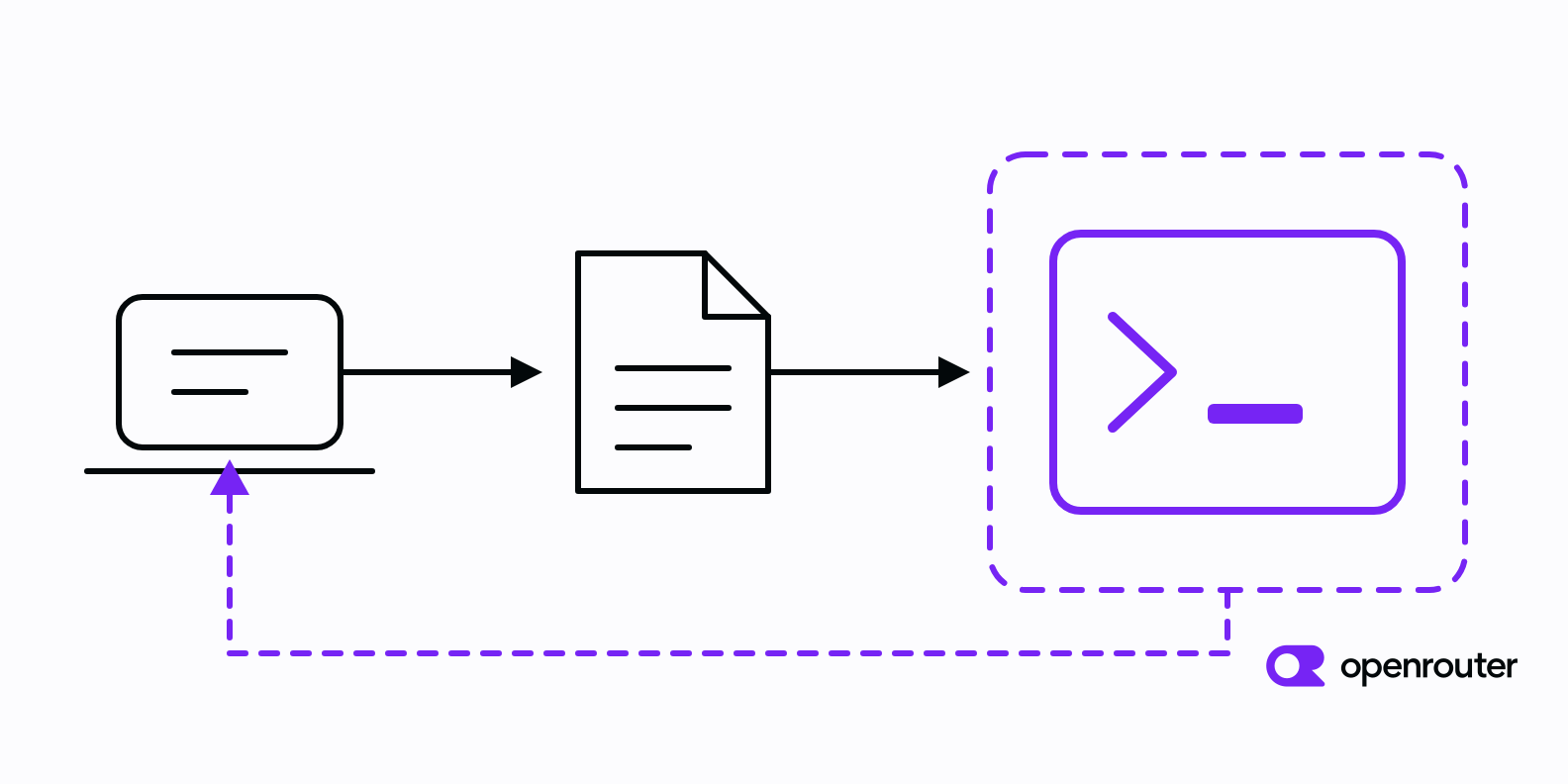
If you run more than a handful of endpoints, or you keep your infrastructure in code, you can skip the settings page. The Private Endpoints API covers the whole lifecycle, from registering a draft and running the test checks through activation, pricing updates, pausing, and deletion. It’s authenticated with an organization Management API key, and one create call registers, tests, and activates an endpoint.
If the test checks fail, the draft is kept and comes back with the failed checks, so you can patch it and try again. The Idempotency-Key header makes retries safe (a repeated key returns the endpoint the first request created). The OpenRouter Terraform provider wraps all of this in an openrouter_private_endpoint resource, so terraform apply registers, tests, and activates the endpoint and terraform destroy removes it.
Good to know
- Marking an endpoint private doesn’t make it a Zero Data Retention endpoint. Your provider handles prompts exactly as it did before, and OpenRouter records the data policy you declare when you register the deployment.
- A private endpoint can use In-Region Routing if OpenRouter can work out a region from its address, or if you declare one during setup. Requests to us.openrouter.ai or eu.openrouter.ai then route to your deployment inside that region. The In-Region Routing guide lists the supported providers.
- Your provider key has to be saved under BYOK in each workspace that calls the endpoint, and the test request during setup needs it there too.
- Each organization can have up to 10 private endpoints by default, and endpoints that are still being set up count toward that limit.
Get started
Private Endpoints is an add-on to the Enterprise plan. Ask your account representative to enable it for your organization, or talk to the team.
Once it’s enabled, an organization admin can add your first endpoint from the Private Endpoints page in your account or with a Management API key through the Private Endpoints API.
Read the docs for more info.