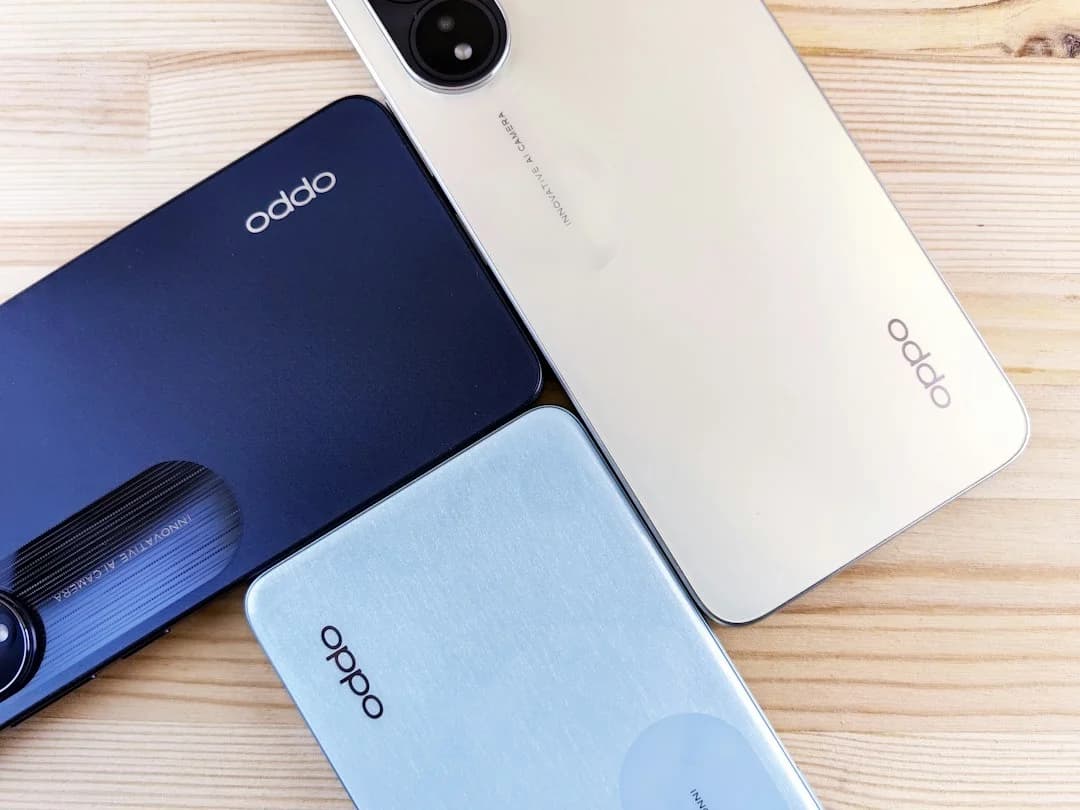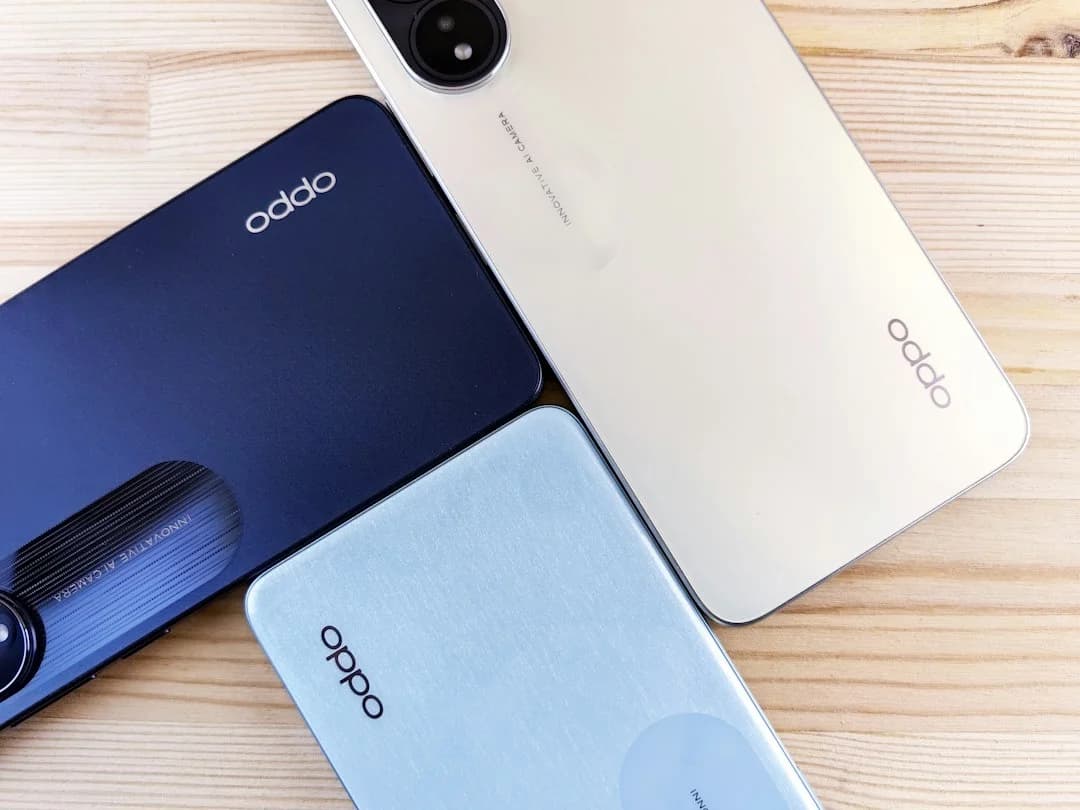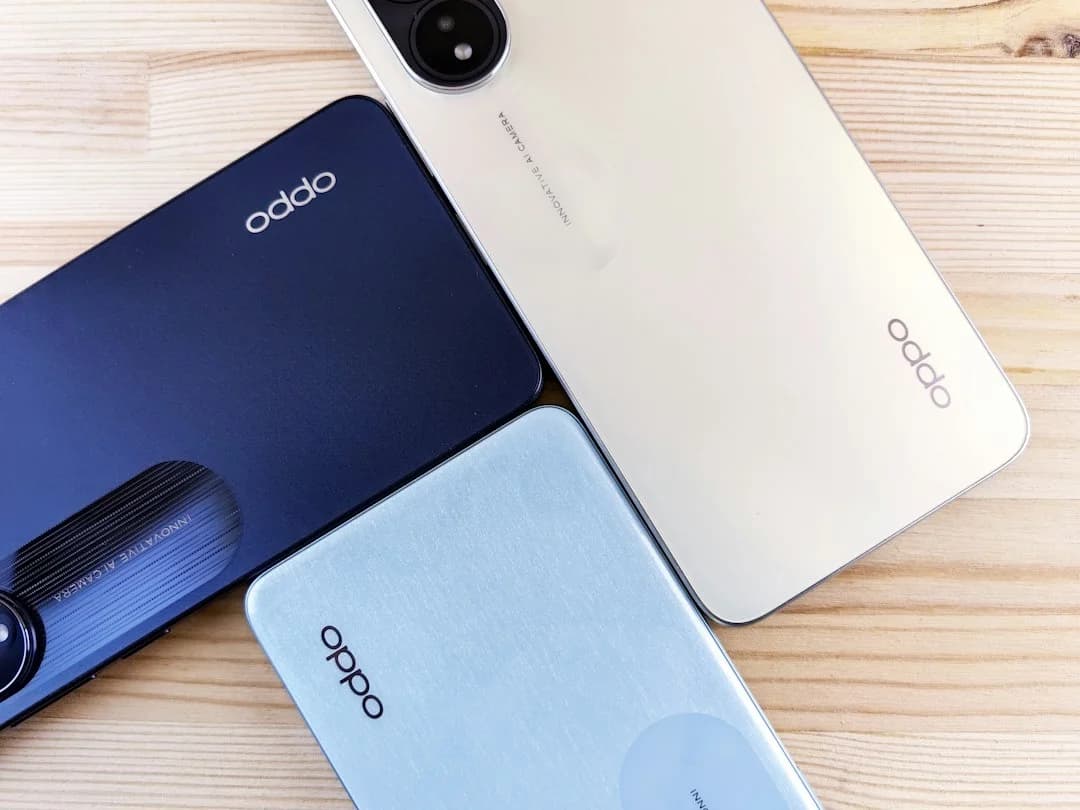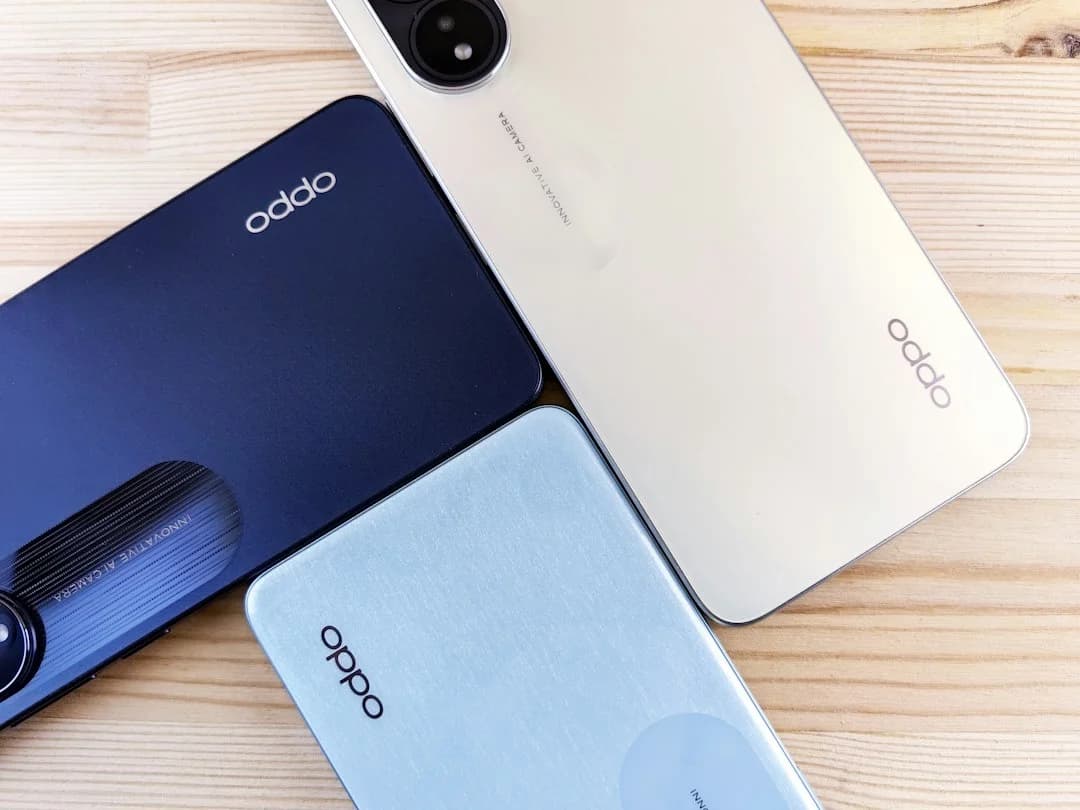
If you're thinking of buying one of the latest 5G camera phones in India, purchasing directly from a manufacturer's official online store is a better choice. Official stores typically provide access to verified product configurations, genuine accessories, digital invoices, delivery updates, warranty information, and store-specific promotions.
However, it's important to verify all transaction-stage details before completing payment. Bank discounts, exchange bonuses, EMI options, stock availability, and delivery timelines can change frequently. A careful checkout review helps ensure you know exactly what you're paying for and what you'll receive.
Confirm the Exact Phone Before Paying
Product Name and Model Number
Many 5G phones come in multiple variants. Before paying, verify the exact model name and model number to ensure you're buying the intended version.
Colour, RAM and Storage
Check the selected colour, RAM and storage option. Different configurations can have different prices, availability and promotions.
Selling Price Versus List Price
Stock and Postcode Availability
Confirm the product is in stock and deliverable to your postcode before applying payment offers.
Check What Is Included in the Box
Charger and Cable
Review the product page to confirm the included charger and USB cable.
Protective Case and Documentation
Official listings often specify whether a protective case, warranty information and quick-start guide are included.
Market-Specific Variations
Package contents can vary between markets or batches. Always refer to the current product listing.
Recording Package Condition at Delivery
Take photos or record an unboxing video if the package appears damaged or tampered with upon arrival.
Review Bank and EMI Offers
Eligible Banks and Cards
Check whether your bank and payment card are included in the promotion.
Maximum Instant-Discount Amount
Look for discount caps, as advertised offers often show the maximum possible saving.
Minimum Transaction Requirements
Some offers apply only above a minimum cart value or on specific payment methods.
EMI Tenure and Total Payable Amount
Instead of comparing monthly instalments alone, review:
- EMI tenure
- Processing fees
- Interest charges, if applicable
- Total repayment amount
Understand the Exchange Offer
Estimated Versus Final Exchange Value
The value shown during checkout is usually provisional and may change after inspection.
Phone-Condition Requirements
Common evaluation factors include:
- Screen condition
- Physical damage
- Battery health
- Functional buttons
- Device unlock status
Exchange Bonus Versus Base Value
A store may show both a base exchange value and an additional exchange bonus. Check whether both apply to your device.
Handover and Data-Removal Responsibilities
Always back up important files, remove personal accounts and perform a factory reset before handover.
Check Delivery and Cancellation Terms
Dispatch and Estimated Delivery
Check the dispatch estimate and delivery window shown at checkout. Timelines may vary by stock, postcode and payment status.
Delivery-Partner Information
Review the courier's name, tracking link, and delivery alerts. These details help you follow up if the shipment is delayed.
Cancellation Eligibility
Check when cancellation is allowed. Rules may differ before shipment, after dispatch or for promotional orders.
What to Do if the Package Appears Damaged
Do not discard the packaging. Document the issue immediately and contact customer support using the order details.
Review Replacement and Return Conditions
Deadlines for Reporting Defects
Check how long you have to report manufacturing defects, transit damage or missing items.
Diagnostic and Inspection Requirements
The seller may ask for verification, troubleshooting steps or an inspection before approving a claim.
Replacement Versus Return
Read the policy carefully because eligibility can differ between replacement and return requests.
Items and Documents That Must Be Retained
Keep:
- Invoice
- Product box
- Included accessories
- Order confirmation
- Shipping documents
Distinguish Warranty from Protection Plans
Standard Manufacturer Warranty
A manufacturer's warranty generally covers defects arising from normal use under applicable warranty terms. Always review the official warranty document for exact coverage.
Extended-Warranty Plans
Extended coverage plans are optional products that may extend protection beyond the standard warranty period.
Screen-Protection Plans
Screen-protection plans typically address eligible display-related incidents under specific terms and conditions.
Accidental-Damage Coverage and Exclusions
Accidental-damage plans differ from standard warranty coverage. Buyers should review:
- Covered incidents
- Exclusions
- Claim procedures
- Deductibles, if applicable
Save the Essential Purchase Records
Invoice and Order Confirmation
Save the invoice and order confirmation after purchase. They help verify the model, seller, price and purchase date.
Offer Terms and Payment Record
Keep the payment record and offer terms. Include bank discounts, EMI details and exchange values shown during checkout.
Device Identifiers
Record the IMEI and serial number after delivery. Support teams may need them for warranty or service requests.
Relevant Support Correspondence
Save support emails, chat IDs and case numbers. These records help if you need follow-up on delivery, payment, warranty or replacement issues.
Final Reno16 Checkout Checks
Confirm the Model That Fits the Target Budget
Verify whether the selected variant aligns with your spending range after factoring in any currently available offers.
Compare Configurations Before Applying Offers
Compare:
- RAM
- Storage
- Colour availability
- Effective price
A different variant may provide better value based on your usage needs.
Check Live Availability and Delivery
Availability, dispatch schedules, and serviceability can change throughout the day. Confirm these details before final payment.
Review the Final Payable Amount Before Purchase
Before clicking "Pay":
- Verify base price
- Confirm bank discounts
- Review exchange value
- Check EMI calculations
- Confirm taxes and shipping charges
The final payable amount is the figure that matters most when evaluating a purchase.
Conclusion
Buying a premium 5G camera phone from an official online store can provide clarity around genuine configurations, invoices, support information, accessories, and available promotions. The key is to carefully review product details, offer terms, exchange conditions, delivery commitments, and warranty coverage before completing payment.
For buyers considering the OPPO Reno16 Series, comparing configurations, checking live offers, and reviewing the final payable amount can help ensure a confident and informed purchase decision.
FAQ
Is buying from an official online smartphone store always cheaper?
Not necessarily. Official stores may offer exclusive promotions, but prices, discounts, and benefits can vary across authorized sales channels.
Should I rely on the estimated exchange value displayed during checkout?
Treat it as an estimate. The final exchange value may depend on device inspection and condition verification.
What documents should I keep after buying a smartphone online?
Keep the invoice, order confirmation, payment record, shipping information, and any support-related correspondence.
Which OPPO Reno16 model is suitable for buyers shopping under ₹70,000?
The OPPO Reno16 5G 8GB + 256GB variant starts at ₹66,999, while the OPPO Reno16c 5G 8GB + 128GB variant starts at ₹49,999. Buyers should compare specifications, storage needs, and checkout-stage offers before making a decision.