There is no single winner. On Artificial Analysis, Krea 3 Ultra leads GPT Image 2 (high): 1151 Elo against 1136. On Arena’s Multi-Image Edit board, GPT Image 2 leads: GPT-Image-2 (Medium) is #3 at 1453 and Krea 3 Ultra is #4 at 1435. On Design Arena, GPT Image 2 leads as well: 1347 against Krea 3 at 1298. Use Krea 3 when you edit at volume. On krea.ai/krea-3, Krea 3 is 10× faster, 3× cheaper, compared to GPT Image 2 and Nano Banana Pro, and most edits come back in under 8 seconds at native 2K. It keeps the product as it is, down to the label and the logo. For a brand or marketing designer, the real question is which board matches the job, and how many edits you need per campaign.
This guide compares the two on benchmarks, cost, speed, references and limits. Every example is a real Krea 3 edit, shown with the exact prompt that made it. The board-by-board tables are in Krea 3 benchmarks.
Krea 3 vs GPT Image 2 at a glance
One naming note before the details. GPT Image 2 is not the only OpenAI image model any more. On September 8, 2026, OpenAI announced GPT Images 2.5 in the API and ChatGPT, with two new models: GPT Image 2.5 Flare and GPT Image 2.5 Sunburst. OpenAI said ChatGPT Images 2.5 is rolling out to all ChatGPT users, while gpt-image-2 is still listed in OpenAI’s API docs. This post compares Krea 3 with GPT Image 2, and it says where GPT Image 2.5 changes the picture.
How we compared Krea 3 and GPT Image 2
We used three kinds of sources.
- Public benchmarks. The Artificial Analysis image-editing leaderboard ranks models by Elo, from blind comparisons judged by validated private evaluators. We read it on October 20, 2026. Arena’s Multi-Image Edit page is dated October 19, 2026. Design Arena’s image-editing chart is the October 20, 2026 read. The three boards are not one scale.
- Vendor pages. GPT Image 2 facts come from OpenAI’s model page, pricing page, image generation guide and its gpt-image-2 launch post. Krea 3 facts come from Krea’s launch materials and the Krea API docs. This post does not quote per-image dollar prices.
- Real edits. The Krea 3 images in this post are Media Kit outputs, shown with their verbatim prompts. We show no GPT Image 2 outputs, because we made none for this post.
Speed figures are the vendors’ own statements; we did not time either model.
Which model leads, board by board?
On Artificial Analysis, Krea 3 Ultra leads. Ultra is #5 at 1151 Elo, with a rank range of 3–6, statistically tied for #3 with Nano Banana 2.1 and MAI-Image-2.6. GPT Image 2 (high) is at 1136. Krea 3 Fast, the default mode, is #11 at 1125, which is below GPT Image 2 (high) on the point estimate. The Ultra comparison is the one to quote when you are choosing the higher-quality Krea mode.
On Arena’s Multi-Image Edit board, GPT Image 2 leads. GPT-Image-2 (Medium) is #3 at 1453. Krea 3 Ultra is #4 at 1435.
On Design Arena, GPT Image 2 leads. GPT Image 2 is #3 at 1347. Krea 3 is #4 of 51 at 1298 Elo, and Krea is the #2 image-editing lab after OpenAI.
OpenAI’s newer GPT Image 2.5 sits above both on Artificial Analysis. Sunburst (max) is at 1199 Elo and Flare (max) is at 1181, the top two places on the October 20, 2026 read.
The honest summary: Krea 3 Ultra leads on Artificial Analysis (1151 vs GPT Image 2 (high) 1136), while GPT Image 2 leads on Arena and Design Arena. GPT Image 2.5 leads both of them on Artificial Analysis. Do not collapse the three boards into one winner.
Which is cheaper: Krea 3 or GPT Image 2?
Krea 3 is 3× cheaper, compared to GPT Image 2 and Nano Banana Pro. That is the relative claim Krea publishes on krea.ai/krea-3. This post does not print a dollar price for either model. OpenAI bills gpt-image-2 by tokens, and the cost of one image depends on quality and size. Current figures are on the Krea pricing page and on OpenAI’s pricing page.
What you pay for a Krea 3 edit changes with the mode (fast, high, or ultra), the resolution (1K or 2K; Ultra is 2K only), and how many reference images you attach (up to 8).
Retries change the generation count on both models. Every editing model gets things wrong sometimes. If you redo a share of the set, plan for that rate on top of the images you need to keep.
Which is faster for image editing?
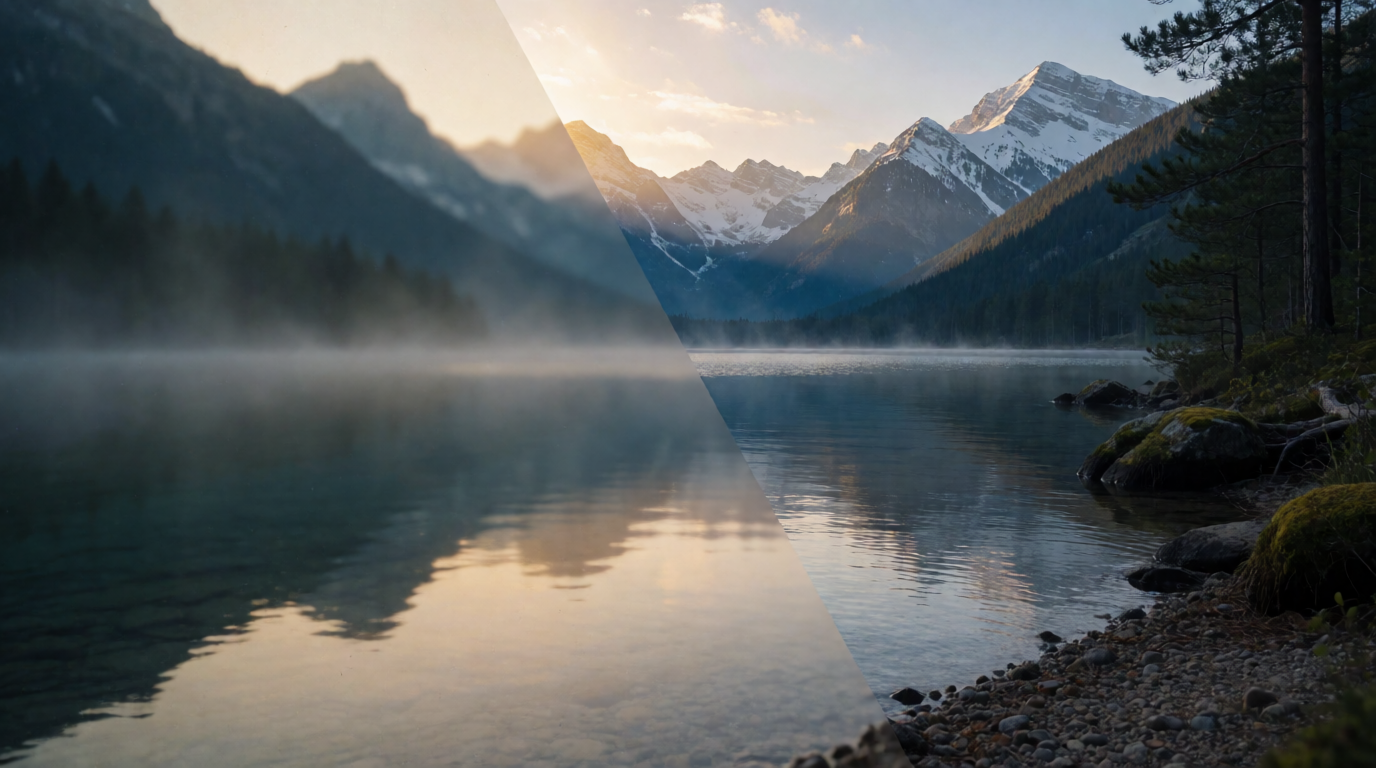
Krea 3 returns most edits in under 8 seconds, end to end, at native 2K. The fastest setup finishes an edit in about 4 to 5 seconds. Krea 3 is not real time yet. On krea.ai/krea-3, Krea 3 is 10× faster, 3× cheaper, compared to GPT Image 2 and Nano Banana Pro. Ultra mode is the exception on speed: it reviews several candidates, is always 2K, can take several minutes, and needs a Max plan or above.
OpenAI’s gpt-image-2 model page lists no typical edit time. Its image generation guide states that “complex prompts may take up to 2 minutes to process” for GPT Image models. We found no published per-edit time for GPT Image 2 to put next to Krea 3’s figure.
Speed matters most when you iterate. If each try comes back in seconds, you can test the next idea in the same sitting.
"Editing models are already used across e-commerce, film and advertising, but most of their potential is still held back by speed. Krea 3 removes the tradeoff between speed and quality, delivering high-quality edits in under 8 seconds, end-to-end, at 2K native resolution."
What is GPT Image 2 good at?
OpenAI’s launch post says gpt-image-2 “produces precise, usable images with stronger editing, better layouts, improved text rendering”, and it names “improved multilingual text rendering” next to structured layouts such as infographics, charts and posters. It adds more aspect ratios and resolutions up to 2K. OpenAI’s guide says the edits endpoint takes “one or more images” as input, and it also takes a mask, so you can mark the exact area to replace, and the Responses API supports multi-turn edits, where you refine one image over several prompts.
For a designer, the strong case for GPT Image 2 is a text-heavy layout where Arena or Design Arena is the board you trust, and where you accept OpenAI’s token pricing.
Where GPT Image 2 stops. OpenAI’s own guide lists limits for its GPT Image models: latency on complex prompts, text where the model “can still struggle with precise text placement and clarity”, trouble with “visual consistency for recurring characters or brand elements across multiple generations”, and difficulty “placing elements precisely in structured or layout-sensitive compositions”. If you want OpenAI’s best current Artificial Analysis score, look at GPT Image 2.5. Sunburst (max) at 1199 and Flare (max) at 1181 sit above GPT Image 2 (high) at 1136.
What is Krea 3 good at?
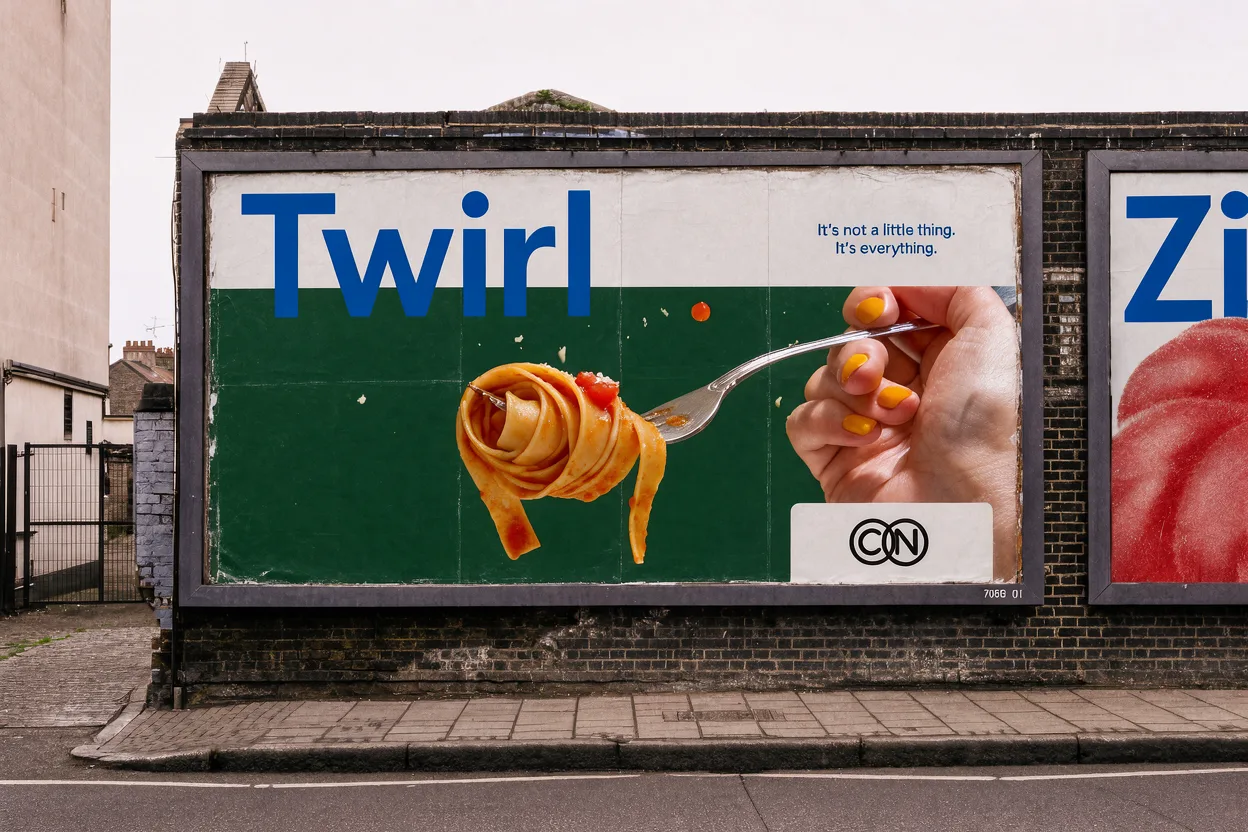
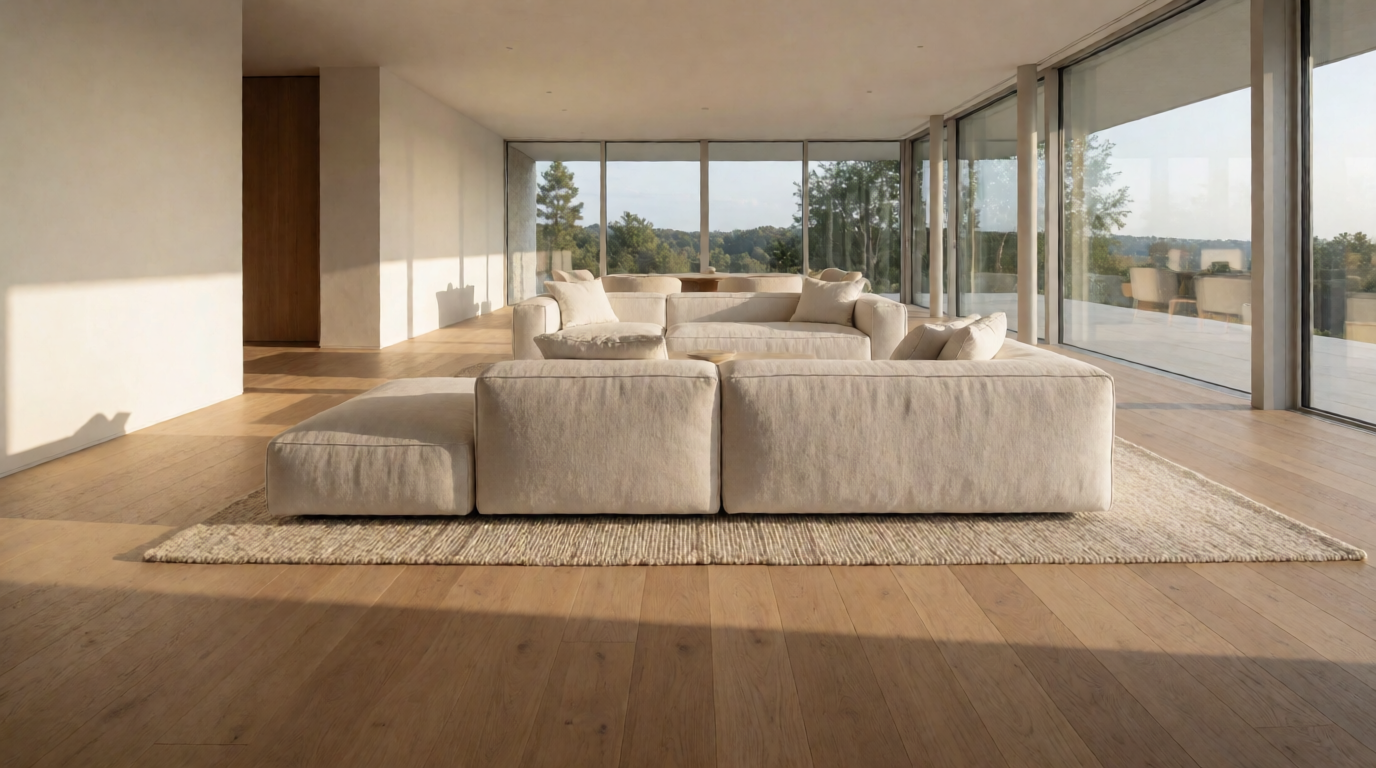
Krea 3 is Krea’s image editing model, launched October 15, 2026, and live. It is best at product scene changes, object removal and photo cleanup. It keeps the product as it is, down to the label and the logo, and builds a new scene around it, so a packshot on white becomes a campaign photo. It takes up to 8 reference images per edit, and it can keep the same character across images from a few references.
From packshot to campaign photo
The prompt pattern starts with what stays, names what matters (the label, the lettering), then describes the new scene like a photographer: light, camera, palette.
For more product workflows, see our guide to AI product photography in 2026.
One merch drop, several shots, the same logo
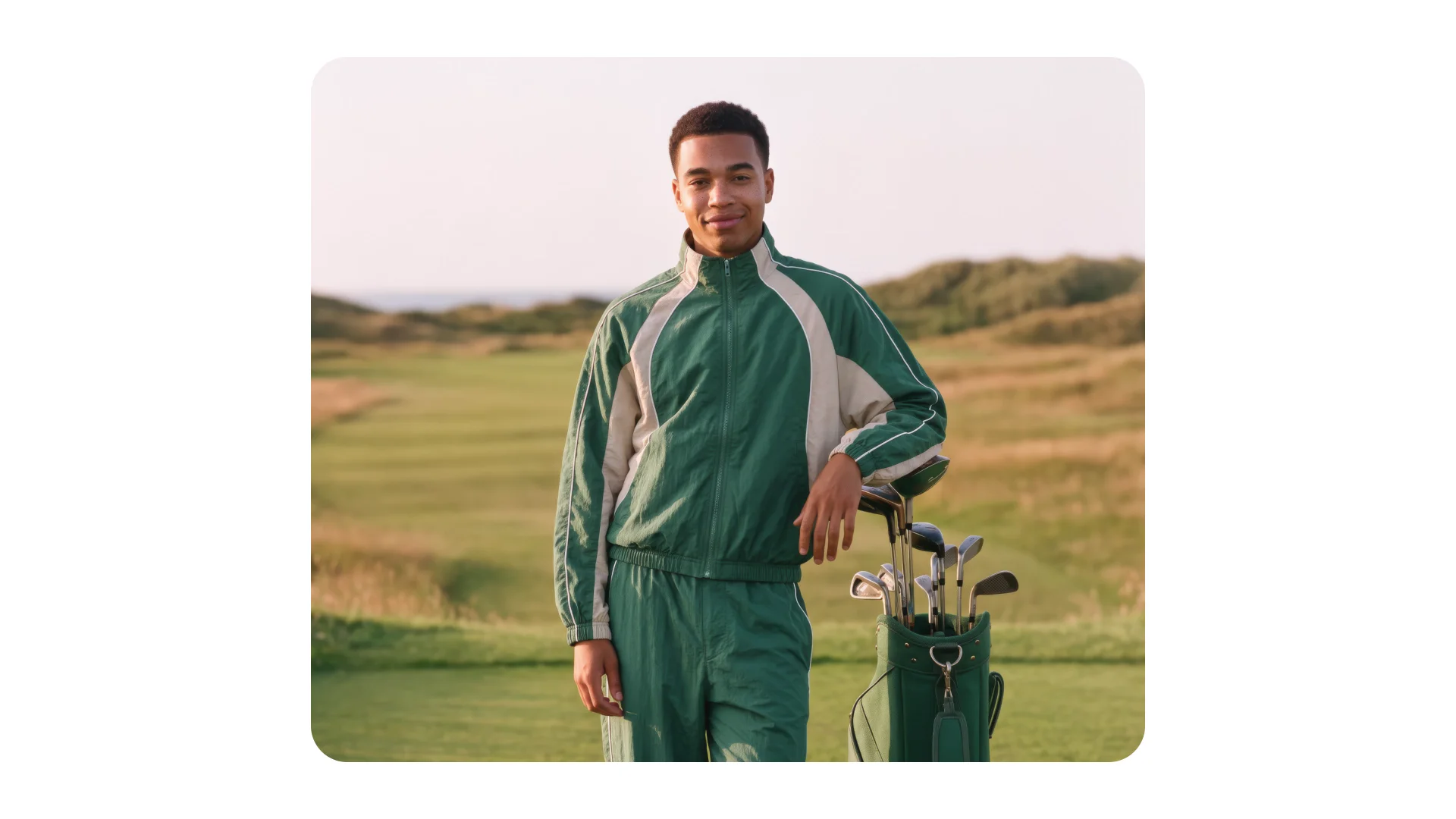
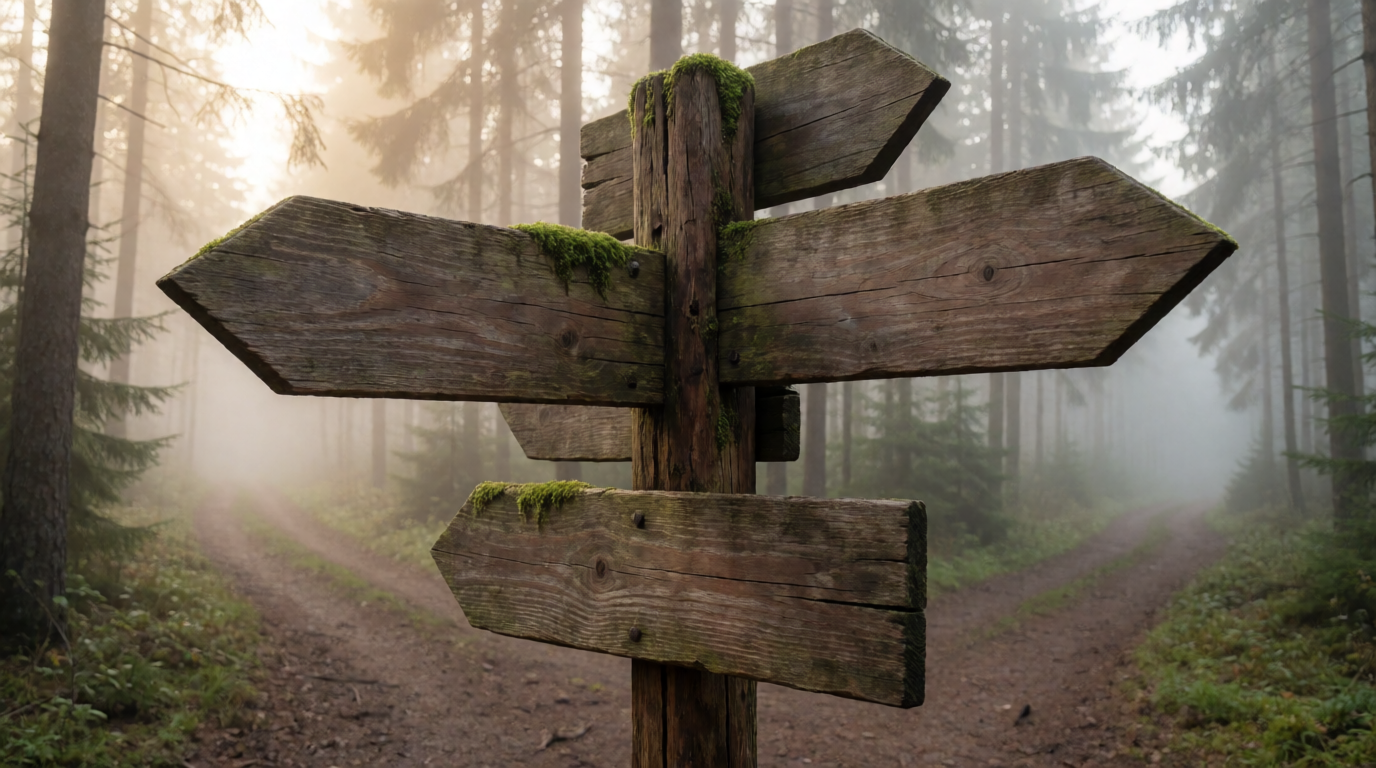
Keeping brand elements the same across a set is a hard test for any image model. Here Krea 3 took two references, a sweatshirt and a cap, and placed both on a model in a desert. The same two references made two showroom shots with their own prompts. The script “Krea” appliqué stays readable in all three.
The prompt for the desert shot:
Change one thing, keep the rest
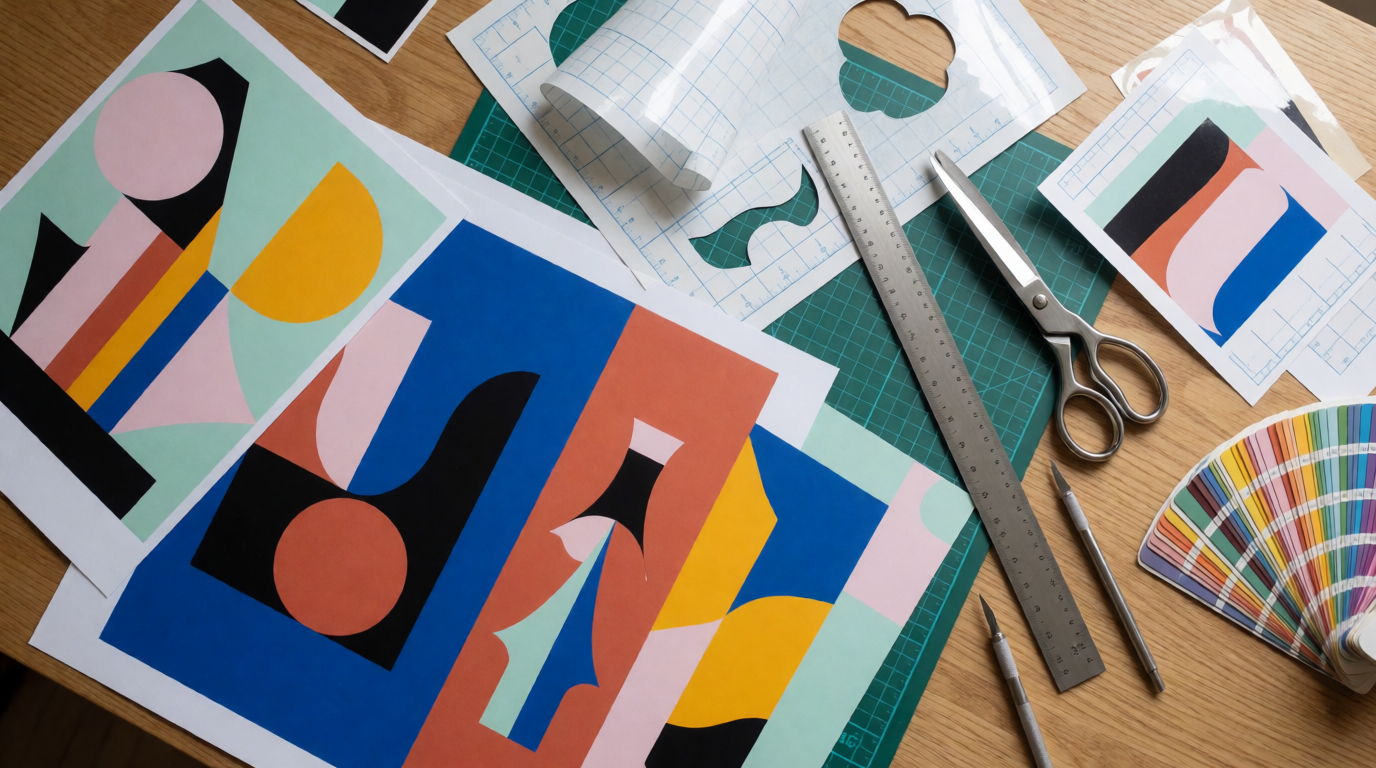
Ask Krea 3 to change one thing and it changes one thing. Here it replaced only the sleeves of a ghost-mannequin shirt, using one panel of a sketch sheet, and kept the collar, placket, hem, angle, backdrop and light.
In the API, Krea 3 also has regional edits (regional_edit: true) on fast and high. Only the parts that need to change regenerate, so you can edit the same image again and again without quality loss. ultra does not support regional_edit. For a consistent look across a series, pass one of the reference images as the style example and say which image sets the style. Dedicated style references on Krea 3 are coming soon. The Krea API docs cover the fields.
Where Krea 3 stops
Know these limits before a deadline.
- Small text is still a weak spot. Large lettering and logos hold well. Fine print does not always hold.
- Long text and full style changes are weaker areas. Krea 3 is best at product scene changes, object removal and photo cleanup.
- Identity across edits is not perfect, like the rest of the field.
- Not real time yet. Most edits take under 8 seconds, and the fastest setup takes about 4 to 5 seconds. Ultra can take several minutes.
- Retries happen. Every editing model gets things wrong sometimes. Budget for them.
- LoRAs and dedicated style references are coming soon. They are not on Krea 3 yet.
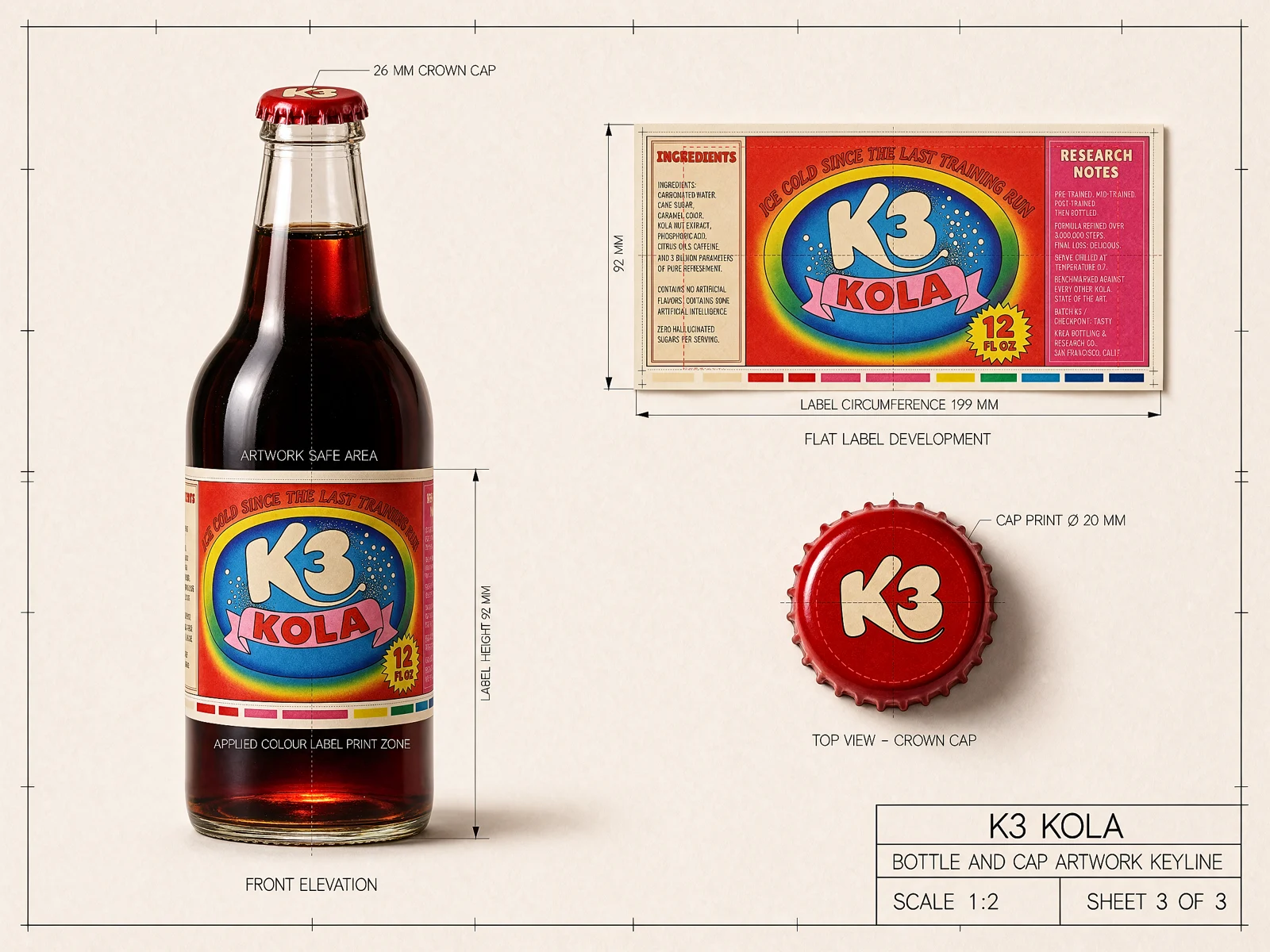
The Kola bottle below shows the text limit. Krea 3 turned a line keyline and a flat label artwork into a photoreal render. The big “K3 KOLA” logo, the arched slogan and the “12 FL OZ” badge came through. In the small ingredient and research-note columns, several words came out misspelled. Check every word of fine print on packaging before you ship it.
Krea 3 or GPT Image 2: pick by the job
- You are picking a board, and price is not the limit: read them separately. GPT Image 2 leads on Arena (GPT-Image-2 (Medium) 1453 vs Krea 3 Ultra 1435) and on Design Arena (1347 vs 1298). On Artificial Analysis, Krea 3 Ultra at 1151 is above GPT Image 2 (high) at 1136. If you can choose any OpenAI model, GPT Image 2.5 Sunburst (max) at 1199 scores higher still on Artificial Analysis.
- You edit a catalog or a campaign at volume: Krea 3. It is 3× cheaper, compared to GPT Image 2 and Nano Banana Pro, and most edits come back in under 8 seconds.
- You iterate live with a client or art director: Krea 3. Most edits come back in under 8 seconds. Use fast or high for that loop. Ultra can take several minutes.
- You need the product, label and logo kept exactly: Krea 3 keeps the product as it is, down to the label and the logo. Still check small text by eye.
- You need dense, small or multilingual copy inside the image: test GPT Image 2 or GPT Image 2.5 first. OpenAI names text rendering as a focus, and small text is a known Krea 3 weak spot.
- Your stack is already on the OpenAI API: GPT Image 2 fits with no new vendor.
- You want a model on several platforms: Krea 3 runs on krea.ai and through fal, Hedra, Together AI, Nous Research, OpenRouter and Replicate.
You can also use both: type-heavy hero layouts on the model they trust for text, and product variants and scene changes on Krea 3.
How to try Krea 3
Krea 3 is live on krea.ai, which has 30 million users. Open Krea 3 on krea.ai, upload your packshot, and start the prompt with what must stay. Developers call POST https://api.krea.ai/generate/image/krea/krea-3 and get a job_id back; the developer docs cover uploads, polling and webhooks. Enterprise teams can talk to us about access. For plan details, see pricing.
If your brief starts in ChatGPT, Krea also connects to ChatGPT through its MCP app; our guide on generating with Krea in ChatGPT shows the setup. For a generator comparison, read ChatGPT vs Midjourney. Krea’s other tools, such as the Krea editor, the Krea enhancer and Krea Image, are on the same site.
It depends on the board. On Artificial Analysis, read October 20, 2026, Krea 3 Ultra at 1151 Elo leads GPT Image 2 (high) at 1136. On Arena's Multi-Image Edit board, GPT-Image-2 (Medium) leads at 1453 against Krea 3 Ultra at 1435. On Design Arena, GPT Image 2 leads at 1347 against Krea 3 at 1298. Krea 3 is 10× faster, 3× cheaper, compared to GPT Image 2 and Nano Banana Pro.
Krea 3 is 3× cheaper, compared to GPT Image 2 and Nano Banana Pro. This post does not quote a dollar price for either model. OpenAI bills gpt-image-2 by tokens, so the exact cost depends on quality and size. Current figures are on krea.ai/pricing and on OpenAI's pricing page.
ChatGPT can edit images in a conversation, and OpenAI's GPT Image models support several input images, masks and multi-turn edits. On September 8, 2026, OpenAI said ChatGPT Images 2.5 is rolling out to all ChatGPT users. OpenAI's own guide lists limits: latency on complex prompts, text rendering, consistency of brand elements across generations, and precise layout placement. For fast product edits at volume, most Krea 3 edits come back in under 8 seconds at native 2K.
Krea 3 keeps the product as it is, down to the label and the logo, and builds a new scene around it. Start the prompt with what stays, for example "Keep the product exactly as it is", and name the label and logo. Small text is still a weak spot, so check fine print on every output.
Krea 3 takes up to 8 reference images per edit. Say what each image is for, for example "image 1 is the room, image 2 is the sofa". OpenAI's guide says GPT Image edits take one or more input images, and its example uses four.
Most Krea 3 edits come back in under 8 seconds, end to end, at native 2K, and the fastest setup takes about 4 to 5 seconds. Ultra can take several minutes. On krea.ai/krea-3, Krea 3 is 10× faster, 3× cheaper, compared to GPT Image 2 and Nano Banana Pro. OpenAI's gpt-image-2 page lists no typical edit time; its guide says complex prompts may take up to 2 minutes for GPT Image models.
Edit at the speed you iterate
Krea 3 returns most edits in under 8 seconds at native 2K.
Try Krea 3