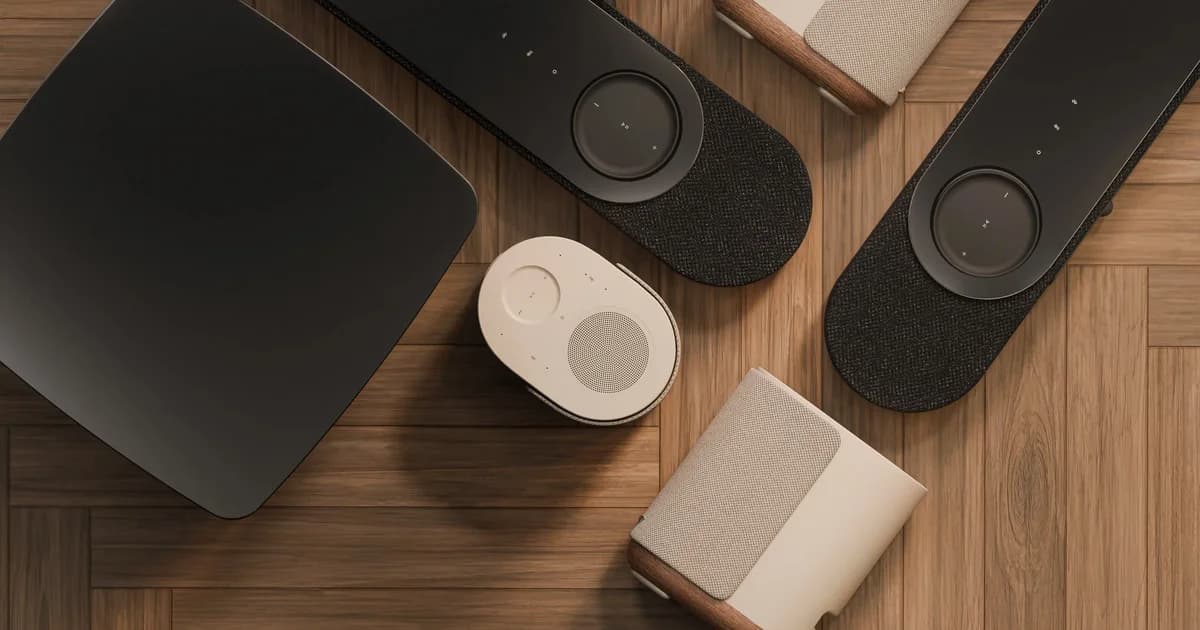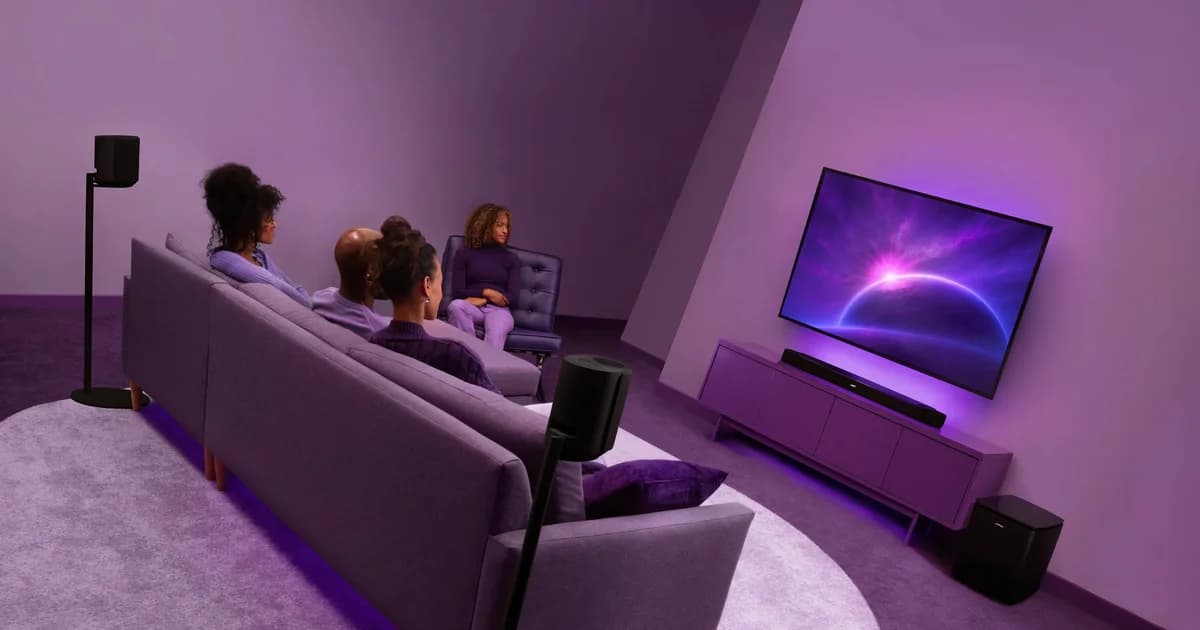
Learning how to set up home theater audio starts with placement. Where each speaker sits in relation to your listening position, how high it is, and the angle it faces all shape the way sound moves through the room. The right setup brings dialogue into focus, gives bass more control, widens the soundstage, and helps movies, music, and games feel more immersive without overwhelming the space. The Bose Lifestyle Collection brings together the Lifestyle Ultra Soundbar, Lifestyle Ultra Speaker, and Lifestyle Ultra Subwoofer in a flexible home audio system designed to grow from a single space to a full 7.1.4 Dolby Atmos setup. Across configurations, the collection is engineered to deliver immersive, uncompromising audio with the clarity, balance, and dynamic range Bose is known for, all through products refined enough to feel at home in the room.
Home theater audio setups: which configuration is right for your room
Home theater systems are identified by three numbers that represent the main speakers, subwoofer, and height channels. A 5.1 system has five speakers and one subwoofer. A 7.1.4 adds two more speakers and four height channels. Each configuration suits a different room and a different kind of listener.
How to set up home theater audio, step by step
Step 1: Map your room before anything gets plugged in
Start by identifying your primary listening position. Every measurement that follows originates from that seat. In most rooms, it's the center seat at a distance where the screen fills roughly 30 to 40 degrees of your horizontal field of view.
From there, measure the distance to the screen wall. Speaker spacing, surround angles, and subwoofer placement all scale to this number.
Then assess the room acoustically:
- Hard parallel surfaces — bare walls, large windows, hardwood floors — reflect sound between each other in a pattern called flutter echo, which softens detail and blurs transients. Rugs, upholstered furniture, and bookshelves break up these reflections without deadening the room.
- Open-plan spaces bleed sound into adjacent areas and often need more output to hold a consistent soundstage. Enclosed rooms are more controllable but concentrate bass energy near corners and walls.
Physical placement only solves part of the acoustic equation. You can fine tune your audio settings using the CustomTune sound calibration in the Bose app, which uses your phone's microphones to measure the room. It adjusts frequency response, channel delay timing, and level balance automatically. Run it after every component is in place.
Set it up right. Then live in the sound.
The best home theater setup settles naturally into the room. It gives movies more scale, music more depth, and everyday watching a sense of presence that feels easy to return to night after night.
The Bose Lifestyle Collection is built for that kind of listening: refined in design, powerful in performance, and flexible enough to grow with the way home life changes. Explore the Lifestyle Collection and build a setup that makes every seat feel closer to the sound.
Featured in this story
Color: Black
Color: Black
Color: Black