Takeaways
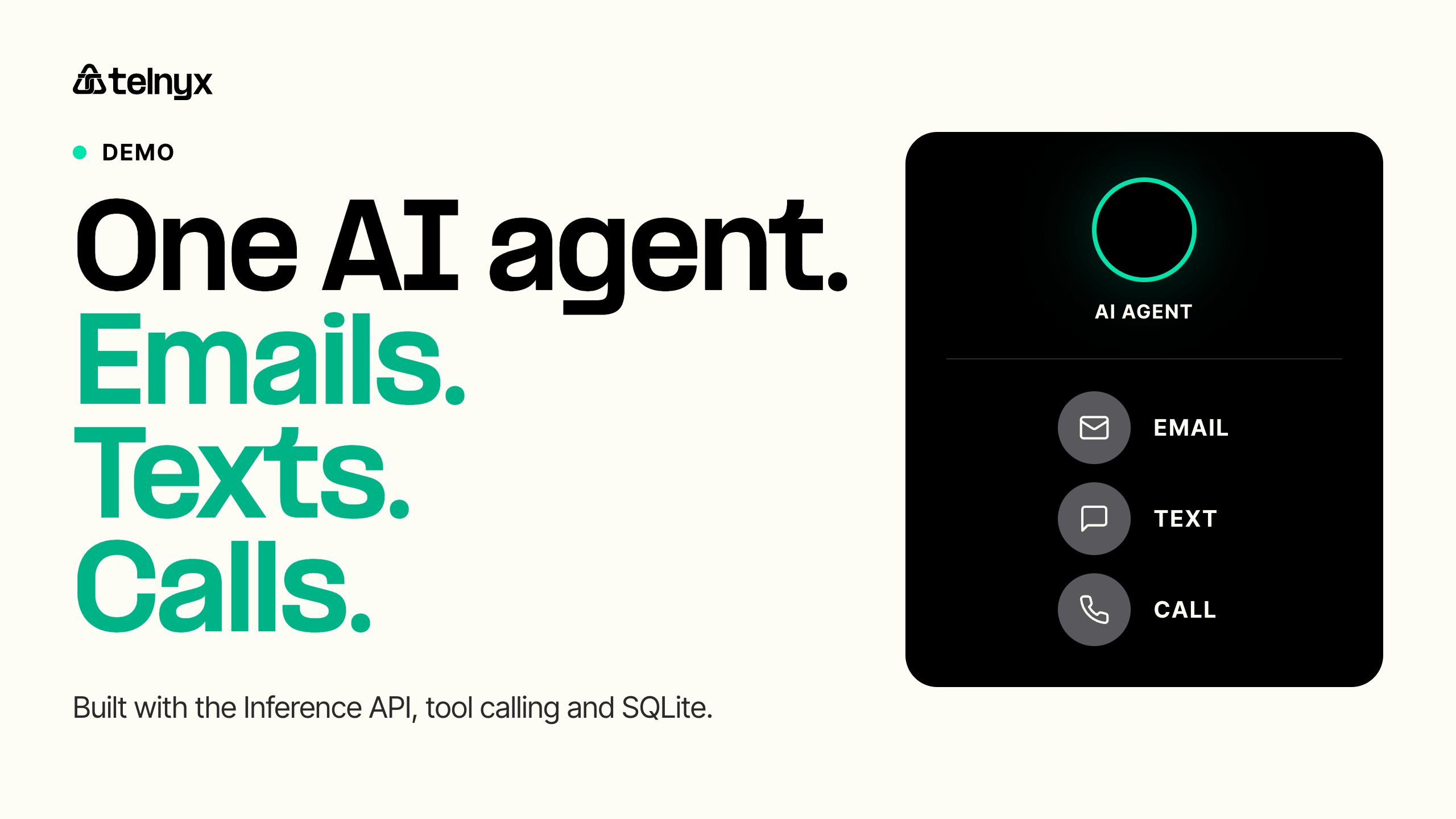
This tutorial builds one AI agent that emails, texts, and calls your customer in the same conversation, and remembers every message across all three channels.
- The agent picks the channel per message: email for the record, SMS for speed, a voice call when the matter is complex or urgent.
- One API key covers the brain and all three channels, with no second provider and no second bill.
- A demo mode runs the entire flow with zero credentials, so you can watch the agent plan its outreach before you write a single line of config.
A 6am flight cancellation sets off a scramble. The traveler wants rebooking options, a written record, and quick answers while they commute. The same conversation might need a detailed email, a short text, and a phone call, all within an hour.
Customers already live across channels. According to a recent CX Trends report, 74% of consumers now expect customer service to be available around the clock, and 76% say they would choose a company that lets them keep everything in one thread instead of restarting on every channel.
Most teams answer by bolting three separate bots onto three channels. The email autoresponder knows nothing about the SMS thread. The SMS thread knows nothing about the call. The customer feels the gap and repeats their story every time.
This tutorial takes a different approach: one AI agent that emails, texts, and calls customers with shared memory across all three, built in about 700 lines of Python behind a single Telnyx API key.
What is an omnichannel AI agent?
An omnichannel AI agent is a single AI system that reaches a customer across email, SMS, and voice while keeping one conversation memory across every channel. It decides which channel fits each message, writes the content, and references what it already said elsewhere.
Omnichannel is the word that matters. Multichannel means you offer many channels. Omnichannel means the customer's context follows them between those channels. The difference shows up in how the agent behaves:
Forrester makes the same case in its omnichannel customer service research: customers use every channel available to them, and brands need one connected approach rather than channel silos.
What you'll build
The app is a small Python service, built with a web framework called Flask, that runs a customer service AI agent for a fictional demo company, TelnyxDemo Corp. You hand it a customer scenario in plain language, and it plans the outreach itself:
- Email for formal acknowledgments, detailed explanations, and anything that needs a written record
- SMS for quick status updates, confirmations, and time-sensitive alerts
- Voice call for complex resolution, urgent escalation, or the personal touch
The default demo scenario is a billing dispute: a customer disputes a $147.50 charge, and the agent emails an acknowledgment, texts a timeline confirmation, and calls only if the resolution needs one.
The same three tools fit any business. Point them at your own scenarios:
Travel app
Rebooking options by email after a cancelled flight, day-of alerts by SMS, a call when a change needs an immediate decision.
Restaurant app
Reservation confirmations by email, waitlist updates by SMS, a call when a table opens on short notice.
Appointments
Prep instructions by email a week out, a day-before reminder by SMS, a morning-of call if the customer hasn't confirmed.
A browser dashboard shows the agent's activity feed and channel timeline in real time, and the full code is open source.
What you need from the Telnyx Portal
Five things, and you likely have an account already if you build on Telnyx:
A shared sending domain is available for testing, so you can send email before you verify your own domain.
Three pieces make it work:
- The brain: Telnyx Inference, an OpenAI-compatible API for open-source models. The default model is Llama 3.3 70B Instruct, and you can swap in any model Telnyx hosts with one environment variable.
- The channels: the Email API, SMS API, and Voice API, all authorized by the same API key that powers inference.
- The memory: SQLite, a simple local database, stores every message per customer with its channel, role, and timestamp. Every prompt the agent receives includes the full history.
How the agent decides which channel to use
Three things govern every outreach the agent plans: the tools it can call, the channel guidance in its system prompt, and the conversation history it carries into each decision.
Tool calling sounds more technical than it is. The agent gets a small toolbox with four tools: send_email, send_sms, make_call, and resolve_issue. Each tool carries a short description that tells the agent when to reach for it. The SMS tool introduces itself like this:
The system prompt adds channel guidance, straight from app.py:
For the demo's billing dispute, it even spells out the order of operations: email first to acknowledge the issue and outline next steps, SMS to confirm the email arrived with a timeline, and a call only if the resolution is complex.
The rule of thumb in one line: email keeps the record, SMS keeps the pace, a call keeps the customer.
Then the agent works like anyone with a to-do list: read the situation, do the next right thing, check the result, repeat until the job is done. There is no script to follow and no timeline to hardcode. Each pass is one request to Telnyx Inference:
The model looks at the scenario, the tools, and the conversation history, then decides its next move on its own. Every action comes back as a result it can react to, and it only stops when the issue is handled. The last move is always resolve_issue, with a short summary of what it did.
How cross-channel memory works
Every message the agent sends or receives is stored with its channel:
Before the next run, the history is loaded and formatted into the prompt, so the model sees one timeline: what was emailed, what was texted, what was said on the call.
That memory is what separates an agent from three bots. The agent can say "as we emailed you this morning" in a text, and "following up on our email and text" on a call, and every line lands like it comes from one person. If the email and the SMS disagree, the customer notices, and every mismatch costs a little trust.
Make it yours: a travel or restaurant example
The billing dispute is only the demo default. Swap the scenario text for your own business and the agent plans the channel mix. A travel app handling a cancelled flight runs like this:
A cancelled flight, as the agent works it
Every message references the ones before it. The customer gets one coherent conversation across three channels.
Other travel workflows, same pattern
A restaurant runs the same playbook
The agent decides the mix. You write the scenario in plain language: "Customer's LHR to AMS flight on Oct 14 was cancelled." The agent plans the rest.
Run it yourself
- Clone the repo:
- Install dependencies:
- Create your environment file:
- Fill in your API key, number, connection ID, and sending address:
- Start the app and open the dashboard:
The dashboard runs at localhost:5000 with two panels: agent activity on the left, and the channel timeline on the right.
Zero credentials needed. Run python demo/demo_server.py and the entire flow is simulated, so you can watch the agent plan its outreach before you wire a single key.
Take it further
Right now the demo does the talking: it reaches out, but it doesn't listen for replies yet. Three upgrades turn it into something you can run for real customers:
1. Let customers talk back
The code already knows how to receive a reply on all three channels (message.received, email.received, call.answered). Give it a public web address where Telnyx can deliver them, and the agent can listen, not just send.
2. Try a different model
Change one line in your .env file to use any model in the Telnyx Inference catalog. The rest of the app stays exactly the same.
3. Plug in your CRM
The demo keeps its memory in a simple local database. Swap that part for your customer system, and every conversation lives where your team already works.
For the full pattern of handling replies, events, and status updates from every channel in one place, see event-driven architecture for multi-channel communications.
The same pattern works far beyond travel: appointment reminders, billing disputes, order updates, and renewal outreach all follow the same email, SMS, call pattern.
Build your omnichannel agent on one platform
One API key for inference, email, SMS, and voice. One conversation memory across every channel.
Start building your omnichannel agent on Telnyx today.