One call ends, and another begins. Your agent has less than 30 seconds before the autodialer or support queue connects them with the next caller, so they frantically scribble something into the meeting notes, like “cust upset re: refund, resolved?”
And that tells you…absolutely nothing.
A few days later, the customer calls back, and the support representative has no context into the previous conversation. Sound familiar? If it does, you’re not alone.
Fortunately, there’s a better way: automation.
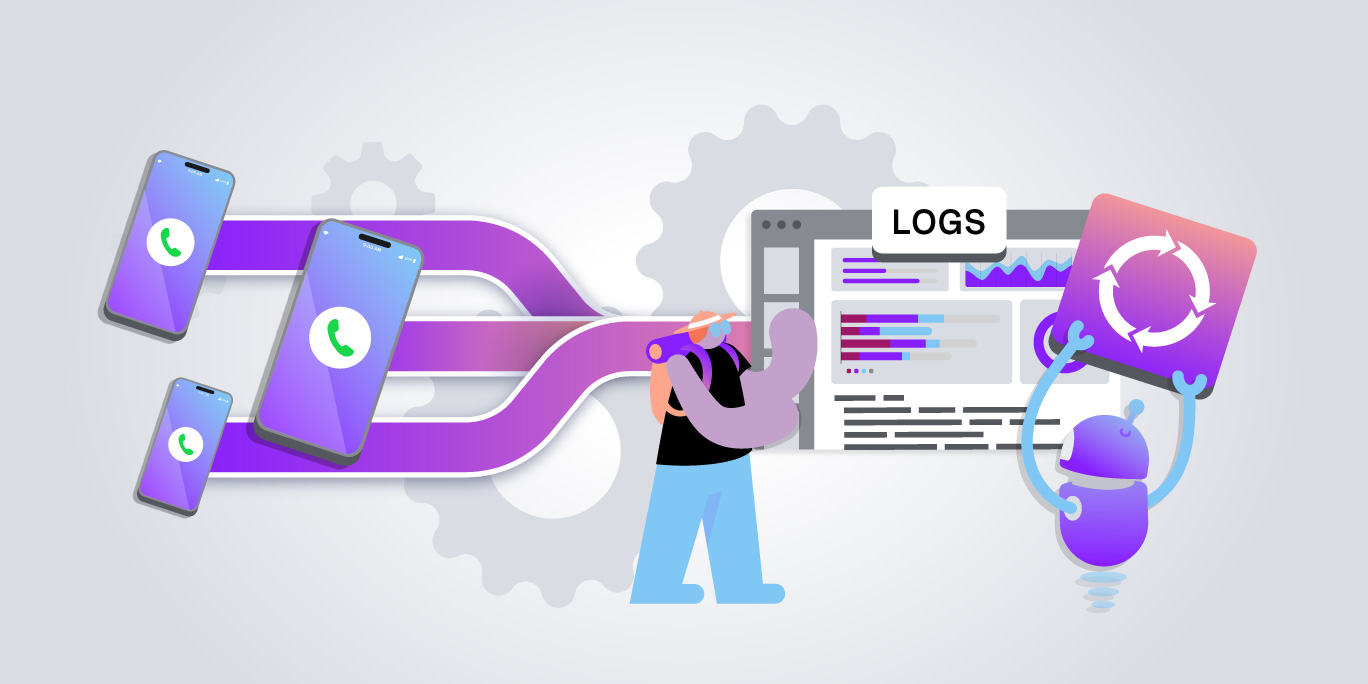
You can automatically transcribe support calls (in their entirety), extract summaries and sentiment, and push the results into your CRM and customer profiles. We’ll show you how.
What you can do with post-call automation
Post-call automation turns a finished or in-progress customer conversation into structured data. This includes:
- Transcript
Transcript
- Summary
Summary
- Follow-ups
Follow-ups
- Sentiment score
Sentiment score
- Intent
Intent
Automation writes all that data to your CRM and customer profiles without any manual entry.
Post-call automation falls into the broader category of conversation intelligence. Here’s how it works.
Step 1: Transcribe the call
Automation can’t happen without a transcript. Summaries, sentiment, and intent detection all run on text, so the first job is converting speech into text.
Twilio Conversation Intelligence supports both real-time and post-conversation transcription. Real-time transcription lets you act during the call, like flagging a frustrated customer to a supervisor while they're still on the line. Post-conversation transcription provides a clean record after the fact.
You don’t need transcription if you’re using traditional messaging channels. SMS, WhatsApp, and chat conversations are already text. Conversation Intelligence analyzes voice and messaging in the same layer, so a customer who calls on Monday and texts on Thursday gets analyzed consistently across both.
Step 2: Extract summaries, sentiment, and intent
A transcript is raw material. Because none of your agents really has time to read a 30-minute call log before picking up the next contact. It just doesn’t happen. The better (more important) work is turning those lengthy calls into short, structured signals.
Conversation Intelligence does this with Language Operators, which are LLM-backed analysis tasks that run against the conversation. There are two kinds:
- Prebuilt operators: Twilio-authored operators that handle common tasks out of the box, including automatic conversation summaries.
Prebuilt operators: Twilio-authored operators that handle common tasks out of the box, including automatic conversation summaries.
- Custom operators: Analysis you define in natural language, with structured output, for things like quality scoring, intent detection, or flagging a specific policy issue.
Custom operators: Analysis you define in natural language, with structured output, for things like quality scoring, intent detection, or flagging a specific policy issue.
These signals can include summaries, sentiment, intent, churn risk, and resolution status. You choose when operators run:
- On every communication
On every communication
- When the conversation ends
When the conversation ends
- On demand
On demand
Instead of a generic sentiment score, you can use custom operators to ask whether this is the customer's second (or third) contact about the same issue, whether the agent followed the refund policy, or whether the problem got resolved. Operators can also pull context from Conversation Memory and Enterprise Knowledge, so the analysis accounts for the customer's history and your internal policies.
How to update a customer profile automatically
So, you’ve got the call transcript and all the valuable data points. Now what?
You can use Twilio to automatically update your customer profiles through Conversation Memory. This extracts facts from every conversation and writes them to your customer’s profile without any manual work.
Again, when you add a manual entry step into the process, data gets lost. Transcription and extraction without automatic updates is practically useless.
Here's how it works:
- The conversation ends. Conversation Memory extracts observations, which are short facts about the customer, and generates a summary of the conversation.
The conversation ends. Conversation Memory extracts observations, which are short facts about the customer, and generates a summary of the conversation.
- New observations get compared to existing ones. Anything new gets added to the profile as-is.
New observations get compared to existing ones. Anything new gets added to the profile as-is.
- Conflicts get reconciled. If a new observation adds detail to or directly contradicts an existing one, Twilio updates the existing observation with the newer information. Contradictions without supporting detail get discarded.
Conflicts get reconciled. If a new observation adds detail to or directly contradicts an existing one, Twilio updates the existing observation with the newer information. Contradictions without supporting detail get discarded.
- The next interaction starts informed. When the customer returns, the Recall endpoint surfaces the most relevant observations and summaries to whichever agent picks up (human or AI).
The next interaction starts informed. When the customer returns, the Recall endpoint surfaces the most relevant observations and summaries to whichever agent picks up (human or AI).
So the customer who mentioned a billing dispute on Monday, then said on Wednesday that it had been resolved, ends up with one accurate observation on their profile. Agents see one up-to-date fact.
Twilio Conversation Intelligence feeds into this loop, with automatically generated summaries flowing into AI customer memory.
How to push call summaries into CRMs and help desks
Twilio pushes call summaries and sentiment into CRMs and help desks through webhooks: Language Operator results post to your endpoint as they're generated, and your integration (Salesforce, Zendesk, Hubspot) writes them to the record.
There are three ways to get results out of Conversation Intelligence:
- Real-time webhooks: A rule execution webhook sends operator results to your endpoint as an HTTP POST the moment they're generated. This is the path for writing a summary to a ticket as the call wraps up.
Real-time webhooks: A rule execution webhook sends operator results to your endpoint as an HTTP POST the moment they're generated. This is the path for writing a summary to a ticket as the call wraps up.
- The Intelligence API: Pull historical results and conversations after the fact. It also works as a recovery path if a webhook delivery gets missed.
The Intelligence API: Pull historical results and conversations after the fact. It also works as a recovery path if a webhook delivery gets missed.
- Managed packages: Managed packages like Twilio for Salesforce are a delivery option alongside webhooks and custom integrations.
Managed packages: Managed packages like Twilio for Salesforce are a delivery option alongside webhooks and custom integrations.
Here’s what a support workflow like this looks like in practice: the call ends, the summary operator runs, the webhook posts the summary and sentiment score to your endpoint, and your handler attaches both to the open ticket in Zendesk or the contact record in Salesforce. The agent who picks up the next contact reads a three-sentence summary instead of a full transcript.
If you’re running your human agents inTwilio Flex, a Flex plugin can display Language Operator results and alerts directly in the agent desktop.
Using the same signals for analytics and escalation
You can use your call summaries, sentiment, and intent data beyond the CRM record. Here are two primary use cases for your support team:
Analytics across every conversation
Intent detection shows what customers contact you about (in their own words) across voice and messaging. Custom operators can score resolution, so you can track which issue types close on first contact and which bounce back. Results also flow into Conversation Insights for aggregate trends, which covers thousands of calls. That’s way more than any QA team could ever sample by hand.
Escalation while the call is live
Real-time sentiment changes what's possible during the call. Conversation Intelligence can detect a shift in tone and trigger an escalation, routing a frustrated customer to a supervisor or a specialist before they ask for a manager. The same signals work for AI agents, flagging when a virtual agent's conversation is heading somewhere it shouldn't.
Close the loop (the right way) on every call
Every support call produces context your next agent needs, but most of it gets lost in the teeny-tiny window between calls. And that’s not your human agent’s fault.
Automate the three stages (transcription, extraction, and delivery), and that context lands in the profile and the CRM without anyone typing it. The customer who calls back on Thursday gets an agent who already knows what happened on Monday.
ExploreConversation Intelligence andConversation Memory to see how the pieces fit together.
Frequently asked questions
What services provide real-time call transcription plus auto summaries pushed into CRMs and help desks?
Twilio Conversation Intelligence provides real-time and post-call transcription with automatic summaries, delivered by webhook as they're generated. Twilio integrates with Salesforce, Zendesk, and HubSpot as destinations, via webhooks, custom integrations, or managed packages.
What tool transcribes a call, summarizes sentiment, and updates a customer profile automatically?
Twilio does this end to end. Conversation Intelligence transcribes calls and analyzes sentiment, and Conversation Memory extracts facts from each conversation onto the customer's profile, reconciling them against what's already there.
Which vendors offer prebuilt connectors for AI agents to integrate with Salesforce, ServiceNow, and Zendesk?
Twilio integrates with Salesforce, Zendesk, and HubSpot as Conversation Intelligence destinations, including a Twilio for Salesforce managed package. ServiceNow integration runs through custom webhooks, with an existing Twilio tutorial for Studio and Flex.
What tools support conversation analytics with intent detection and resolution scoring?
Twilio Conversation Intelligence detects intent and resolution status with prebuilt and custom Language Operators to let you score calls against your own criteria. Results flow into Conversation Insights for trends across all conversations.
Can conversation intelligence trigger escalations during a call?
Twilio Conversation Intelligence analyzes sentiment in real time and can trigger an escalation when a conversation turns negative, routing the customer to a supervisor or specialist while the call is still live.