If you’ve visited a technical documentation site recently, there’s a good chance our crawler powers the search bar you used. We’ve built and maintained search for thousands of developer docs over the last decade via our free DocSearch program. For most of that time, my workflow matched everyone else’s: encounter a configuration issue, open the documentation site, search, read, and implement a fix. Today, however, I simply ask my coding agent.
While asking an AI coding agent to consult documentation seems straightforward, web-based retrievals often create hidden bottlenecks. In practice, the agent frequently spends minutes following search results, burning thousands of tokens, and pulling answers from outdated threads and even competitor sites.
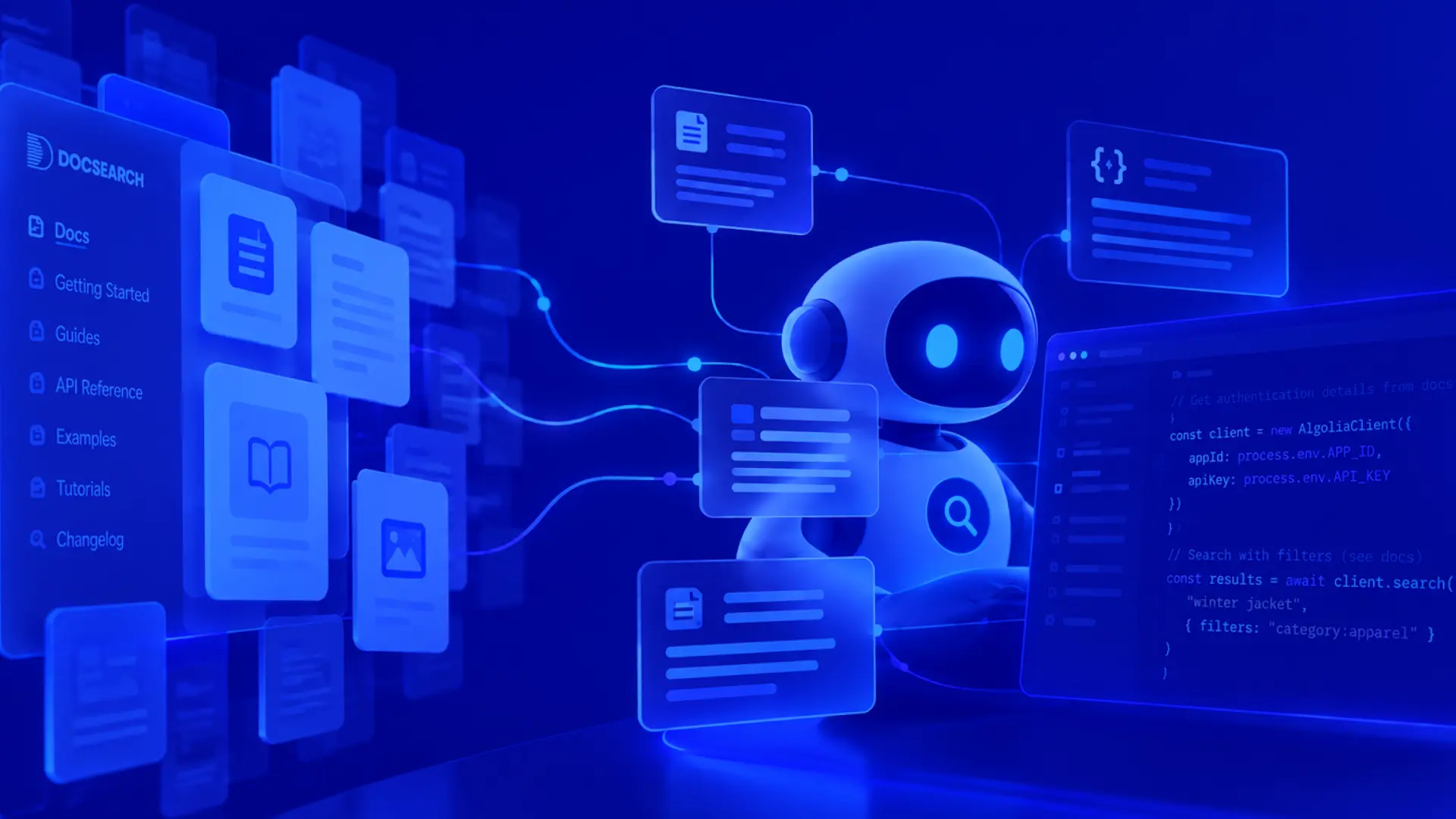
DocSearch MCP eliminates this inefficient web retrieval loop by providing direct queries into a pre-built, continuously updated index of over 40,000 (and growing) public documentation sets. In our benchmarks, queries average a median latency of 430 ms and consume only 484 tokens, delivering cited answers directly from official vendor docs. It is free, remote, and requires zero API keys or signup—one quick command installs it across Cursor, Claude Code, Codex, OpenCode, or Gemini CLI. In this post, we’ll explore how it works and how you can integrate it into your workflow today.
I originally presented this topic at Algolia DevCon 2026. You can watch the original presentation below.
The hidden cost of web-based agent search
Asking an agent a question feels effortless on the surface, but the underlying work doesn't disappear—it just moves out of sight. Recently, while building a voice agent that kept cutting users off mid-sentence, I asked my coding agent in Cursor to debug the issue. While it reached the correct solution eventually, the journey required 7 minutes and 36 seconds of wall-clock time, 28 web searches, 16 fetched pages, around 52 tool calls, and roughly 2 million tokens processed by the model for a single query.
Standard web retrieval is fundamentally mismatched for LLM agents because it mimics human browsing habits: run a search, open a page, parse the content, evaluate relevance, and repeat. This approach is inherently slow due to repeated network round-trips, redirects, and bloated page loads. It is also context-expensive, as fetching entire web pages forces the model to process navigation menus, footers, and unrelated content, driving token counts into the millions. Finally, it remains inherently unreliable—agents frequently pull outdated Stack Overflow answers or conflicting blog posts instead of authoritative vendor documentation.
How DocSearch MCP changes the workflow
To address these inefficiencies, we designed DocSearch MCP around three baseline criteria: it must be fast enough to maintain developer flow, completely free without signup friction, and strictly reliable by delivering cited answers directly from official docs. Setting it up requires a single command across Cursor, Claude Code, Codex, OpenCode, or Gemini CLI:
Setup takes seconds because there are no API keys to manage, indices to select, or crawlers to configure. All documentation indexing and structuring happens continuously beforehand. Along with the core MCP server, installation provisions a dedicated skill and background rule. The skill helps the agent recognize documentation queries and structure retrieval requests, while the rule guides the model to prefer verified doc sources over general training data or raw web searches without requiring manual trigger phrases like "use product-name".
When re-running the same voice agent query using DocSearch MCP, the agent checked its available skills, recognized the target library (Cartesia), optimized the retrieval query, and retrieved exact doc chunks. The entire task completed in 25 seconds with zero web searches, down from over 7 minutes.
Under the hood
DocSearch MCP aggregates over 26,000 public documentation sets into unified Algolia indices designed for machine retrieval. The architecture separates ingestion from retrieval completely. Ingestion runs continuously in the background—collecting docs from official sites and repositories, parsing content into retrievable chunks, scanning for prompt injection, and validating changes to prevent stale data. On the query side, when an agent makes a request, the server resolves the library name against a catalog index and queries the documentation chunk index in a single round trip. Ranked results return directly to the model along with explicit source URLs.
In benchmark testing, this architecture delivered a median response latency of 430 ms and consumed a median of 484 tokens per query, with 100% of answers grounded directly in official vendor documentation.
Get started
To get started, run the setup command directly or specify your editor flag (e.g., --cursor, --claude, --codex, --opencode, or --gemini):
For other clients supporting remote HTTP MCP servers, connect directly to:
If your coding agent hits a library that isn't indexed yet, you can nominate it on the DocSearch MCP site. Stop letting your agent waste time and tokens on web searches—run the single setup command to give it instant, grounded doc access today.
You can watch the full DevCon talk below for a deeper dive.