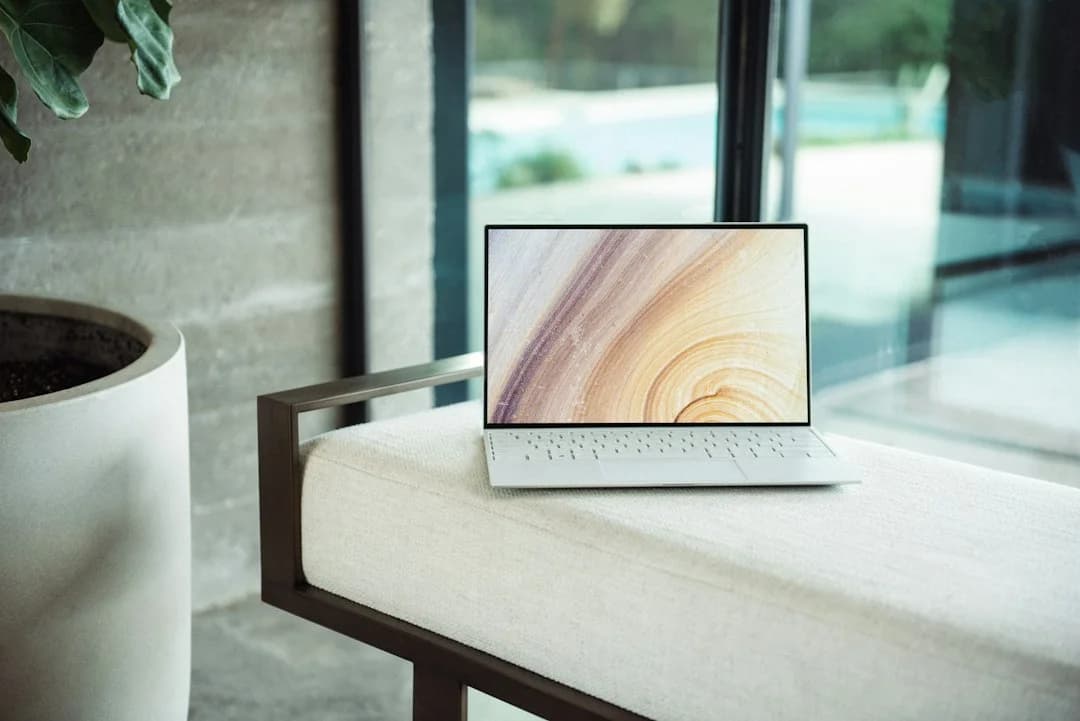
Microsoft’s new Surface Laptop Ultra, built on Windows on ARM, is designed to run local AI in production. Starting today, they are also first-class machines for Python-based AI development and data science through Anaconda’s support of Windows on ARM.
From day one, Python, conda, and the vetted packages developers rely on run natively on these devices. Now, developers can manage all of them in Kilo Desktop, an agentic engineering tool for developers and data scientists building AI applications and analyzing data.
Microsoft’s new agent sandboxing in Windows on ARM gives developers a complete path on a single device to explore, design, and develop a production AI agent or AI application running locally.
Native Python from day one
Until now, Python developers using Windows on ARM have relied on emulation. Anaconda and Miniconda ran through Prism, the translation layer that lets x64 apps run on ARM chips. It worked, but every instruction went through an extra step, and packages with hardware-specific code didn’t always cooperate.
Native support removes that step. The Python runtime, the conda package manager, and the packages in Anaconda’s trusted repository are now built for ARM64 and run directly on the processor. For AI developers and data scientists, the result is simple: install Kilo Desktop on a new Microsoft Surface device, and Python behaves the way it does everywhere else.
That matters most for AI work. Local AI depends on a long chain of software, from Python down to the libraries that talk to the GPU. When every link in that chain is native and trusted, the hardware can do what it was designed to do and deliver the performance you need in an accessible experience.
One file, one environment, any device
Most Python projects start with an environment: a dedicated workspace with its own Python version and packages. Conda lets developers describe that workspace in a single environment.yml file.
In Windows on ARM, that file works the same way it does on any other platform. Kilo Desktop lets you import and build environments, manage local models, and serve those environments and models to your device. You can import your environment.yml file into Kilo Desktop, pull in Anaconda vetted packages, and build from there, and a teammate with the same file gets the same setup, so a project built on one Surface device can be rebuilt on another, or on a colleague’s machine, with less guesswork.
Local AI, powered by Windows on ARM
The Windows on ARM architecture makes it practical to run AI models entirely on the Surface device. Once packages and models are downloaded, everything runs on the device. No data is sent to the cloud.
Kilo Desktop allows you to import, serve, and use local models directly within the app. Developers and data scientists load an open-weights model and start a local model server with a few clicks. The server uses the widely adopted OpenAI-compatible API, so existing code and tools can point at the local model by changing a single address.
How it comes together
Put these pieces together, and a developer can go from a new Surface device to a working AI app in minutes:
- Install the native Windows on ARM build of Kilo Desktop and access Anaconda packages
- Create the project environment from a single environment.yml file.
- Serve models locally from Kilo Desktop.
- Build a Python app with Anaconda packages, such as a Streamlit dashboard over a local dataset, that answers questions using the model on the device.
Every part of the stack stays on the laptop: the Python runtime, the packages, the model, the agent, the data, and the finished app.
Why it matters
For individual developers, this is a laptop that can run real AI workloads locally. It’s useful for prototyping, for working with sensitive private data, or simply for building on the go.
For teams, it adds two things enterprises have been asking for: reproducibility and control. Environment files keep setups consistent across devices. Sandboxing gives teams a way to let agents work on real projects while limiting what they can reach.
For the Windows on ARM ecosystem, native Anaconda Python packages unlock richer capabilities and building possibilities. The tools data scientists and AI developers use every day now run natively on the platform.
Get started
Anaconda’s native Windows on ARM support is available now. To try the full workflow on a new Surface device:
- Get Kilo with Anaconda Packages for Windows on ARM
- Get Anaconda Vetted Packages for Windows on ARM
- Microsoft Execution Containers on GitHub