Article at a glance
- Governance was built to track finished documents with one author and one date, not the constant, shifting work most teams do now.
- The real question has moved from “who has access” to “who changed what and when,” and most policies never learned to ask it.
- AI tools are becoming contributors to the work itself, not utilities sitting beside it, and their output needs its own trail.
- Most legal holds still stop at email, leaving boards, chats, and AI conversations completely unprotected.
- The organizations leading the way have already mapped every collaborative tool into their governance program, not just the obvious ones.
Most governance policies were written for defined records, such as a signed document, a sent email, or a file with one author and one date. That type of work still exists, but it now also takes place in team chats, AI conversations, and across canvases.
This gap results in real risk. For example, a senior employee leaves and takes an idea to a competitor, and the only proof it originated on your side is a shared workspace with no creation date for the content itself, only for the file. Or a regulator asks who approved a decision, and the honest answer is a thumbs up on a shared document, with no record of who reacted, when, or what they actually meant by it. A policy that your organization originally wrote based on the assumption that work ends in a signed, dated document doesn’t cover either of these scenarios
In fact, most governance policies have yet to catch up with how work happens now. Here’s how you can help close those gaps:
1. Ask who changed what and when
Most governance still tracks access: who was allowed into a file. The real evidence now sits in a constant stream of changes, additions, and edits across shared boards and documents.
Try this: Pick one board or document your team updates weekly, and check whether you can reconstruct who added what, and when, without asking anyone to remember.
Try this: Pick one board or document your team updates weekly, and check whether you can reconstruct who added what, and when, without asking anyone to remember.
2. Spot the shadow IT (and its notes)
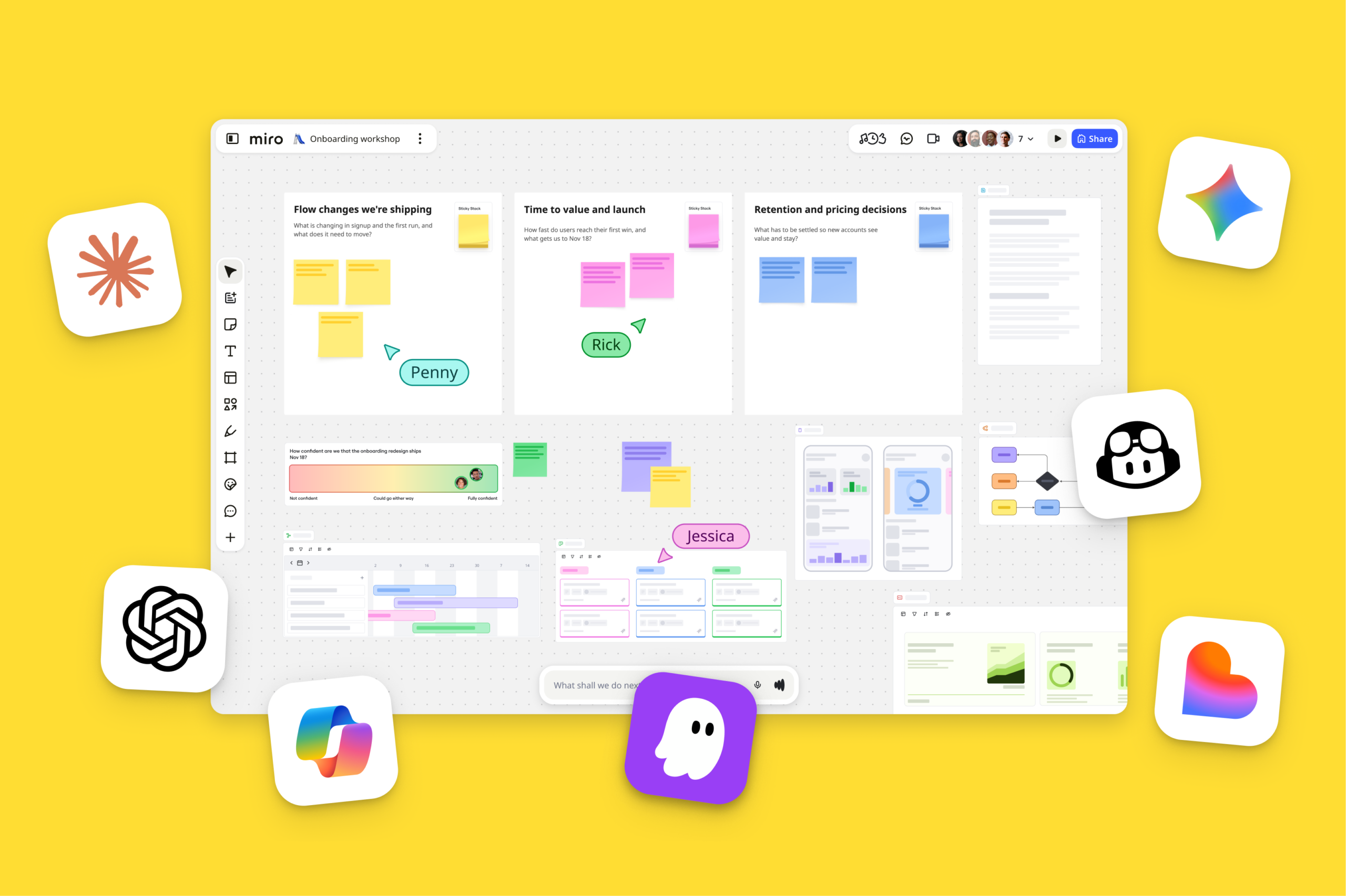
AI notetakers are spreading through meetings the same way now ubiquitous tools like Slack and Miro once did before anyone sanctioned them: quietly, tool by tool, and team by team.
Try this: Ask your team to list every AI notetaker or transcription tool currently in use, then check how many appear on your approved tools list. Most leaders are surprised by the gap — and you may be, too.
Try this: Ask your team to list every AI notetaker or transcription tool currently in use, then check how many appear on your approved tools list. Most leaders are surprised by the gap — and you may be, too.
3. Track the thumbs-up
Reactions on shared content increasingly function as approval, but people define them differently and use them loosely.An okay, a 100%, and a thumbs-up can all mean the same thing or something subtly different, while leaving no record of who reacted or when.
Try this: Look back at your last three “approvals by reaction” rather than comment or signature, and check if you can actually identify who reacted and when.
Try this: Look back at your last three “approvals by reaction” rather than comment or signature, and check if you can actually identify who reacted and when.
4. Treat every document like it’s live
Linked and collaborative documents keep changing after everyone assumes they’re closed, which is exactly the assumption most retention and disposal policies still rely on.
Try this: Pick a document you would call final, and check its version history. If it has changed in the last month, it’s still live for governance purposes.
Try this: Pick a document you would call final, and check its version history. If it has changed in the last month, it’s still live for governance purposes.
5. Preserve the prompts behind your decisions
A growing share of consequential thinking now happens inside AI chat windows, and those conversations are rarely captured anywhere once teams make a decision with the information the agent surfaced.
Try this: Think of the last significant decision your team made with AI assistance, and check whether you can actually produce the prompt and conversation behind it.
Try this: Think of the last significant decision your team made with AI assistance, and check whether you can actually produce the prompt and conversation behind it.
6. Write AI agents into your policy
AI agents can now sit inside a channel and respond without being prompted, acting as a participant rather than a utility on the side.
Try this: Check whether your policy distinguishes AI-generated content from human-generated content or treats all output the same by default.
Try this: Check whether your policy distinguishes AI-generated content from human-generated content or treats all output the same by default.
7. Extend your legal hold beyond email
The legal standard for reasonable preservation has not changed, but the places that standard needs to reach now include boards, team chats, and AI conversations, in addition to inboxes.
Try this: Pull up your last legal hold notice and check whether it names anything beyond email and file storage. If not, it doesn’t reflect how your teams actually work.
Try this: Pull up your last legal hold notice and check whether it names anything beyond email and file storage. If not, it doesn’t reflect how your teams actually work.
Start with the policy you already have
Your current policy offers a solid foundation to start from. Check it against one of the gaps above, and you’ll know how to close it before a regulator or departing employee finds it first.